I’m overwhelmed by all the universal TV remotes out there and can’t tell which ones actually work well with multiple brands and streaming devices. I’d really appreciate suggestions based on real experience, especially for a remote that’s easy to set up, reliable, and can replace several remotes on my coffee table.
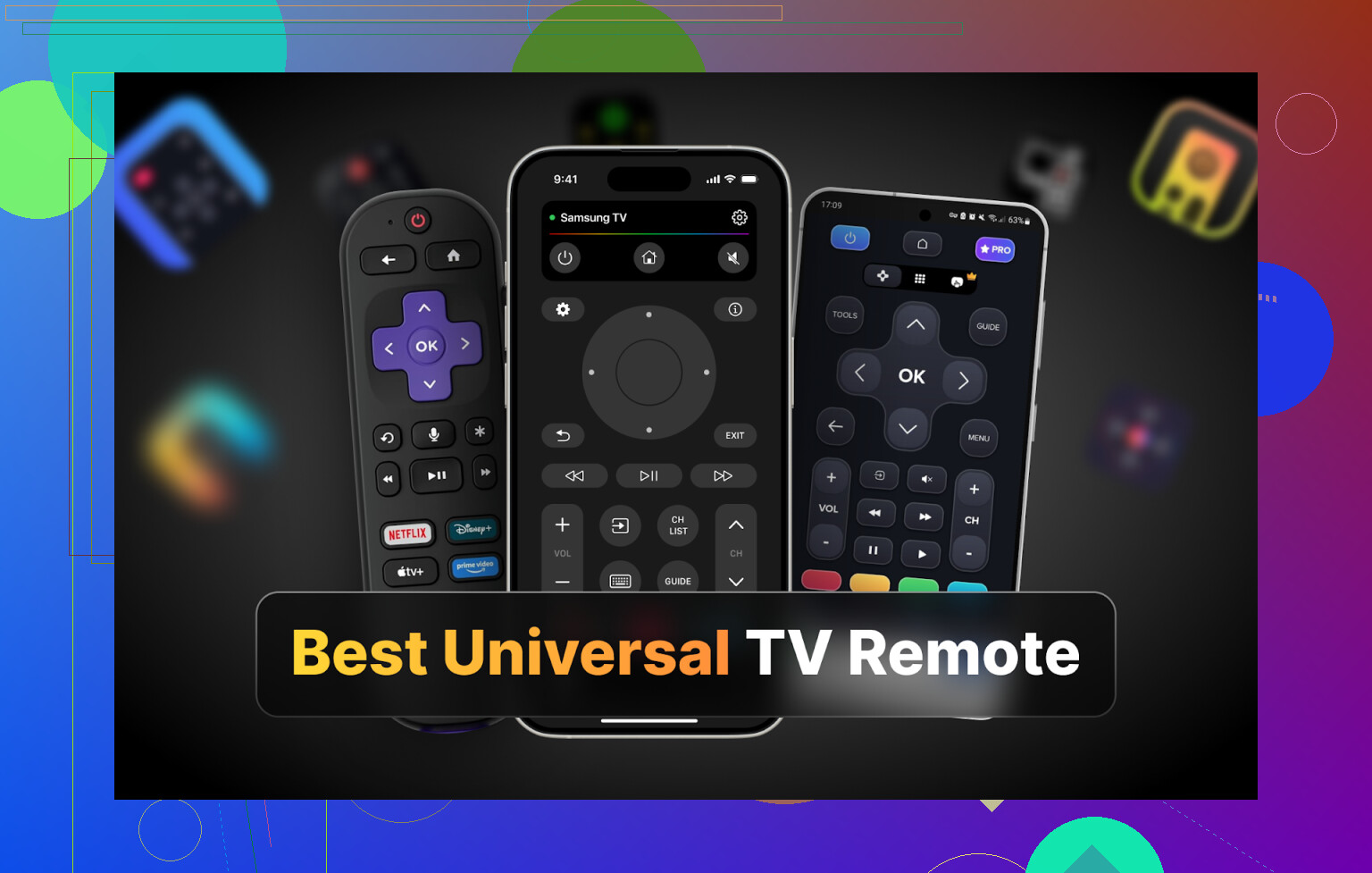
Hi all, sharing this because I got sick of hunting for remotes under the couch.
Two TVs at home, Samsung and LG. Two separate remotes. One is always missing, the other is always out of batteries, and neither is ever in the same room as me. My phone on the other hand is pretty much glued to me, so I went down the universal remote app rabbit hole.
I tested a bunch of apps on iPhone, Android, and Mac over a few evenings. Nothing scientific, no sponsorship, just me trying to figure out what I can use without getting bombed by ads or forced into a subscription 30 seconds in.
iPhone TV remote apps I tried
I pulled four of the more popular ones from the App Store:
- TVRem Universal TV Remote
- TV Remote – Universal Control
- Universal Remote TV Smart
- TV Remote – Universal
I used these mostly with Samsung and LG, plus a friend’s Sony for a bit.
TVRem Universal TV Remote – my main daily driver on iPhone
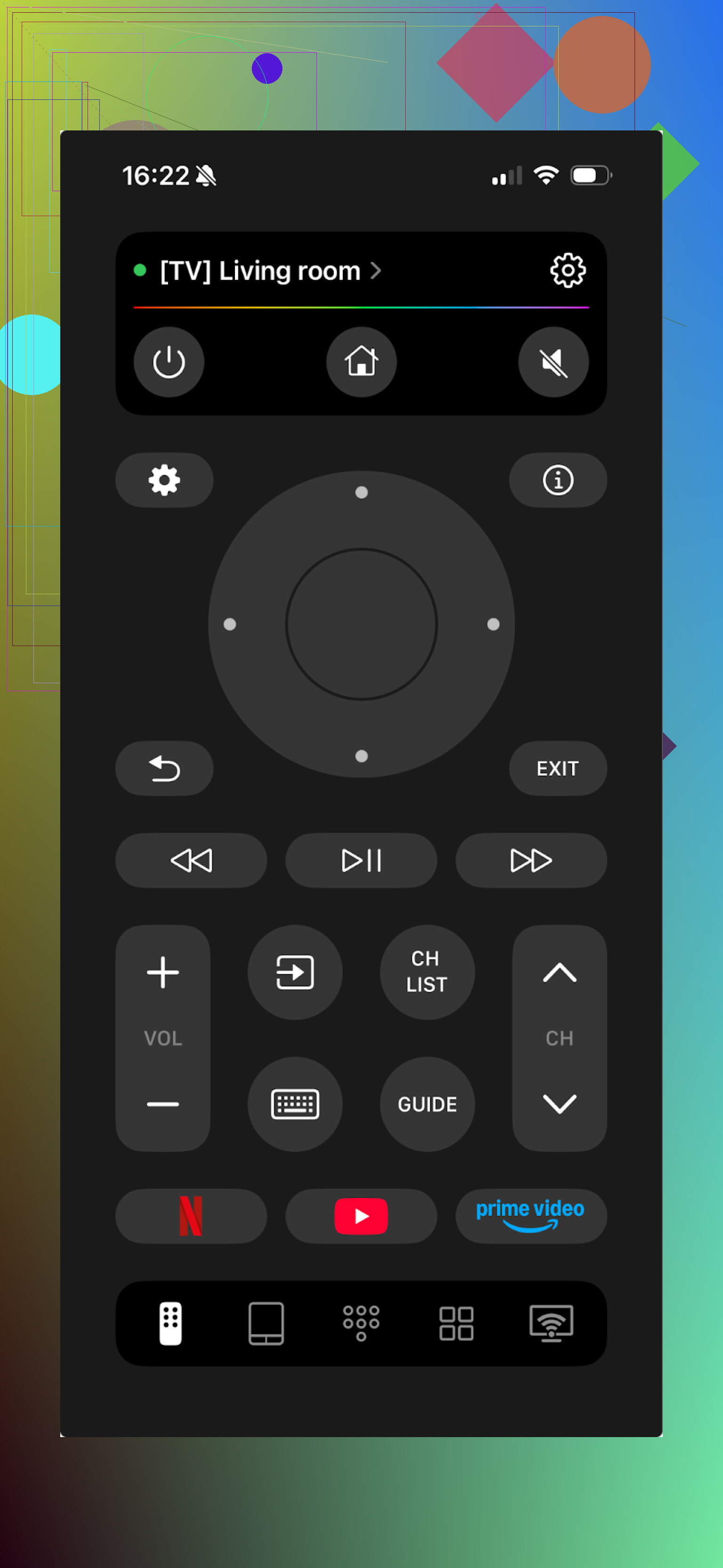
This one surprised me. I expected it to nag for money every second like most of the others, but it did not.
What I used it with:
- Samsung smart TV, 2020 model
- LG from around 2018
- Tried it quickly with a Roku TV at a friend’s place
It worked with all three. No extra setup beyond being on the same Wi‑Fi.
Stuff that worked well for me:
- Touchpad for moving around apps instead of stabbing at arrow keys
- Keyboard input for searching YouTube and logging in to Netflix
- Voice input and voice control on supported models (on the Samsung)
- Normal remote functions: volume, channels, inputs, Home, back, etc.
What I liked:
- Interface is simple enough that I did not have to think about it
- Connecting to the TV took under 10 seconds every time
- No “upgrade now” banners, no timers, no fake “free”
- Worked with all the brands I tried, except one
What broke it a bit:
- No support for Vizio. If your main TV is Vizio, this will not help you.
Price: free
Link: TVRem Universal TV Remote App App - App Store
If you want to see more people raging about remotes, this Reddit thread is worth reading:
https://www.reddit.com/r/DataRecoveryHelp/comments/1qqa2bh/best_universal_tv_remote/
There is also a product page:
TV Remote – Universal Control
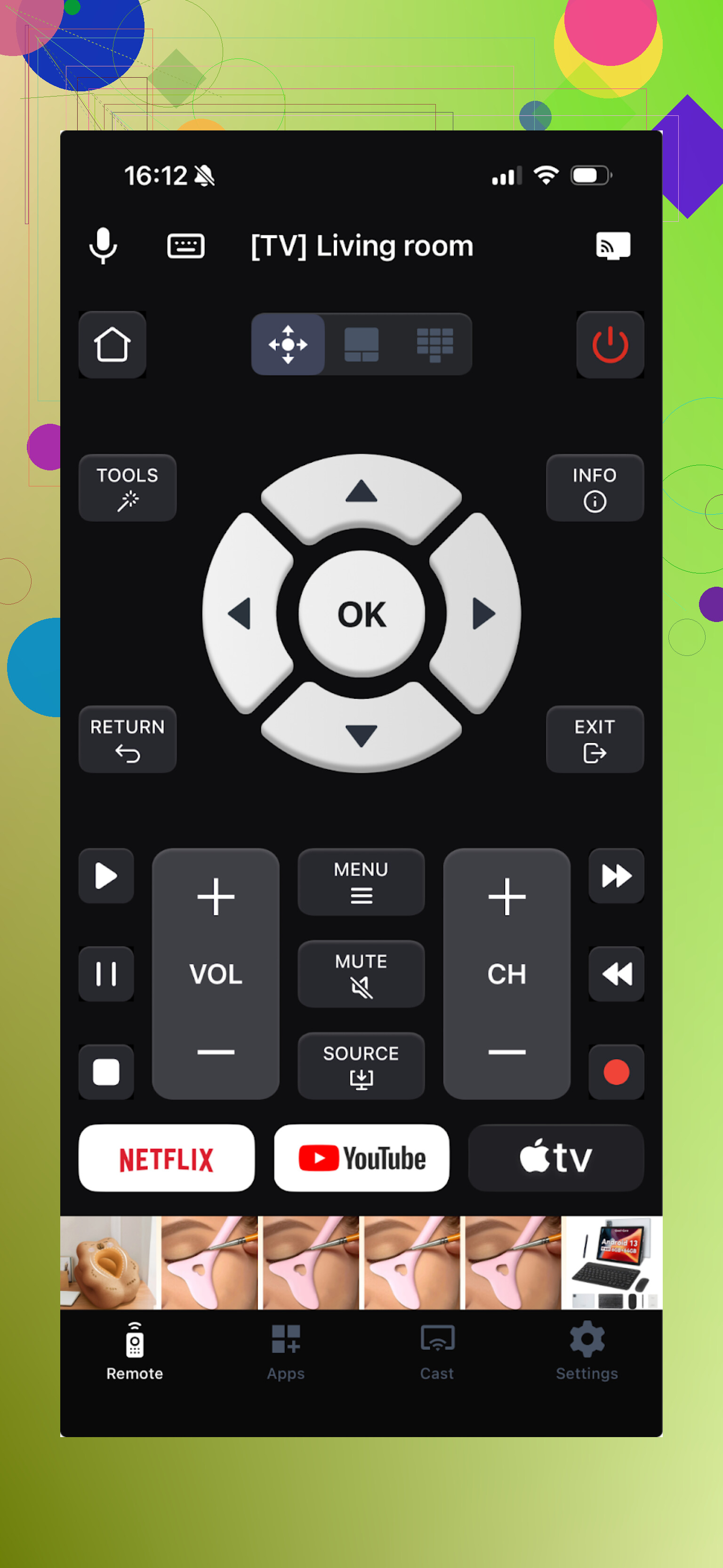
Second one I tried. Also “universal”, supports a bunch of brands, and works over Wi‑Fi. When it works, it feels fine. The catch is how fast it tries to push you into paying.
Things I liked:
- It had the main tools I needed: touchpad, keyboard, voice control
- Found my Samsung and LG quickly
Things that annoyed me:
- Ads inside the app
- Most features are stuck behind a paywall
- It crashed a few times when I opened the side menu
To test everything, I had to turn on the free trial. Once the trial started, the constant upsell flow got old fast. Tap a button, get an offer. Tap another, another offer.
Price: from $4.99 and up
Link: TV Remote - Universal Control App - App Store
Verdict from my side: workable if you are fine paying and want the features in one place. I skipped it because I wanted a free option that was less aggressive.
Universal Remote TV Smart
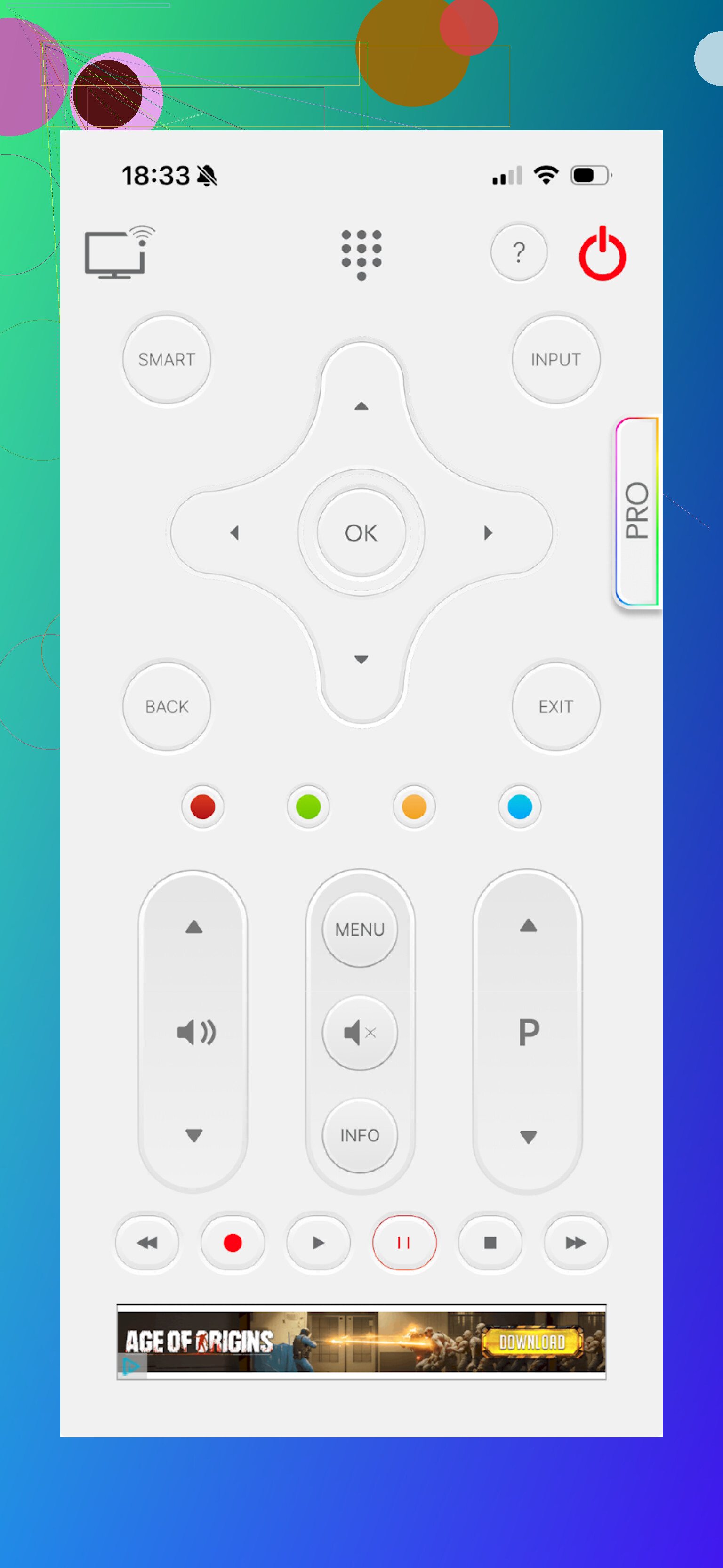
This one technically works. I had more issues with how it feels to use than whether it connects.
What bothered me:
- Button layout felt odd, not like a real remote
- Navigation felt slower than it should
- No voice control option on my setup
Functionality:
- Keyboard
- App navigation
- Volume, channel switching
- Multiple brands supported
Where it lost me:
- Interface felt clunky
- Video ads that hijack the screen and force you to wait
- Almost every path into a feature triggered some kind of offer flow
Example: I moved the focus to YouTube, hit OK, and before anything happened, I got an offer screen.
Price: from $7.99 and up
Link: Universal remote tv smart App - App Store
My take: weakest of the four I tried on iPhone. The UI and the ad situation made me uninstall it quickly.
TV Remote – Universal
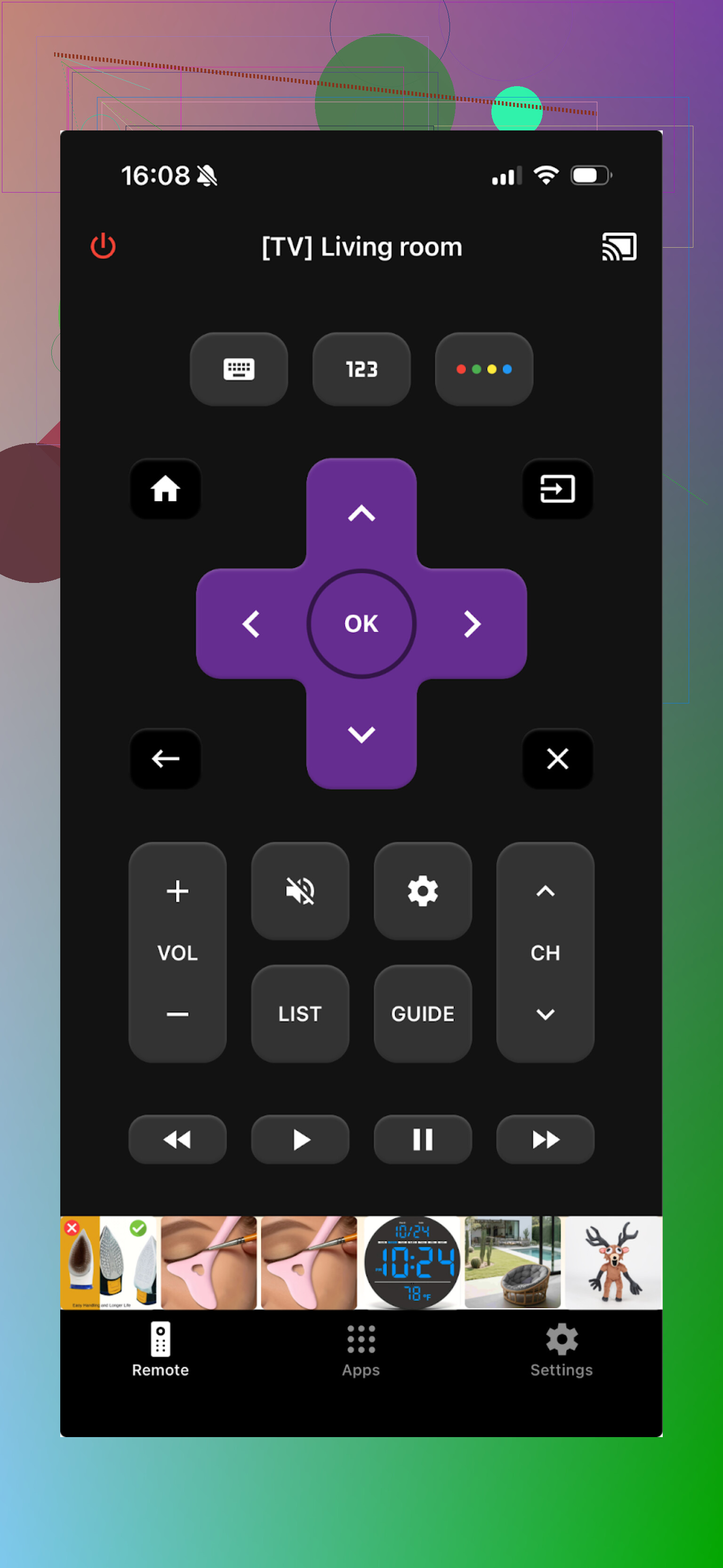
Another “universal” option. Supports LG, Samsung, Sony, Vizio, Android TV, and a bunch of others. Works over Wi‑Fi, so everything needs to be on the same network.
What it did fine:
- Found and connected to my Samsung and LG without trouble
- Basic stuff worked: channels, apps, playback, keyboard entry
Pros from my notes:
- Easy to discover the TV on the network
- Interface is clean
- Core features for basic control are there
- Has a free trial to unlock all features
Cons:
- Ads inside the app, and you need to pay to get rid of them
- Almost every “interesting” button (advanced things) triggered an upsell
Price: from $4.99 and up
Link: TV Remote - Universal App - App Store
Performance:
- Home screen occasionally lagged on my iPhone
- After that initial lag, the app behaved okay
I used the trial and then canceled. If you are fine with paying a few dollars and handling the upsell flow once, it works. I stuck with TVRem because of the free + no ad combo.
Android TV remote apps my household tried
My wife is on Android, so we did a separate round of testing on her phone. Her requirements were simpler: “works on first try and does not freeze.” Mine were “fewer ads.”
Here is what we played with:
Universal TV Remote Control
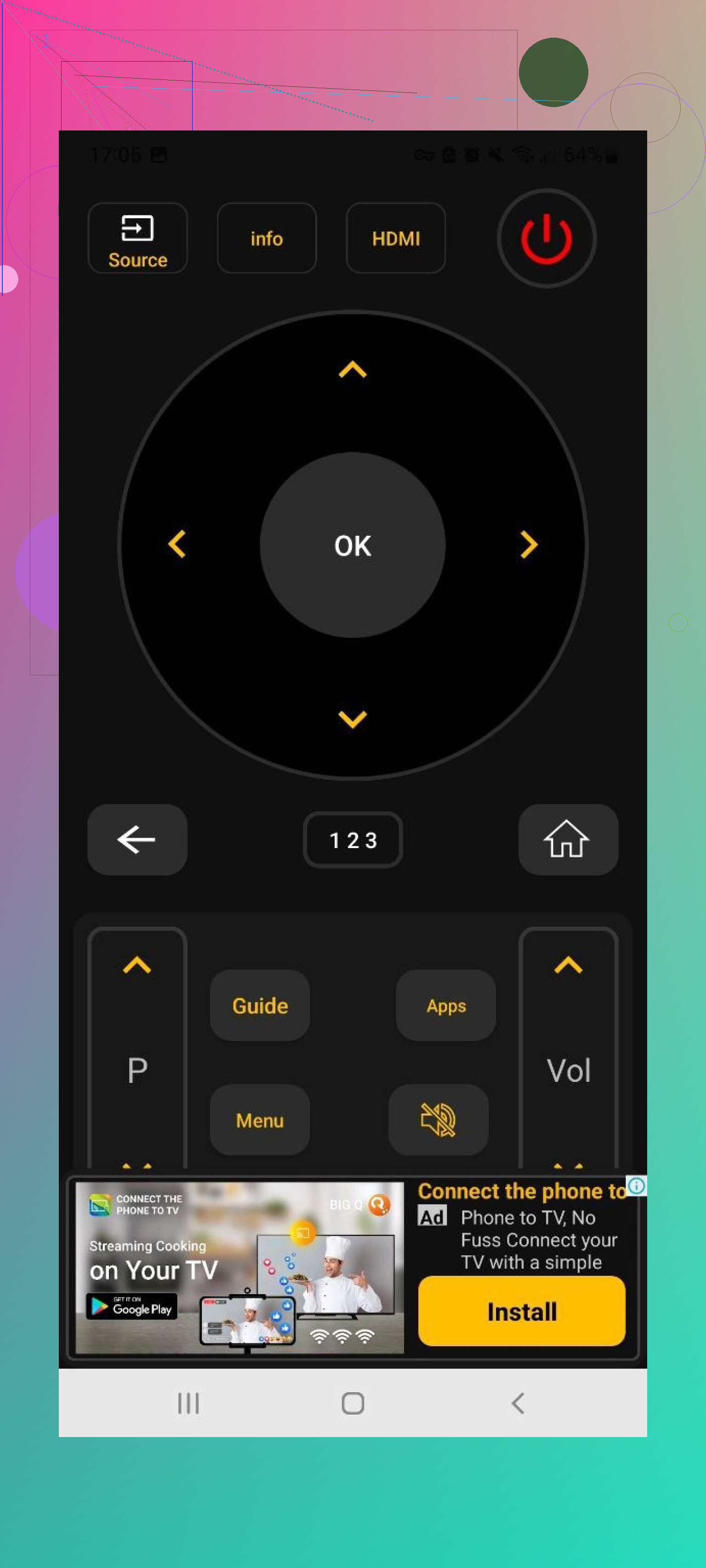
This one supports a long list of brands: Sony, Samsung, LG, Philips, TCL, Hisense, Panasonic, etc. It also works as an IR remote if your phone has an IR blaster.
What it offers:
- Trackpad navigation
- Voice search
- App control
- Keyboard
- Both Wi‑Fi and IR support
On paper it looks ideal, especially since it is free.
What went wrong:
- Ad overload. Full-screen, frequent, sometimes with no clear close button
- Multiple crashes while reconnecting to the TV
- Connection drops that forced us to rescan
Price: free
Link: https://play.google.com/store/apps/details?id=codematics.universal.tv.remote.control&hl=en
Our verdict:
I got excited at first because everything I wanted was unlocked with no subscription. After ten minutes of battling ads, that excitement was gone. If you are patient and do not care about constant interruptions, it does the job. I personally avoid it.
Remote Control For All TV | AI
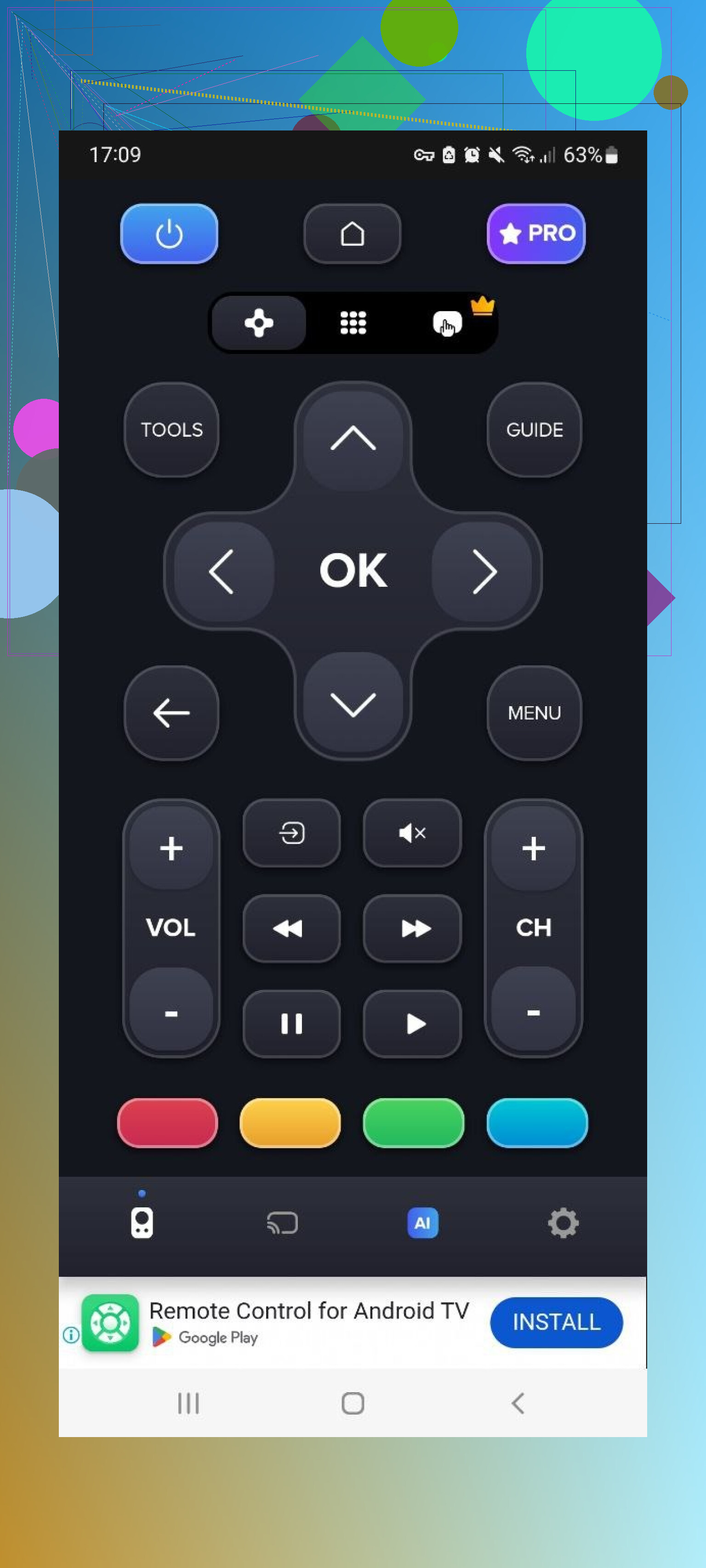
This one leans heavily into “AI” marketing. Underneath, it is another universal Wi‑Fi TV remote.
Free version:
- Basic directional controls
- Volume
- Simple navigation
- Supported my Samsung and LG
Paid features:
- Ad removal
- AI assistant
- Keyboard with voice input
- Screen mirroring
Issues:
- Long time to detect and pair with the TV
- Plenty of ads in the free tier
- Most of what makes it interesting is locked
Price: from $4.99 and up
Link: https://play.google.com/store/apps/details?id=com.sensustech.universal.remote.control.ai
This one lands in “ok if you are desperate” territory. It works, but the combination of slow detection and the paid wall for the useful stuff makes it feel more like a trial tool than a daily remote.
Universal TV Remote Control (Unimote)
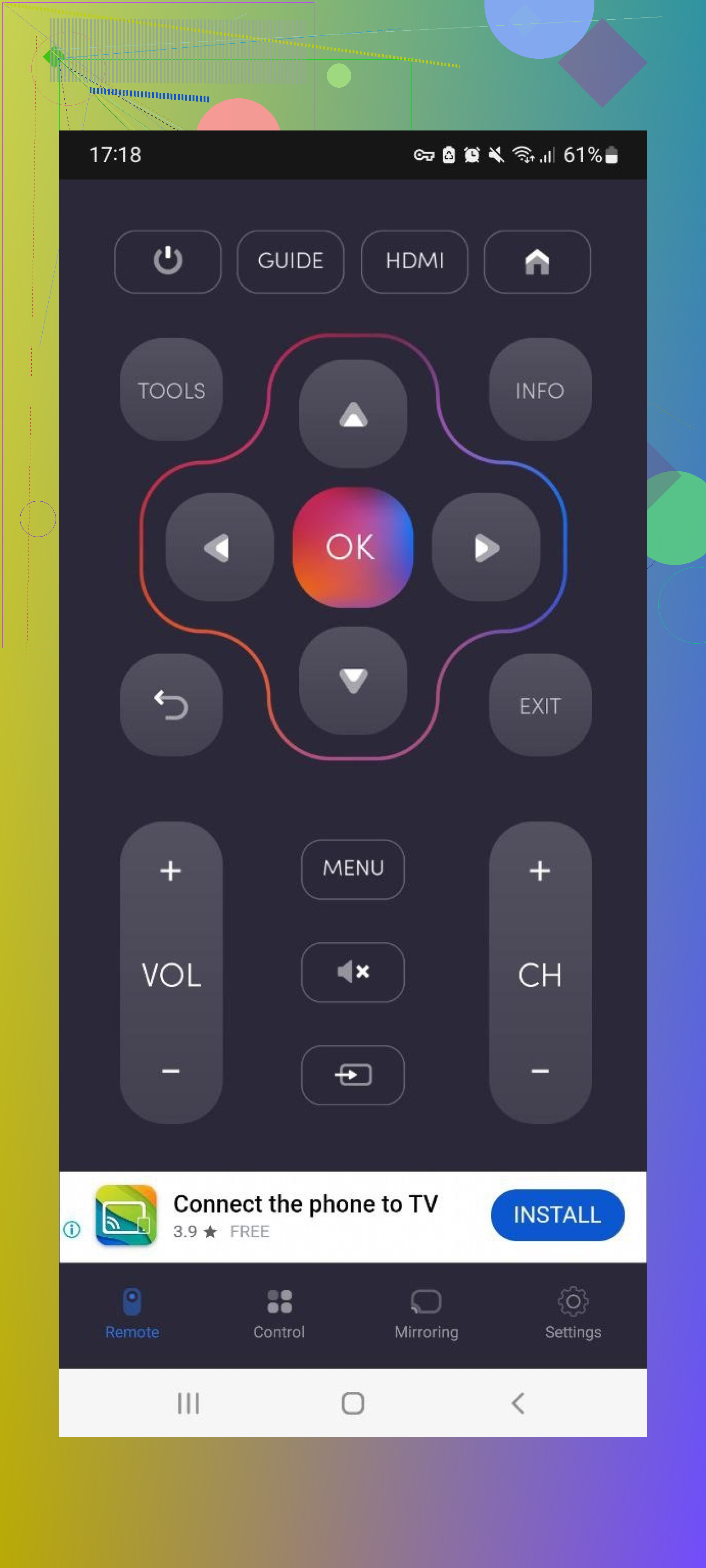
Same idea as the others: one app that controls smart TVs over Wi‑Fi and regular TVs via IR if your phone supports it.
What I noticed:
- It found the TV quickly
- Needed multiple attempts before it stayed connected
- Interface is simple, no clutter on the main screen
Pros I wrote down:
- Basic layout is easy to understand
- Works both with IR and Wi‑Fi setups
Cons:
- Heavy, full-screen video ads firing often
- Free tier feels capped
- TV connection dropped a few times mid-use
Price: from $5.99 and up
We ended up treating this one as a backup remote. If nothing else worked, it did in the end, but the constant ads and random disconnects made us switch away from it.
Universal TV Remote Control (another one)
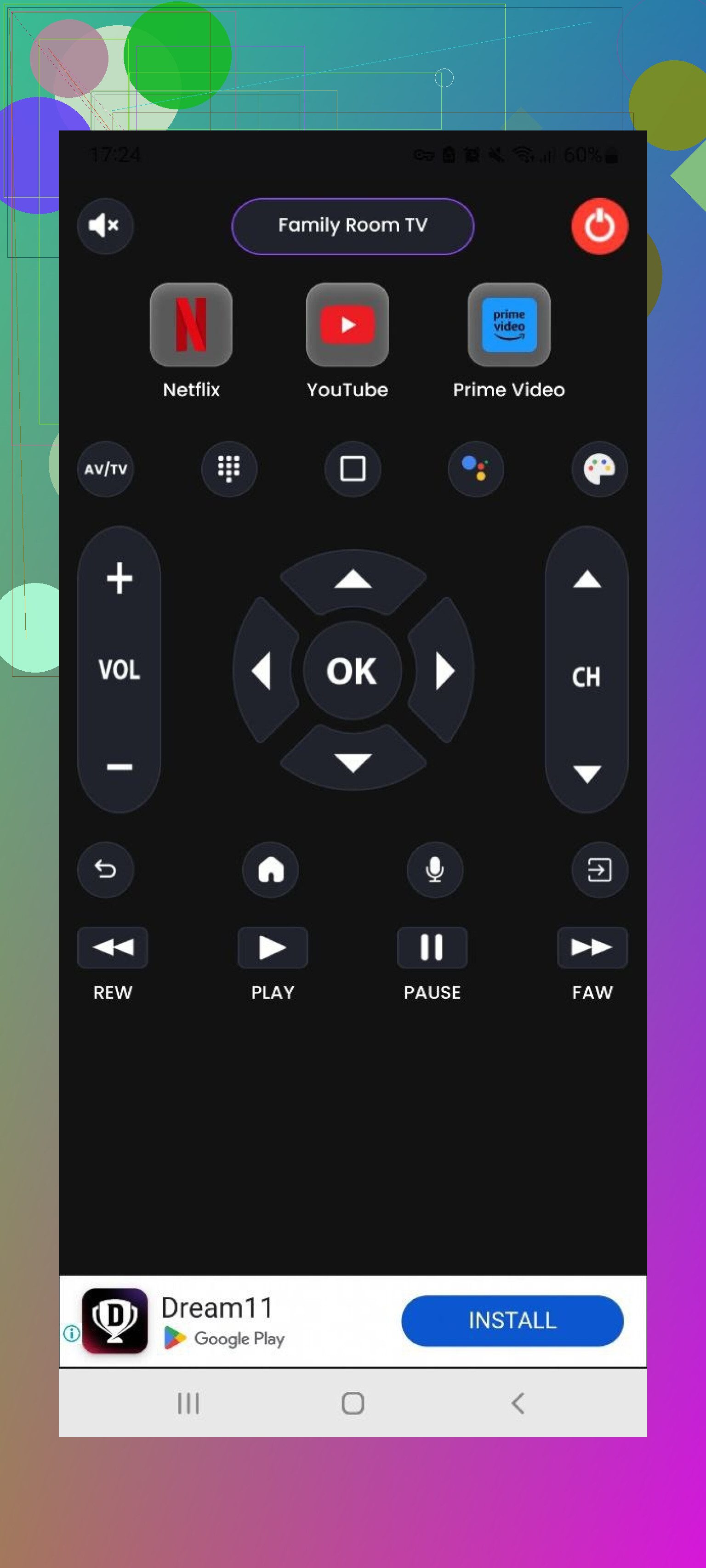
Yes, the naming overlap is confusing. This last Android app also does the usual “universal” thing for brands like LG, Samsung, Sony, TCL, etc. Works via Wi‑Fi and IR.
Key features:
- Main remote screen with power, navigation, input
- Home/Menu switching
- Playback buttons: Play, Stop, Back, Forward
- Supports multiple brands
What worked:
- All the base functions you expect were there
- Free trial available
Problems:
- Ad overload again
- Most useful bits hidden behind payments
Price: from $3.99 and up
Link: https://play.google.com/store/apps/details?id=com.uzeegar.universal.smart.tv.remote.control&hl=uk
Short version: technically fine, financially annoying. If ads drive you nuts, this is not it.
Mac apps to control a TV
This part started out as a “oh that sounds silly” idea and ended up being useful when I was working on my MacBook and wanted to control the TV in the background.
I tried two Mac App Store options.
TVRem Universal TV Remote for Mac
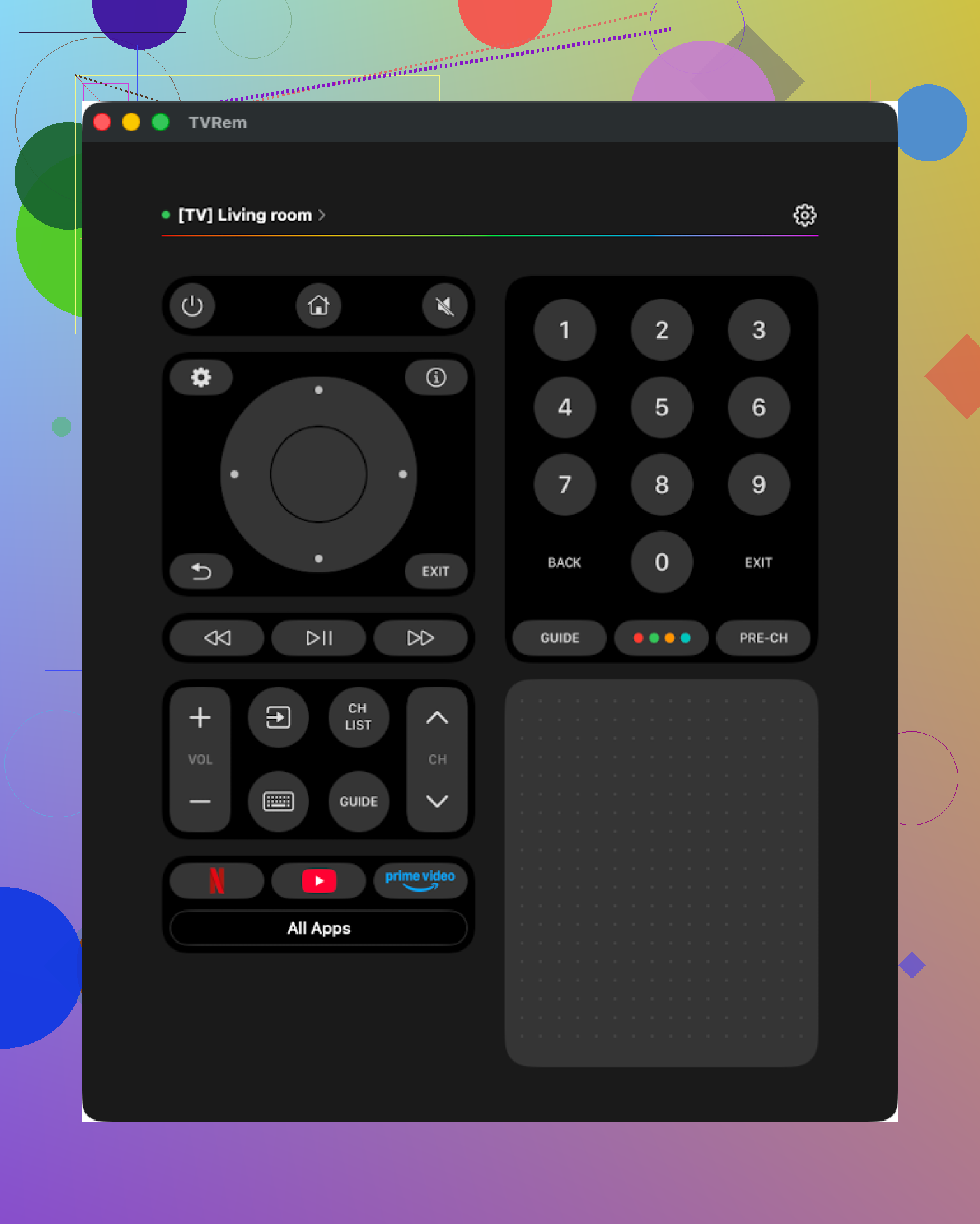
Same name as the iPhone app, and it behaves similarly.
What I did:
- Installed from the Mac App Store
- Connected to a Samsung TV on the same Wi‑Fi
- Used it while the TV was running YouTube and Netflix
Experience:
- Setup was quick
- Interface is clean, nothing confusing
- It has what I expect in a remote: touchpad, keyboard, app launcher, volume, etc.
Pros:
- Simple UI, nothing complex to learn
- No ads, no popups, no “go premium” flow
- Supported the brands I tested
- All essential features were there for my use case
Cons:
- Same limitation as the iPhone version, no Vizio support
Price: free
Link: TVRem Universal TV Remote App App - App Store
Out of everything on Mac, this is the one I would keep installed. It behaves like a normal tool instead of a funnel.
TV Remote, Universal Remote for Mac
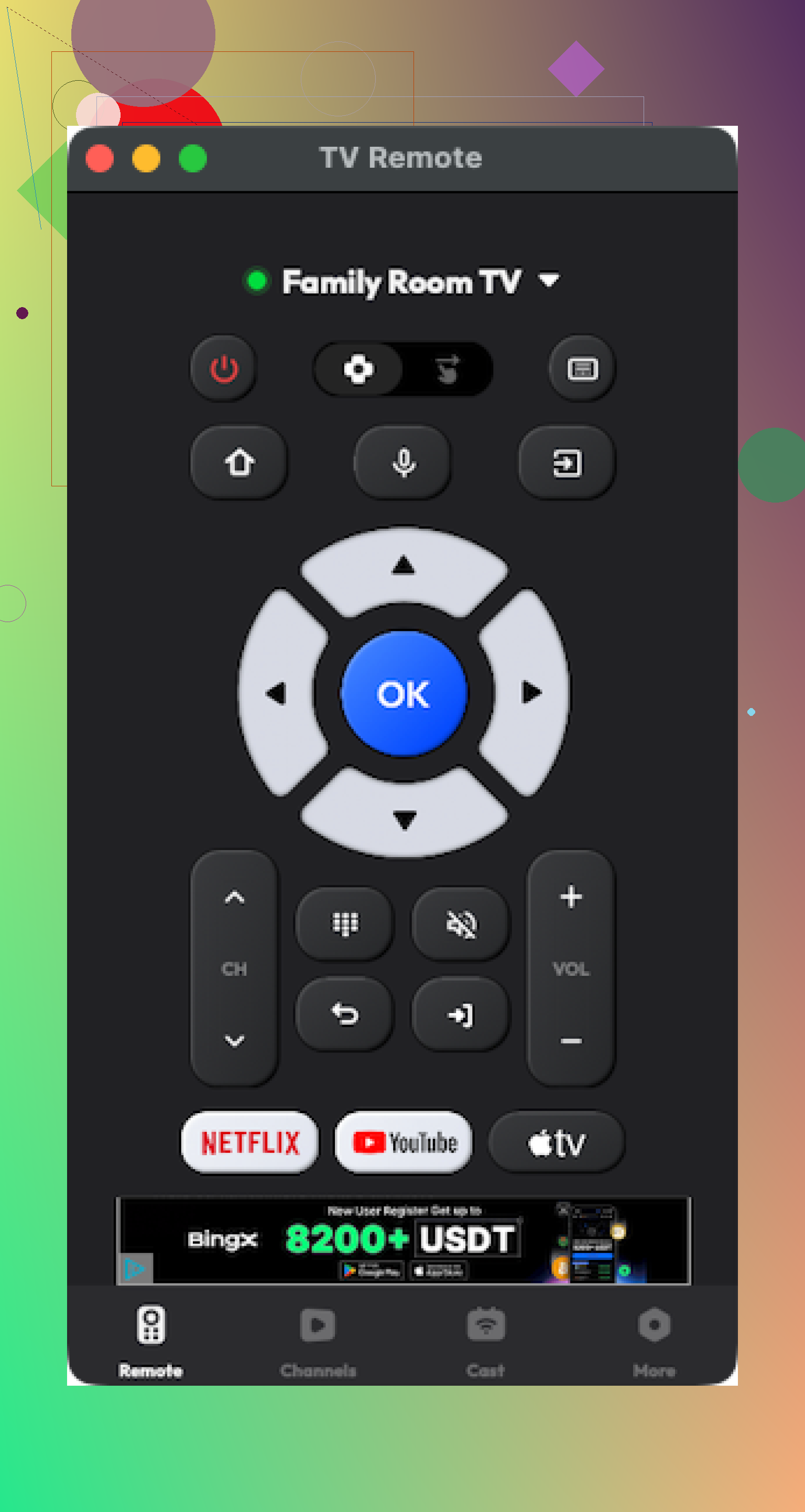
Also on the Mac App Store, targets many brands, similar promise.
What I saw:
- Interface fine, basic controls worked
- Connected to the TV quickly
- A lot of what I wanted to try was behind a paywall
Issues:
- It crashed a few times, especially when switching between TVs
- To use it “properly” you would need to pay
Pros:
- Reasonable layout
- Works with multiple brands and includes base features
Cons:
- Paywalls around many functions
- Occasional crashes
Price: from $4.99 and up
Link: TV Remote, Universal Remote App - App Store
If you are okay paying and do not need maximum stability, it is usable. For me, the crashes were enough to drop it.
Physical remote vs app remote, from using both every day
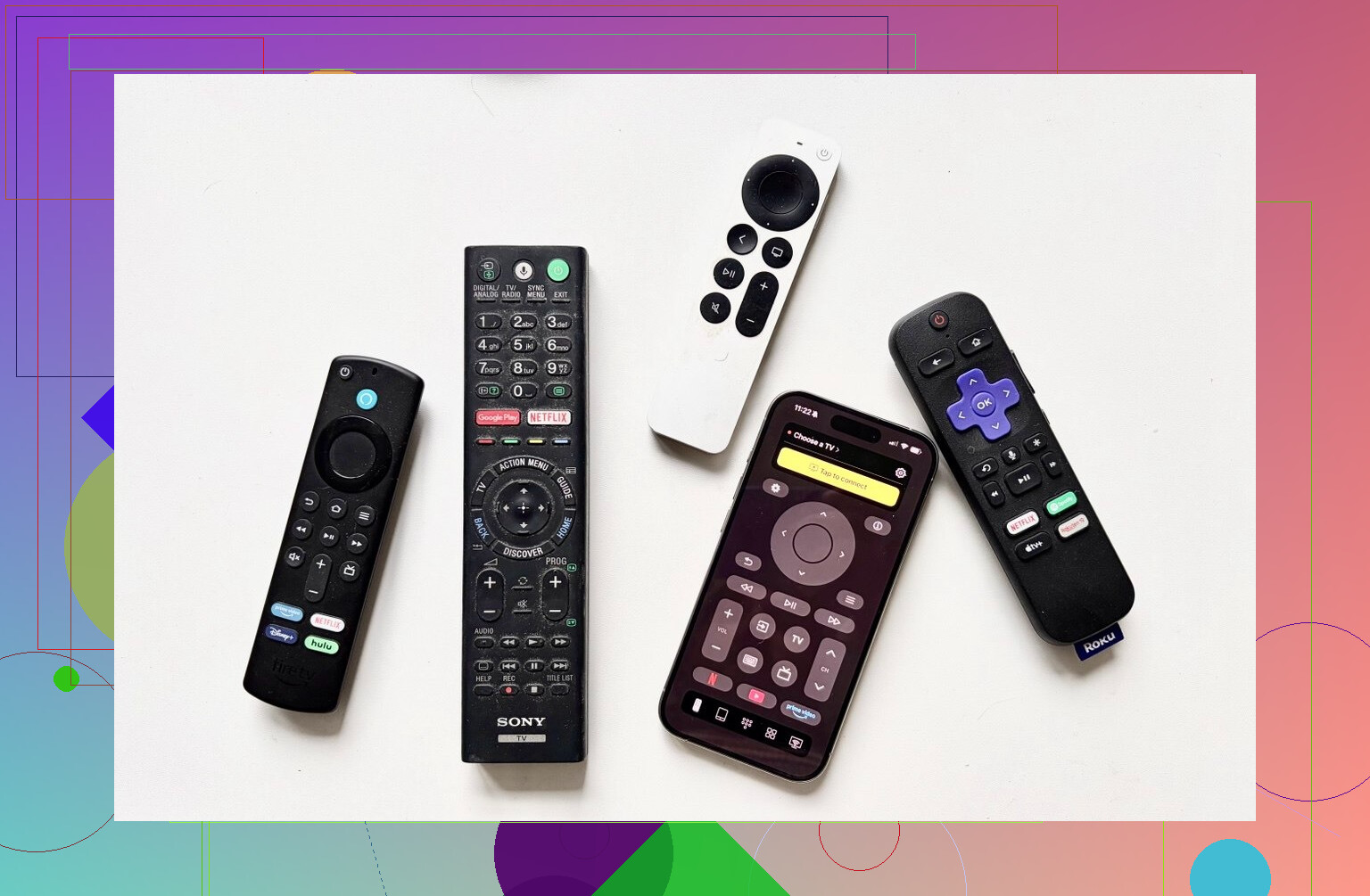
Quick recap of what we are comparing.
Physical remote:
- The handheld thing that ships with your TV or that you order separately
Remote app:
- Software on your phone or tablet that lets the device control the TV
Where the app wins for me
-
Harder to lose
My phone is always somewhere near me. The plastic remote keeps walking off to weird places like the bathroom or inside blankets. Phone wins here. -
Text input that does not make you hate life
Typing Wi‑Fi passwords, email addresses, or series names with a physical remote takes ages. With an app, you have a full keyboard and, in some apps, voice input. That saves a lot of time when logging into Netflix, Disney+, etc. -
Cost
Numbers from my random Amazon search:
- Replacement Samsung remotes for 2019–2025 TVs: about 15–20 dollars
- Replacement LG remotes: about 13–35 dollars
A bunch of apps I tested were free or close to it, especially TVRem on iPhone and Mac. So if you are missing a remote and do not want to pay for another physical one, an app often ends up cheaper.
-
One phone, multiple devices
If you have more than one TV or a TV plus a streaming box, a universal app can control multiple devices. That helped in my house with one Samsung in the living room and one LG in the bedroom. -
UI feels more modern
Some of the app UIs are less clunky than whatever the TV manufacturer shipped. On older smart TVs, the official remote UI feels slow. Apps on a modern phone feel faster and more responsive.
Where remote apps fall short
-
Wi‑Fi or Bluetooth required
Most app remotes need both the phone and TV on the same network. If Wi‑Fi drops, the router reboots, or the TV is half asleep in a weird “off” mode, the app might not see it. -
You depend on your phone
If your phone is dead or charging in another room, you are stuck. Physical remotes still win when you want something that always stays near the TV. -
Feature support depends on your TV
Cheaper or older TVs sometimes only expose basic power, volume, and channel control to apps. No deep settings. So experience will vary by model.
What I ended up using
After a couple of weeks of switching back and forth, here is where things landed in our house.
On my iPhone:
- TVRem Universal TV Remote is my go-to.
Reasons:- No cost
- No ads
- Touchpad and keyboard work well
- Connection is reliable on my Samsung and LG
The main drawback is the lack of Vizio support. If I had a Vizio as my main screen, I would have to look elsewhere.
TV Remote – Universal (iPhone) was my “second place.” With the trial on, it felt decent. If you do not care about spending a few bucks and want a more feature-packed app, it is a contender.
On my wife’s Android:
- She prefers Universal TV Remote Control, even with the massive amount of ads.
For her, it is about “tap, it works, ignore the noise.”
I find the ad situation over the line, but the features are there, and it supports many brands.
On my Mac:
- TVRem Universal TV Remote stayed installed.
It covered everything I needed without extra cost or popups. Easy choice there.
If you are trying to pick one:
- iPhone: start with TVRem Universal TV Remote
- Mac: same, TVRem on the Mac App Store
- Android: expect more ads in general, test 1–2 apps and see which annoys you less
Hope this helps you avoid going through fifteen “Start free trial now” screens the way I did.
Short version from my house of remote chaos.
- Decide what you want first
• Phone or physical remote
• IR support for old non smart TVs or only Wi‑Fi
• Free with ads vs one‑time paid
I use all three: iPhone, Android, and a physical universal.
IPHONE / IPAD
I agree with @mikeappsreviewer that TVRem on iOS is one of the least annoying ones. For Samsung, LG, Sony, Roku TV, it works fine on my side too. No popups in my case, connects in a few seconds.
Where I disagree a bit is about “no need for anything else.” TVRem does not help with older non smart sets, soundbars, AV receivers, or a cable box. If you have those, you still juggle multiple controls.
ANDROID
Most Android “universal” apps I tried felt like ad launchers. My wife likes Codematics Universal TV Remote because it is free, but I got sick of the full screen ads. Technically works with TCL, Hisense, Samsung, LG in my tests, but expect disconnects and lag.
If you want one paid Android app with fewer headaches, look at the official Google TV app from Google. It pairs with most Android TV and Google TV devices. It will not cover every brand or old Roku, but for Sony / TCL / Hisense Android TVs it is more stable than the random “AI remote” apps.
PHYSICAL UNIVERSAL REMOTE
For mixed brands and streaming boxes, phone apps hit a wall fast. Real world use at my place:
Setup
• Living room
– LG TV
– Apple TV 4K
– Older Denon receiver
• Bedroom
– TCL Roku TV
What worked best here was a physical universal remote with a device database.
My picks from real use:
- Sofabaton X1
• Replaced 3 remotes in the living room.
• One button starts “Watch Apple TV”, powers TV and receiver, picks right input.
• Support for tons of brands, including obscure AV gear.
• Uses a hub so you do not need to point perfectly.
Issues
• Setup on the app is a bit nerdy.
• Macros needed some trial and error.
• Not cheap, but still cheaper than replacing several original remotes.
- Sofabaton U2 (cheaper)
• No hub, relies on IR.
• Good if your devices are all in one room and visible.
• I use it as backup in the bedroom for a TCL Roku TV and an old Philips DVD player.
If you want something simpler than Sofabaton, but less flexible, the OEM “all in one” remotes from GE or One For All handle basic TV + soundbar + streaming box. Key points from my use:
• Need to enter brand codes.
• No activity macros, so more button presses.
• Price sits around 10 to 20 dollars.
WHAT I WOULD PICK FOR YOU
If your priority is multiple brands and streaming:
• If phones stay near you and your TVs are all smart:
– iPhone: TVRem for Samsung / LG / Sony / Roku TV, accept the Vizio gap.
– Android: Google TV app for any Android TV / Google TV, then a backup like Codematics if you tolerate ads.
• If you have a mix of new and old stuff, soundbar, maybe a receiver:
– Get a Sofabaton U2 if you want budget and do not care about a hub.
– Get a Sofabaton X1 if you want one remote to handle everything with activities.
• If you own Roku, Fire TV, Apple TV:
– Their official apps are boring but stable, and better than most “universal” mobile remotes.
Last thing. If you only have one TV and one streaming box, a cheap replacement physical remote for that brand will be less stressful than any “universal” solution. The whole universal route starts to make sense once you hit two or more devices per room.
I’m mostly on the “physical universal remote” side, so I’ll lean there instead of rehashing the app stuff @mikeappsreviewer and @jeff already covered.
Short version from my setup (Sony TV, LG TV, Fire Stick, Apple TV, old Yamaha receiver, random soundbar that hates me):
- If you want one thing to run multiple brands + streaming:
- Sofabaton X1
- Activities like “Watch Netflix” that power TV + receiver + pick input
- Handles Fire TV / Apple TV / Roku plus regular TVs and AVRs
- Uses a hub so you do not need to aim perfectly
It is not magic though. Setup in the app is a bit fiddly and you will probably spend one evening tweaking delays and fixing “TV turned on but receiver didn’t” type stuff. After that it’s been rock solid for me. This is where I part ways a bit with the “apps are enough” angle. Phone remotes are great until you add a receiver, older Blu‑ray, or some stubborn cable box. Then a hub remote wins.
- If you want something cheaper / simpler:
- Sofabaton U2 or a decent One For All / GE universal
- Good for “TV + soundbar + one box”
- IR only, so everything has to be in the same room and visible
- No fancy activities, mostly device switching
The U2 has been fine in a bedroom with a TCL Roku TV + old DVD player. Took 10 minutes to program codes and I barely touch the OEM remotes now. I actually disagree slightly with the idea that these are only worth it when you have “pro” gear. Even with just a TV + soundbar + Fire Stick, not juggling 3 remotes is worth the 20–50 bucks.
- What I’d skip for your use case:
- Super cheap 8‑in‑1 generics with a 90s looking keypad
- They technically work, but you’ll lose things like input toggles, app keys, and CEC control
- Streaming devices in particular are hit or miss
If your setup is:
- 1 TV + built‑in apps only: use the manufacturer’s replacement or the official phone app. Universal is overkill.
- 1 TV + streaming stick + soundbar: mid‑range physical universal or something like Sofabaton U2.
- 2+ TVs, streaming boxes, maybe an AVR: X1 class remote, otherwise you will be fighting your phone battery and Wi‑Fi daily.
Last thing: ignore “works with 500,000 devices” on the box and check if it specifically lists your streaming stuff and soundbar brand. If it does not, you’ll end up in code‑search hell, which is… not fun.
Try HDMI-CEC before buying another remote. It lets your streaming remote control the TV and soundbar through HDMI.
Open your TV setings and enable CEC. Brands rename it:
Samsung: Anynet+
LG: Simplink
Sony: Bravia Sync
Enable CEC on your Fire TV, Apple TV, Roku, or Chromecast too. Connect the soundbar through HDMI ARC or eARC.
Your streaming remote should then handle power, volume, playback, and input switching. This solves many TV plus soundbar setups for $0, with less setup and fewer remotes to loose.
CEC sounds clean until you mix brands, and then it gets flaky fast. @cloudbear4237net is right that it’s worth trying first for free, but don’t expect volume passthrough and input switching to survive every combo of Fire Stick plus off-brand soundbar. Half the time you enable it, one device wakes the whole chain when you didn’t ask it to.