My iPhone Photos app is packed with old screenshots from work, receipts, and random stuff I no longer need. Deleting them by hand all the time is getting annoying, so I’m looking for the best app to automatically delete screenshots on iPhone or at least make cleanup easier. What actually works?
I hit this wall a while back. Opened Photos, searched Screenshots, and it was a graveyard of junk. Boarding passes from trips I barely remembered. Random order numbers. Receipts. A chart I meant to read later and never did. iPhone makes screenshots too easy, so they stack up quietly and eat storage without much drama until your phone starts complaining.
The part a lot of people miss is this. When you delete stuff from Photos, it is not gone yet. iOS moves it into Recently Deleted under Utilities, and it stays there for 30 days. Those files still sit on your storage the whole time. So if you cleaned out 2,000 screenshots and your free space barely changed, this is usually why. Open Recently Deleted, tap Select, then Delete All. That step is the one that frees space now, not later.
If you have a huge screenshot pile and want the fastest built-in method
I would not bother tapping one by one. Go to Albums, scroll down to Media Types, open Screenshots, tap Select, then press on the first image and drag across the row and downward. iOS keeps selecting as your finger moves, so you can mark a ton of files in one sweep. It feels clunky the first time, but it saves a stupid amount of time.
Small warning from doing this on older hardware. Photos tends to choke if you try removing too much at once. Once I pushed past 1,000 items in one batch and the app froze mid-process. On an older iPhone, batches around 400 to 500 worked better and finished faster. Less drama, fewer crashes.
The app route, if you want file sizes and less guessing
I tried a few of those cleaner apps and most felt like the same trap with different icons. Free scan, then a paywall, then a subscription screen. One option people keep pointing to, and for decent reason, is this one.
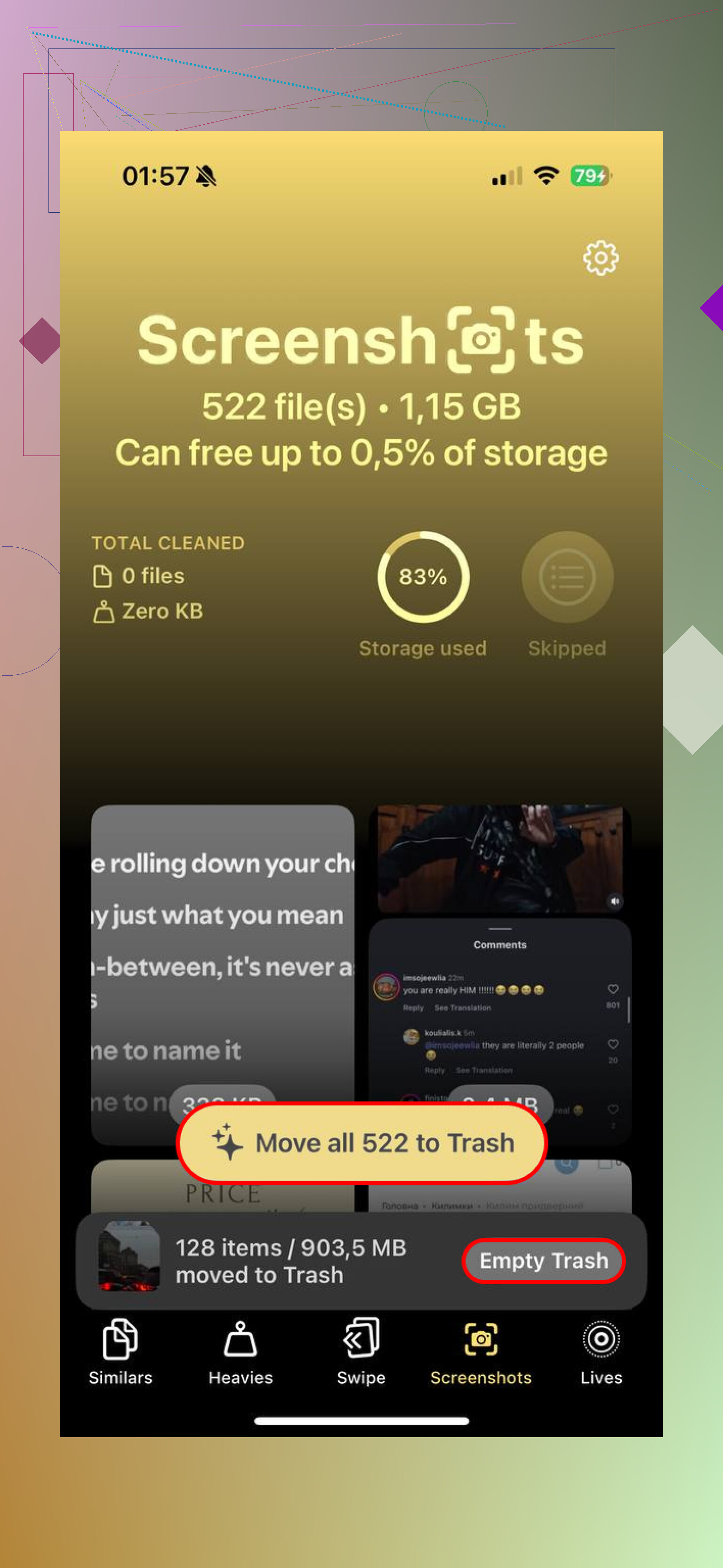
It splits screenshots into their own group and shows file sizes before you remove anything, which helps if your goal is clearing space fast instead of deleting blind. The part I found most useful is the Heavies section. It sorts your media from biggest files down, so you can spot the stuff doing the worst damage first. Full-page screenshot PDFs, giant HDR images, long screen captures, all the bulky junk rises to the top. Makes more sense than scrolling through endless tiny files hoping you picked the right mess.
If you want cleanup to happen with less effort
You can set up a shortcut for this in Apple's Shortcuts app. Use Find Photos, set the filter to 'Is a Screenshot,' then add a date rule like older than 30 days. After that, add Delete Photos. Save it and run it when you want, or trigger it with Siri.
One setting trips people up. Go to Settings, then Apps, then Shortcuts, then Advanced. Turn on Allow Deleting Large Amounts of Data. If you skip it, the shortcut fails and you sit there wondering what broke. I did, so I'm mentioning it.
Before deleting everything in sight
I would slow down for a minute before wiping thousands of screenshots. Some of them hold stuff you forgot was important. A concert ticket. A login code. A tracking number. A password you saved in a panic. Once you empty Recently Deleted, getting those back gets harder fast. At that point, recovery software is usually the practical move if the file mattered. Waiting around hoping iCloud kept a copy somewhere is not a plan I would trust.
One small habit helped me cut down the mess later. After taking a screenshot, tap the preview, hit Share, then use Copy and Delete. You keep the image on your clipboard for pasting into Messages, Notes, or email, but it never lands in your library. No saved file. No cleanup later. I started doing this for one-time stuff and it kept the screenshot folder from turning into a landfill agian.
Skip the “auto delete” promise. iPhone does not let third-party apps silently erase Photos on a schedule. Apple blocks it. So most apps selling full automation are overselling it.
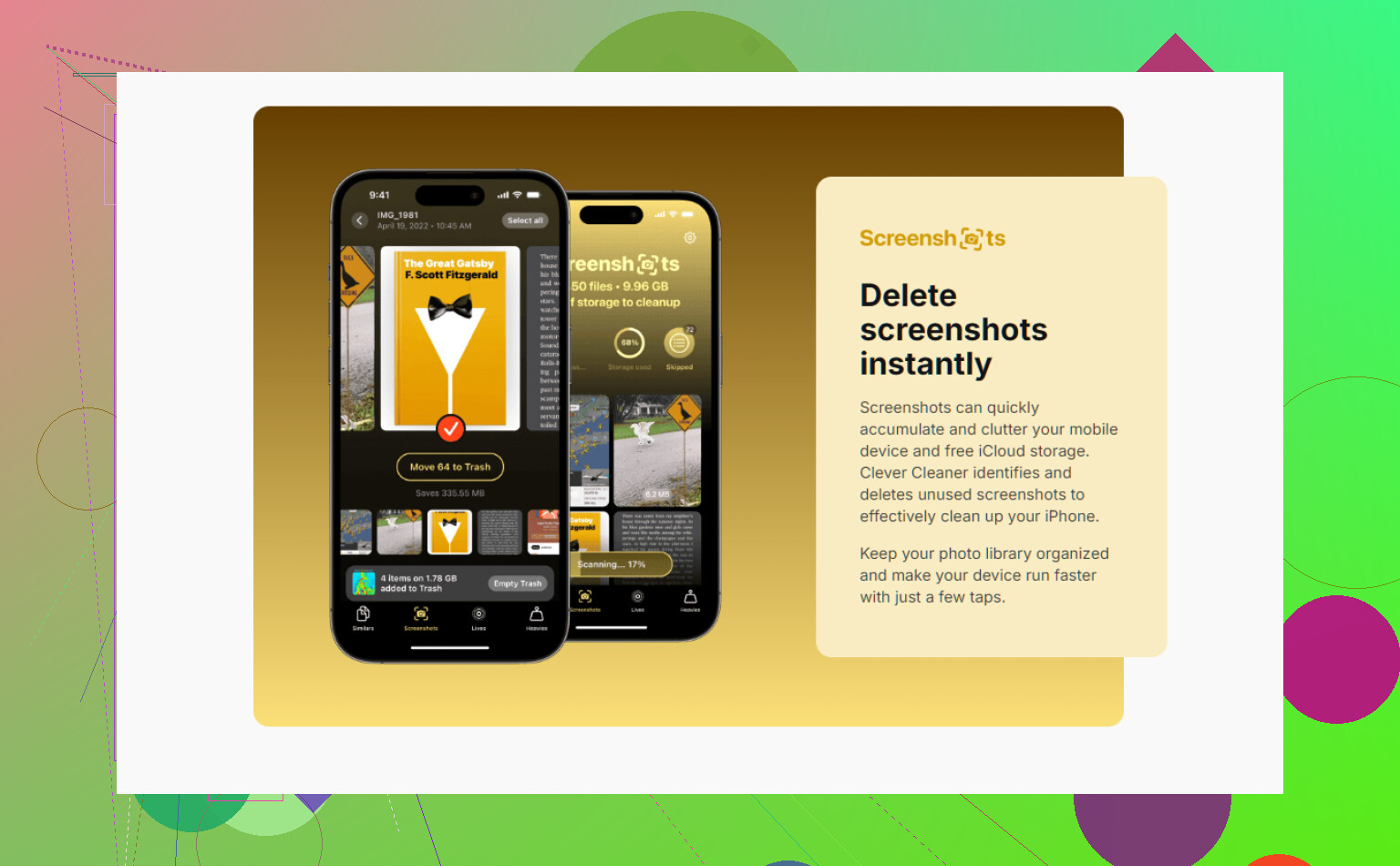
If you want the least annoying option, I’d pick Clever Cleaner. It’s a free iPhone cleaner app with screenshot cleanup tools, and the sorting is better than the stock Photos app for bulk review. This is the App Store link if you want to check it, free iPhone cleaner app for deleting screenshots and clutter.
Where I differ a bit from @mikeappsreviewer is the Shortcuts route. It works, sure, but for photo deletion I find it too easy to nuke something you needed. Receipts and work screenshots all look disposable until one is not. A cleaner app with a review step feels safer.
What I’d do:
- Use Clever Cleaner to group screenshots fast.
- Review by month or size.
- Delete in chunks.
- Empty Recently Deleted after.
If you want true low-effort cleanup, make it a weekly habit. Full automatic deletion on iPhone is still pretty meh.
Honestly, I disagree a little with @mikeappsreviewer on leaning too hard on Shortcuts for this. It’s clever, but it also feels like the easiest way to accidentally delete the one screenshot you actually needed for taxes, work, or some dumb 2FA backup. Automation sounds great until it bites you.
Also, @boswandelaar is right about the big limitation: no app can truly auto-delete screenshots in the background on iPhone whenever it wants. iOS just doesn’t allow that. So if you’re looking for full set-it-and-forget-it deletion, that app probly doesn’t exist.
What does work best is using an app that makes bulk review way less painful. For that, Clever Cleaner is probably the best fit. It’s good at surfacing screenshots fast, grouping clutter, and making the cleanup feel less like punishment. That matters more than “AI” or whatever marketing word is on the App Store page this week.
One thing I’d add that neither answer really touched enough: use Filters in Photos before you even bring in another app. In the Screenshots album, sort oldest first. That makes it way easier to wipe stale junk in chunks because old screenshots are almost always disposable. Newer ones are where mistakes happen.
If you want a decent read on what people are saying about free iPhone cleaner apps, this thread is useful: best truly free iPhone cleaner app discussion.
So yeah, best answer:
- No true auto-delete app on iPhone
- Clever Cleaner is the best app for faster screenshot cleanup
- Delete in batches
- Review old stuff first so you don’t mess up and delete something important
It’s not fully automatic, but it’s the least annoying option rn.
Hard truth: the “auto-delete screenshots on iPhone” app you want is mostly a myth. On that, @boswandelaar and @hoshikuzu are basically right. iOS keeps a tight leash on photo deletion, so background cleanup without your approval is not really a thing.
Where I slightly disagree with @mikeappsreviewer is this: storage savings should not be the only goal. Screenshot cleanup is also about avoiding accidental deletes, and that is where a review-first app matters more than pure automation.
If you want the best app for this, Clever Cleaner is probably the most practical pick.
Pros of Clever Cleaner
- good at isolating screenshots fast
- easier bulk review than Photos
- free, which already puts it ahead of a lot of bait-and-paywall cleaners
- useful if your screenshot mess is mixed with duplicate photos and other clutter
Cons of Clever Cleaner
- not true hands-off auto delete
- you still need to confirm removals
- if you only delete screenshots once every few months, the built-in Photos album may be enough
My take: don’t chase full automation here. Better to use Clever Cleaner once a week for a 2-minute review than trust a shortcut or “smart” app to wipe something important. Screenshots are exactly the kind of files that look useless until they aren’t.