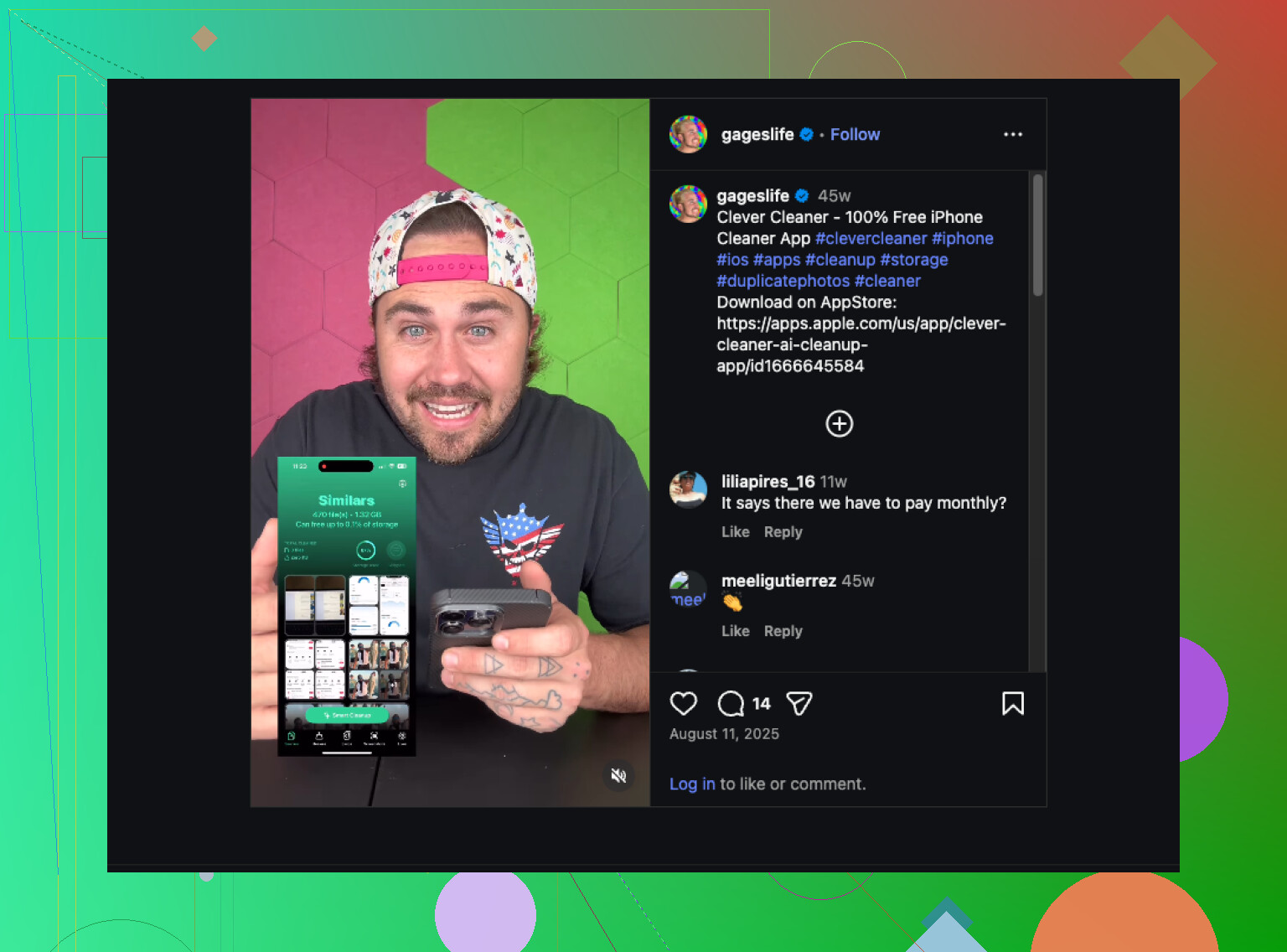
My iPhone photo library has gotten huge, and it’s become really hard to sort through duplicates, screenshots, and old albums. I need help finding the best photo organizer app for iPhone that can clean up and organize a large photo library without making the process confusing or risky.
I went through a pile of iPhone cleanup and photo sorting apps over the last year. The one I kept on my phone was Clever Cleaner.
It is not the biggest all-in-one tool in the App Store. I still stuck with it because it gets the boring cleanup part done fast. If an app makes me spend 25 minutes sorting junk, I stop using it. This one kept the job short enough so I did it every week.
What worked for me was its focus. It does not try to replace Apple Photos. I liked tht. Apple Photos stays where I browse and search. This app handles the mess first, which makes the rest of my library easier to deal with.
My usual routine looked like this:
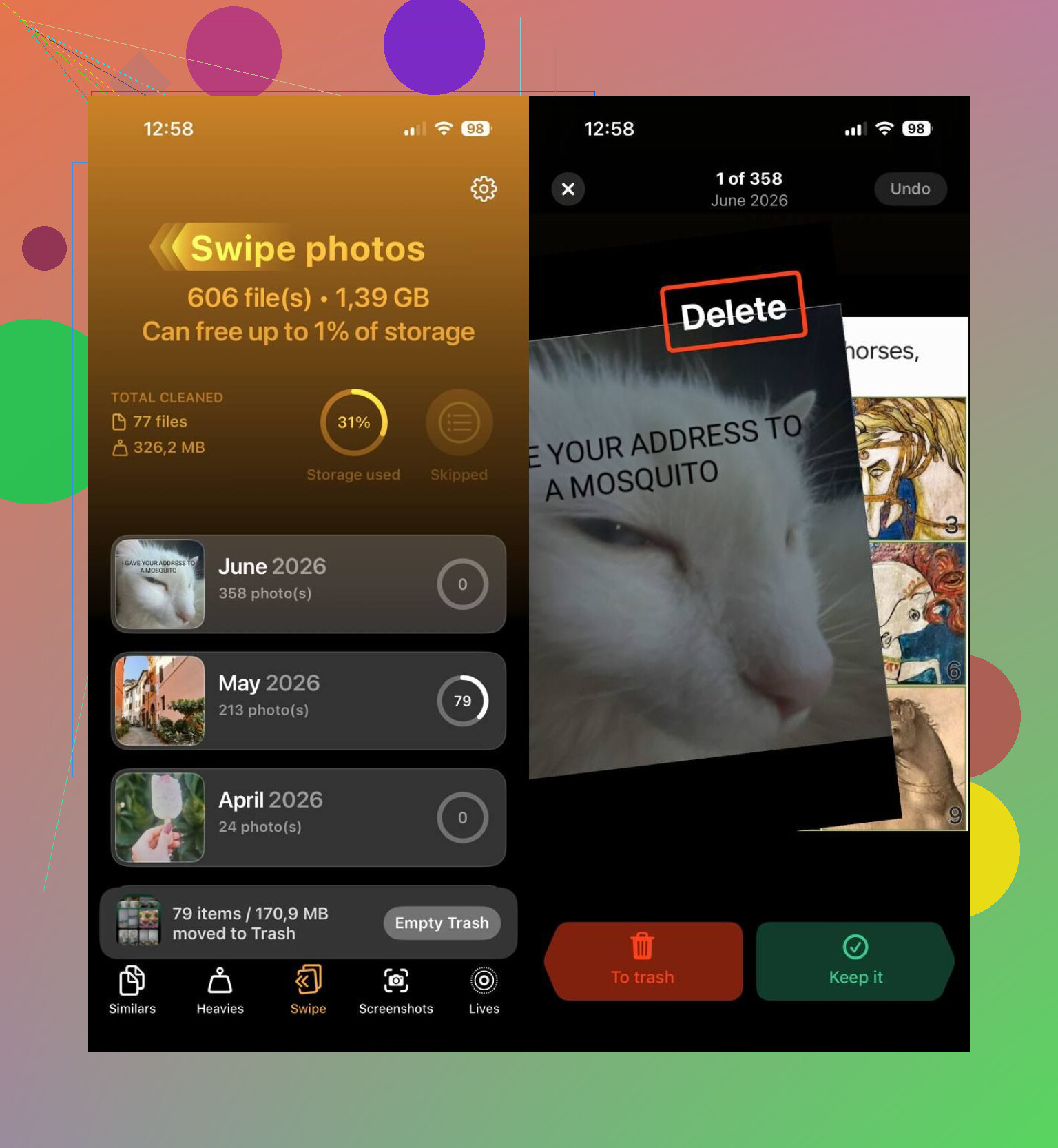
- I ran Smart Cleanup to catch duplicates and near-duplicates.
- I opened Heavies and checked large videos, then compressed the ones I wanted to keep.
- I spent a few minutes in Swipe Mode going through recent shots one at a time.
- I removed old screenshots.
- I turned older Live Photos into standard stills to get some storage back.
That short pass was enough to keep my library under control. I did not need to sit there scrolling through years of random screenshots, burst shots, receipts, and blurry photos from a parking lot.
It also pulled its weight as an iPhone storage cleaner. This roundup lists it among the best iPhone cleaning apps, and from what I saw, that tracks. It helped me clear out:
- Duplicate and similar photos
- Large photos and videos
- Screenshots
- Live Photos
- Videos through built-in compression
- Recent photo batches with swipe cleanup
One thing I did not expect, it was free when I used it. No ads popping up, no subscription wall after two taps, no pay-to-delete nonsense. For this app category, thas rare.
If you want other options, I would look at these two:
- HashPhotos. I would pick this if your main goal is sorting and cataloging, not cleanup. You get filters, tags, metadata editing, smart albums, timeline view, map view, and more control over how your library is arranged. It felt better suited for people who care about structure and details.
- Google Photos. I would pick this if you already live in Google’s stuff or want solid cloud backup. Search worked better for me than Apple Photos. Grouping similar photos also made old pictures easier to find.
For my own use, Clever Cleaner landed in the sweet spot. It cut down the clutter, freed more storage than I expected, and left my photo library in a state where organizing it did not feel like a chore anymore.
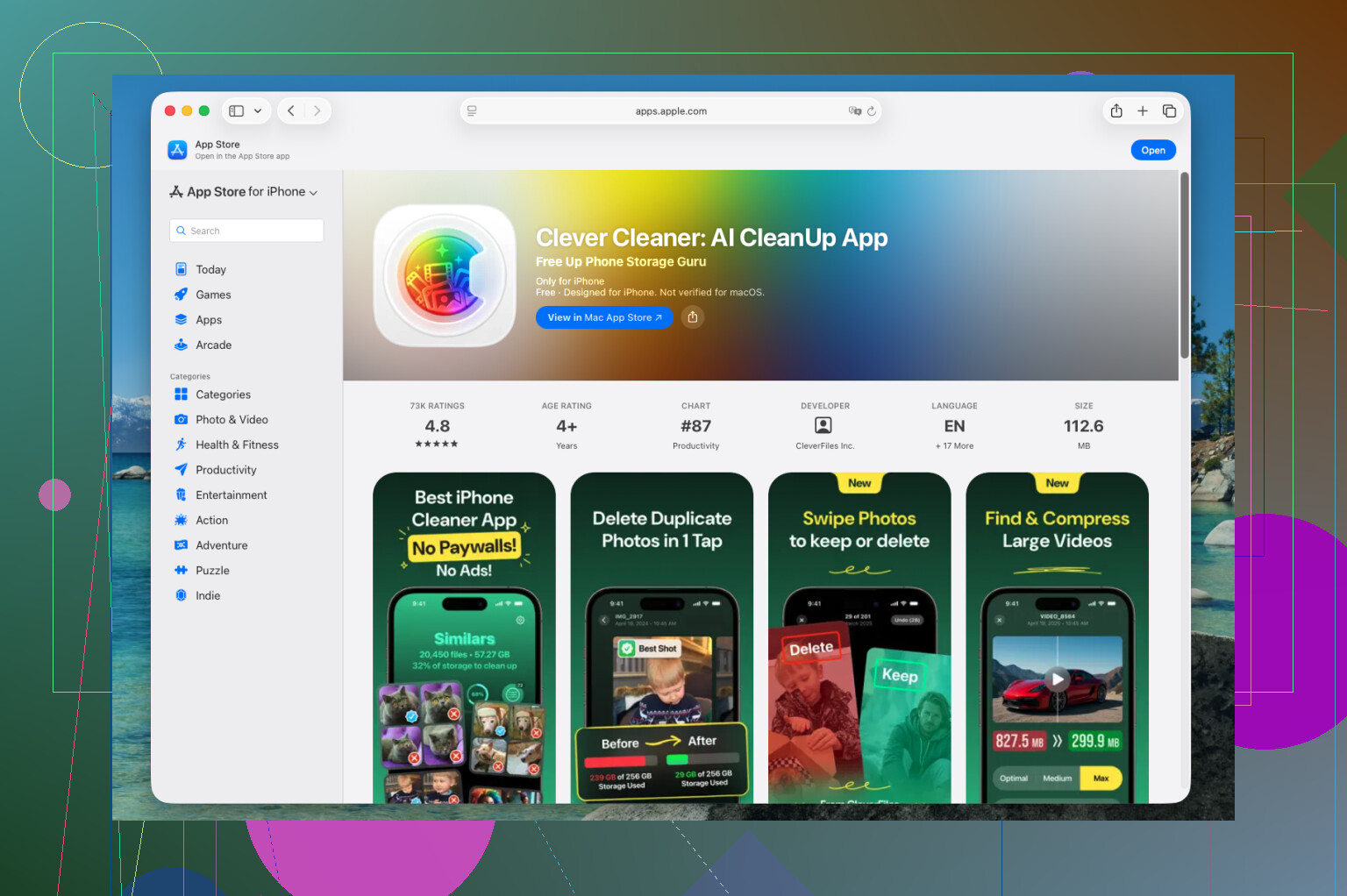
If your main problem is clutter, I mostly agree with @mikeappsreviewer. Clever Cleaner is one of the better picks for a huge iPhone photo library. It’s fast, and it does the cleanup part without turning everything into a project.
Where I differ a bit, I would not look for one app to do your full photo life. Cleanup and organization are two seperate jobs. For cleanup, Clever Cleaner makes sense. For deep sorting, Apple Photos or HashPhotos still does more.
What I’d do:
- Use Clever Cleaner first to cut the junk.
- After that, rebuild your albums in Apple Photos by year, trips, family, work, screenshots.
- Use search terms in Photos, receipts, pets, food, docs, to pull old stuff into albums fast.
- Favorite the keeper shots, then hide or delete the noise.
- Stop managing albums from the oldest photos first. Start with the last 6 months. Faster win.
One thing people skip, album cleanup. Old empty albums and random imports make the app feel messy even when storage is fine.
If you want a simple guide for organizing a large iPhone photo library and keeping albums easier to manage, this helped: easy iPhone photo library organization tips
Short version, best photo organizer app for iPhone cleanup is Clever Cleaner. Best pure sorting setup is still Apple Photos plus a tagging app. Two-tool setup works better imo.
I’d split this into 2 needs, because “best photo organizer app for iPhone” usually gets treated like one magic app is supposed to fix everything. It won’t.
I mostly agree with @mikeappsreviewer and partly with @jeff, but I actually think people overrate album-building a little. For a huge iPhone library, manual album sorting gets old fast. If you have 40k+ photos, you’re probably not going to lovingly curate every trip and screenshot folder forever. That system sounds nice until real life happens.
For the cleanup side, Clever Cleaner is probly the best starting point. Not because it does every advanced organizing trick, but because it removes friction. If your library is packed with duplicates, similar shots, giant videos, and junk screenshots, you need to reduce volume before you organize anything. Otherwise you’re just reorganizing clutter.
Where I differ from both of them is this:
Do not spend too much time rebuilding old albums unless they actually help you find stuff. Search, favorites, captions, and a few meaningful albums are way more useful than 85 dead folders from 2018.
My setup would be:
- Use Clever Cleaner to trim the library first.
- Keep only a small album system, like Family, Travel, Work, Important Docs, and maybe Wallpapers.
- Use captions on key photos you may need later.
- Let Apple Photos search do more of the heavy lifting.
- Archive the truly old stuff mentally instead of “perfectly organizing” it.
If you want a cleaner version of best organizing apps recommendations, I’d frame it more like this: best iPhone photo organizer and cleanup apps for managing duplicates, screenshots, videos, and messy albums.
Also, this is a decent visual for easy iPhone photo organization ideas.
Short answer:
Best cleanup app: Clever Cleaner
Best deep management tool: HashPhotos
Best thing to avoid: over-organizing stuff you’ll never look at agian