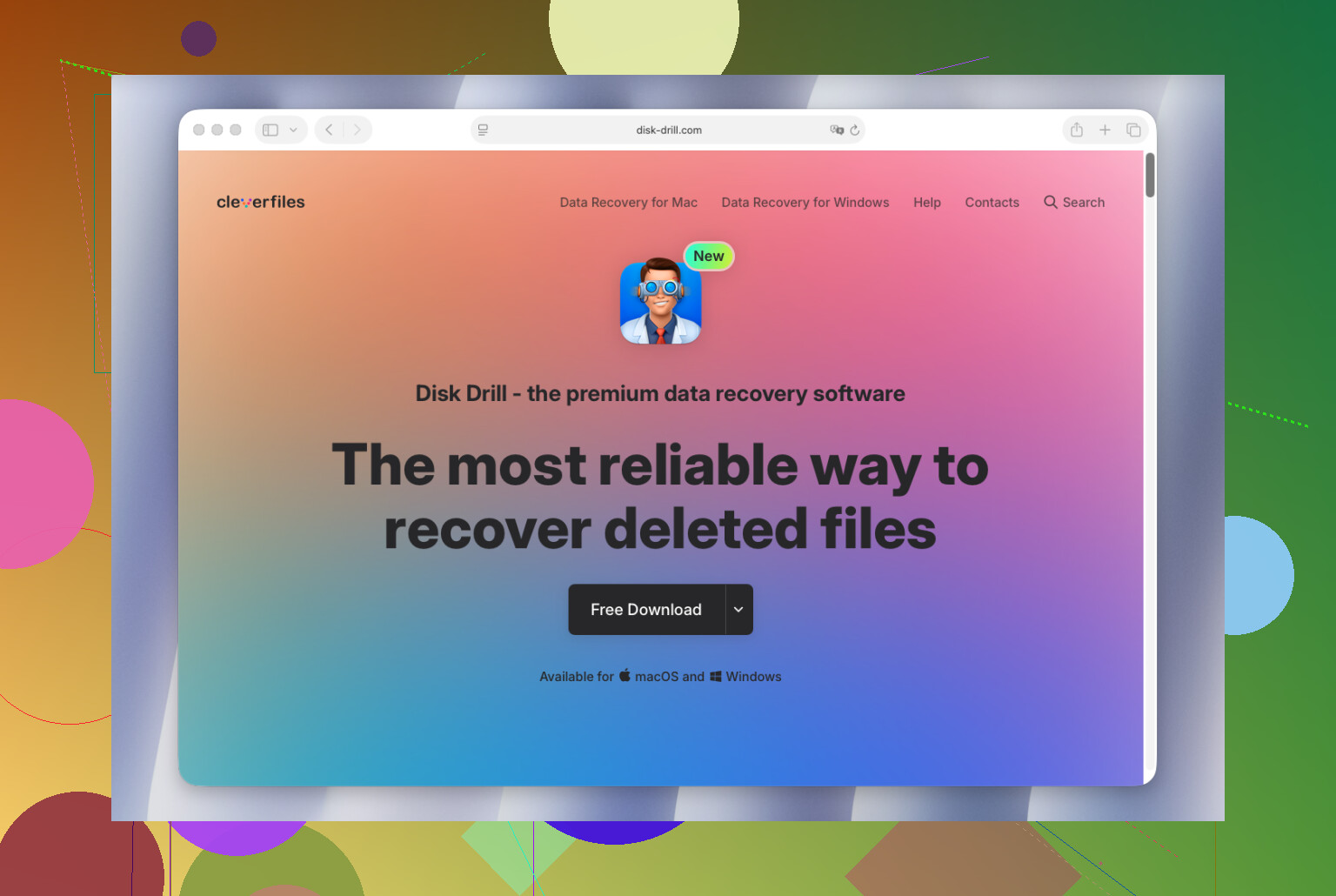
I’m trying to recover files from an external hard drive that suddenly stopped showing up properly on my Mac. It has important photos and work documents, and I need Mac data recovery software that supports external hard drives without making things worse. Looking for advice on safe, reliable recovery options.
Mac data recovery on macOS, what I’d pick after trying a pile of them
I’ve tested a bunch of Mac recovery apps over the past few years, and I still end up pointing most people to Disk Drill. Not because it wins at everything. It doesn’t. I keep landing there because it handles the middle ground well. Good recovery rates, low friction, fewer weird gotchas on newer Macs.
A lot of Mac recovery tools fall into two bad buckets. One group feels stripped down and misses files you expected it to find. The other group throws you into a wall of technical options and logs when you’re already stressed and trying to get your stuff back. Disk Drill sits between those two, and for most people, thta matters more than feature bragging.
Why it worked better for me on Mac
What stood out first was how native it felt on macOS. The UI isn’t cluttered. APFS support felt solid in my tests. It behaved fine on Apple Silicon. I used it with external SSDs, USB drives, SD cards, and even Time Machine volumes without much drama.
The biggest thing for me, though, was corrupted APFS volumes. I had a couple cases where other apps either found less or gave me messy results. Disk Drill did better there. Not magic, still no promises with damaged storage, but better.
The parts I kept coming back to
- It did well with deleted files and formatted drives.
- Previewing files before recovery was dependable enough to save time.
- It includes disk backup and imaging tools, which helps when a drive is unstable.
- Photo and video recovery is solid, including RAW formats from cameras.
- It’s easier to drive than most of the more serious recovery tools.
Other Mac recovery tools I’d still keep in the conversation
PhotoRec
If your budget is zero, PhotoRec is hard to ignore. It’s free and way stronger than the ugly interface suggests. I’ve seen it do solid work on SD cards and on file systems that were in rough shape.
The tradeoff is annoying. You usually lose original filenames and folder layout. So you get the files, but sorting them later feels like cleanup duty from hell.
iBoysoft Data Recovery
This one felt approachable fast. Good fit for someone who wants APFS support without learning a whole workflow first. In common file loss cases, it did fine for me.
My issue was pricing. The subscription setup gets old quick.
Data Rescue
Older tool, older feel too. Still, I wouldn’t write it off. I had decent results with external drives and simpler recovery jobs where I didn’t need anything fancy. It’s one of those apps I wouldn’t put first, but I also wouldn’t call useless.
The part people mess up most
When files vanish, stop using the drive. Right away.
I’ve seen more recoveries ruined by continued drive use than by the software choice itself. On SSDs, this gets worse because TRIM can wipe deleted data fast on newer Macs. If you keep writing to the same disk, your odds drop. Fast.
Stuff I’d do before scanning anything
- Install the recovery app on a different drive if you have one.
- Save recovered files to another drive, never back onto the same one.
- If the disk seems unstable, clone it first before running scan after scan.
- Skip random repair tools until after the data is safe.
That last one gets people. They run First Aid, then some cleaner, then some “fix my drive” utility they found in a forum post from 2018, and by then the recovery job is worse.
My short answer
If somebody wants one low-risk suggestion and doesn’t want a lecture, I still say Disk Drill.
If you know your way around recovery tools, or your case is weird, one of the others might fit better. PhotoRec for brute-force free recovery. iBoysoft for a simpler APFS-friendly option. Data Rescue for older-school, straightforward jobs.
But for most Mac users, Disk Drill is still the one I’d start with.
I’d start with Disk Drill for a Mac external hard drive recovery case like yours. It supports USB hard drives, SSDs, SD cards, APFS, HFS+, exFAT, and NTFS read workflows on Mac. For photos and work docs, its preview is useful because you see what is recoverable before paying.
Small point where I differ from @mikeappsreviewer. If the drive is not showing up properly at all, software matters less than drive condition. If Disk Utility sees the device but not the volume, recovery software still has a shot. If macOS does not detect the physical drive, stop messing with it and think lab service first. Repeated reconnects and rescans are how pepole make it worse.
My short list:
- Disk Drill, best first pick for most Mac users.
- R-Studio, better if you want deeper manual control.
- UFS Explorer, strong on damaged partitions, less friendly UI.
- PhotoRec, free, but filenames and folders often come back as a mess.
Best Mac data recovery software video guide, external drives, APFS, USB, SSD:
watch this guide to the best Mac recovery software for external drives
One practical check. Open System Information, then USB or Thunderbolt, and see if the enclosure appears there. If yes, try Disk Drill on the drive or make a byte-to-byte backup first. If no, I’d suspect the cable, enclosure, or the drive itself. That detail changes the whole plan.

I’d probably start with Disk Drill for Mac external drive recovery, but with one caveat: if the drive is clicking, stalling Finder, or disconnecting randomly, software is kinda the second question. In that case, every extra scan can make things worse.
Where I slightly disagree with @mikeappsreviewer and @sternenwanderer is on going straight into full scans. I’d first test the enclosure and cable. A lot of “dead external drives” are actually a bad USB bridge board, not the disk itself. If it’s a desktop-style external, sometimes pulling the drive and connecting it another way changes everything.
If the Mac can at least see something in Disk Utility or System Information, then yeah, Disk Drill is a solid first pick because it handles common Mac and external drive file systems well and the preview helps for photos/docs. If you want something more forensic and less user-friendly, R-Studio is worth a look too. I’ve had R-Studio find folder structure better on certain ugly exFAT cases, even if the interface feels like a tax form.
One more thing people skip: if the drive is failing, recover the most important files first, not all 2 TB of vacation videos from 2017. Prioritize the irreplaceable stuff.
Also, this Apple thread has some useful context on file recovery options:
best Apple forum tips for recovering files from an external drive on Mac
Short version:
- Disk Drill: best first try for most Mac users
- R-Studio: stronger if you’re comfy with techy tools
- PhotoRec: free, messy results
- No detection at all: maybe stop and consider a lab
Don’t recover files back onto the same drive. Sounds obvious, but pepole do it anyway.