My iPhone photo library has grown to 50,000+ photos, with tons of duplicates, screenshots, blurry shots, and old downloads taking up iCloud storage. I’m trying to figure out the fastest way to organize and delete iPhone photos without losing anything important. For anyone who has cleaned up a huge iPhone photo library, how long did it take and what method worked best?
I had the same kind of mess with my photo library. I kept ignoring it because it felt like a huge chore, and by the time I actually dealt with it, I had more than 10,000 photos and videos. It ate up most of a Saturday.
The thing that helped most was not trying to clean everything the same way. Screenshots, duplicates, giant videos, Live Photos, and random blurry shots are all different problems. A mix of manual cleanup and an app worked better than just scrolling forever.
Start with the obvious stuff in Photos
I’d begin in the built-in Photos app before installing anything else. Go through albums instead of your whole camera roll, because it’s much easier to deal with one type of clutter at a time.
- Open Photos and look through specific albums, like screenshots or videos.
- Use the swipe-to-select gesture so you’re not tapping every single photo.
- If an album gives you Select All, use it where it makes sense, then unselect anything you want to keep.
That’s good enough for the junk you can spot right away.
Use an app for duplicates and repeated shots
The manual part only got me so far. A lot of my wasted storage was from five versions of the same picture, old screenshots, Live Photos I didn’t care about, and big videos I forgot were even on the phone.
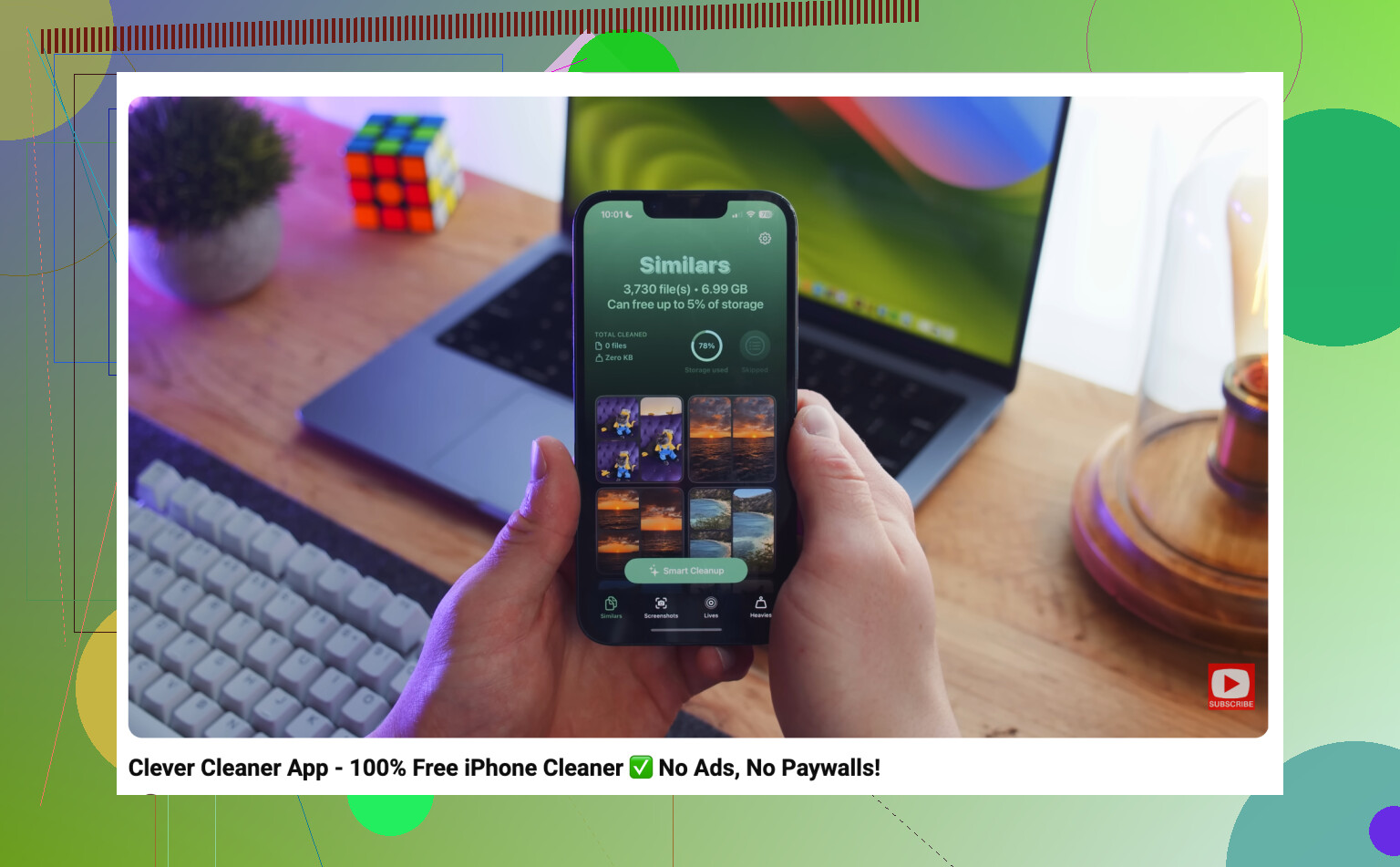
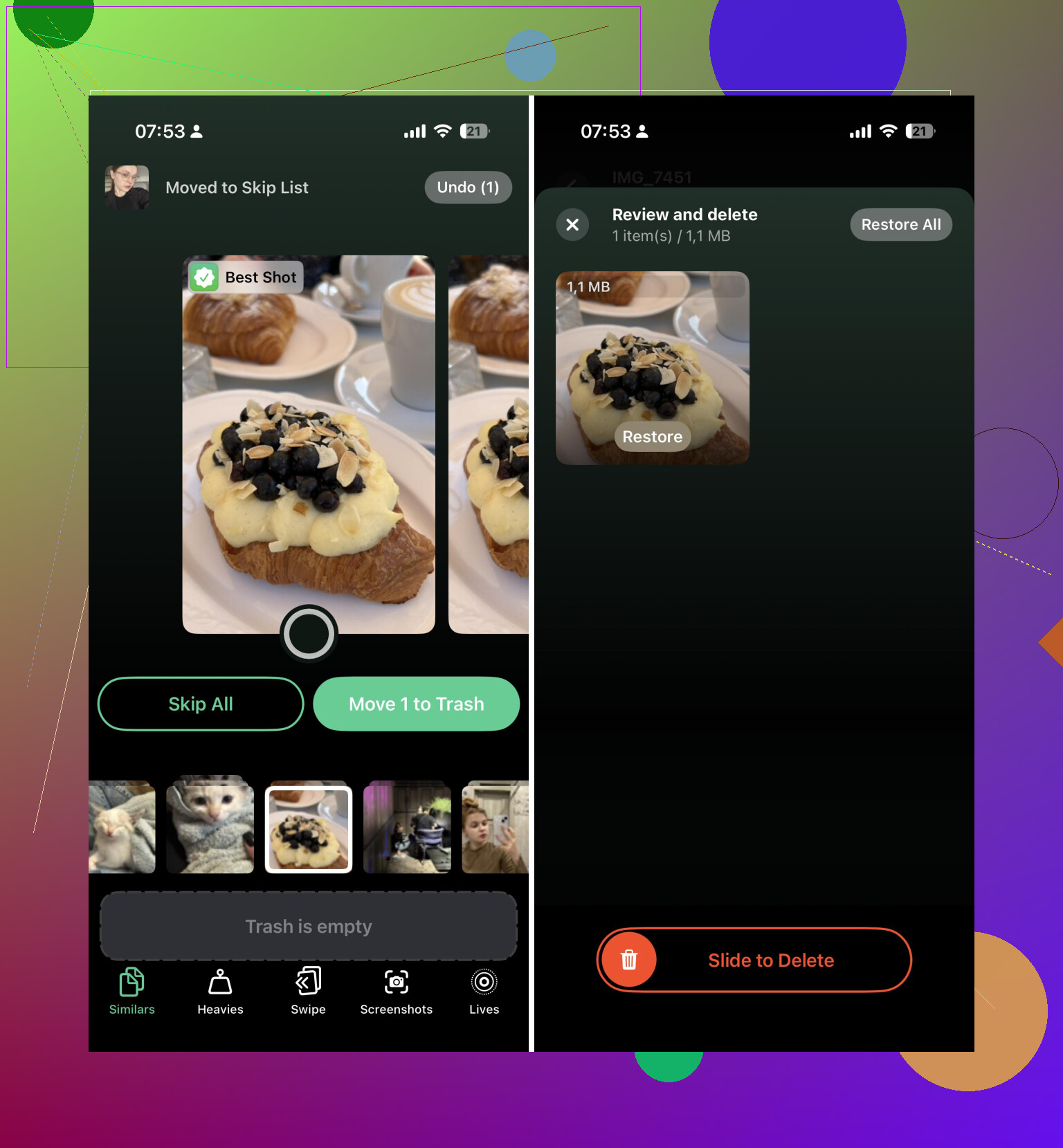
I used Clever Cleaner for that part. The useful bit is that it groups things first, so you’re reviewing sets of similar photos instead of making the same keep/delete decision thousands of times.
My process was basically:
- Run Clever Cleaner.
- Check the similar-photo groups.
- Delete duplicates and near-duplicates I didn’t need.
- Clear old screenshots.
- Remove the biggest videos.
- Turn Live Photos into regular still photos when the motion part wasn’t worth keeping.
That saved way more time than comparing everything by hand.
Empty Recently Deleted
One step people miss is the Recently Deleted album. Photos you delete don’t fully free up space right away because they sit there for a while.
- Open Recently Deleted.
- Check it once so you don’t wipe anything important.
- Empty it.
If you’re doing this because iCloud storage is full, also remember that iCloud Photos is synced. Deleting something from your iPhone also removes it from iCloud and other Apple devices signed into the same Apple Account. That may be what you want, but it’s worth thinking about before deleting a huge batch.
After that cleanup, I stopped letting it pile up. Now it’s more like a quick weekly pass through new screenshots, blurry pictures, and repeat shots. Ten minutes here and there is a lot less painful than losing another Saturday to it.
If your library is already in the tens of thousands, I wouldn’t rely on the Photos app alone. It’s fine for obvious cleanup, but something like Clever Cleaner makes the duplicate, similar-photo, screenshot, Live Photo, and large-video cleanup much less annoying.
For 50,000 photos, expect hours, not minutes, unless you’re comfortable deleting whole categories with barely any review. I’d do a quick backup first, then aim for a rough cleanup pass rather than perfection, because trying to judge every similar shot is where this turns into a weekend project.
Don’t start by scrolling through Recents and making 50,000 tiny keep/delete decisions. That is the slowest possible version of this job, and it will make you hate your phone by the second hour.
For a library that size, the answer depends on how clean you want it:
A rough storage cleanup: maybe 1 to 3 hours.
A decent cleanup where you remove duplicates, screenshots, bad bursts, old downloads, and big videos: more like 5 to 10 hours, usually split across a few sessions.
A “perfect” organized library with albums, favorites, and careful choices between similar shots: days. Not full days necessarily, but it turns into a long project.
I agree with the earlier point about not treating every photo the same. The fastest wins are usually videos and screenshots, not duplicates. A few long videos can free more space than deleting 2,000 random photos. So if the goal is iCloud storage, check videos first. Sort by size if you’re using a cleaner app or doing it from a Mac. Then screenshots. Then screen recordings. Then duplicates and near-duplicates.
The caveat I’d add is that iCloud Photos makes big cleanup feel slower than it should. You can delete 5,000 things and still not see storage change right away because syncing, Recently Deleted, and device indexing all lag behind. Don’t assume nothing worked after ten minutes. Give it time, especially if you’re on Wi-Fi and plugged in.
I’d do it in passes, not as one giant purge:
First pass: obvious junk only. Screenshots, memes, receipts you no longer need, accidental photos, old downloads.
Second pass: large videos and screen recordings. This is where the storage savings usually are.
Third pass: duplicates and similar shots. This is where something like Clever Cleaner can help, because reviewing groups is faster than manually comparing five versions of the same picture. I still wouldn’t blindly approve everything, though. Similar-photo tools can pick the technically sharpest shot and still choose the one where someone has a weird face.
Fourth pass: stop. Seriously. Let iCloud sync, empty Recently Deleted only after you’re sure, and then decide if you actually need another round.
If you have access to a Mac or iPad, I’d rather do the picky review there than on the iPhone. Bigger screen, less thumb fatigue, easier to spot bad photos. The phone is fine for deleting obvious screenshots while watching TV, but it’s a bad place to make careful decisions for hours.
For 50,000+ photos, I’d set a realistic target like “free 30 GB” or “delete 10,000 obvious junk items,” not “finish organizing my entire life.” The second goal has no natural endpoint. You’ll keep finding edge cases and almost-identical photos until the cleanup eats the whole weekend.
The sneaky time sink is not the deleting, it’s waiting for the phone and iCloud to catch up after each big batch. People think “I deleted 8,000 items, why is storage still full?” and then they start deleting more aggressively. That is where mistakes happen.
For 50,000 photos, I’d estimate it this way: if you only care about freeing space, you can probably make a meaningful dent in 2 to 4 hours of actual work. If you want a cleaner library that still feels safe, more like 8 to 12 hours spread out. If you want everything sorted into albums and every vacation/birthday/pet photo judged properly, that is no longer a cleanup. That is an archive project.
My slightly boring advice is to make the first session about risk control, not deletion. Check whether iCloud Photos is your only copy. If it is, deleting from the phone is deleting from iCloud too. Before a huge purge, I’d at least copy the most important years/events to a computer, external drive, or another cloud service. You don’t need to back up every meme and screenshot, but you should not be deciding the fate of family photos while half-annoyed and low on storage.
I agree with @mikeappsreviewer that videos are the fastest win, but I’d be more cautious with “similar photo” cleanup than some people are. Tools like Clever Cleaner can make review much faster because they group repeats, but I would treat them as sorting assistants, not decision makers. They are good for “here are 14 versions of the same receipt” or “here are 9 blurry concert shots.” They are less good at knowing which picture has sentimental value.
A reasonable plan would be: spend one evening on large videos and screen recordings, another on screenshots/downloads, then use a cleaner app or the Photos duplicate tools for obvious repeats. Stop after each big pass and let iCloud settle overnight. If you try to finish all 50,000 in one sitting, the cleanup will probably take longer because your standards will get worse as you get tired.