I’m trying to recover deleted image files from a CompactFlash card after a camera error made my photos disappear. The card has important pictures on it, and I need advice on the best CF card recovery steps or software to restore the lost data without causing more damage.
I had this happen after an event job, got home, put the CF card in the reader, and the folder looked half empty. A few clips were gone, some RAWs wouldn't open. It feels bad fast. Still, if the card isn't physically wrecked, your odds are decent.
The first part matters more than the software.
Do these three things first
- Stop using the CF card. Take it out of the camera. Don’t shoot more frames on it. Don’t test it by copying junk files over.
- Do not format it. If Windows or macOS says the card needs formatting, close the prompt. Formatting rewrites file system info and recovery gets messier.
- Use a real CF card reader. Skip the camera-to-USB route. I’ve had better results with a dedicated reader because the computer sees the storage more directly.
What usually happens is simple. The file table gets damaged or removed, while the photo and video data still sits on the card. If new data lands on top of those sectors, recovery drops off hard. So the goal is to avoid writes. Nothing else first.
Check whether the computer sees the card
Plug the reader into your PC or Mac, then open Disk Management on Windows or Disk Utility on Mac. If the CF card shows up there with roughly the right capacity, you still have something to work with at home.
If it does not appear at all, or the card took physical damage, home tools usually stop helping. At that point a lab like the CleverFiles data recovery center starts making more sense.
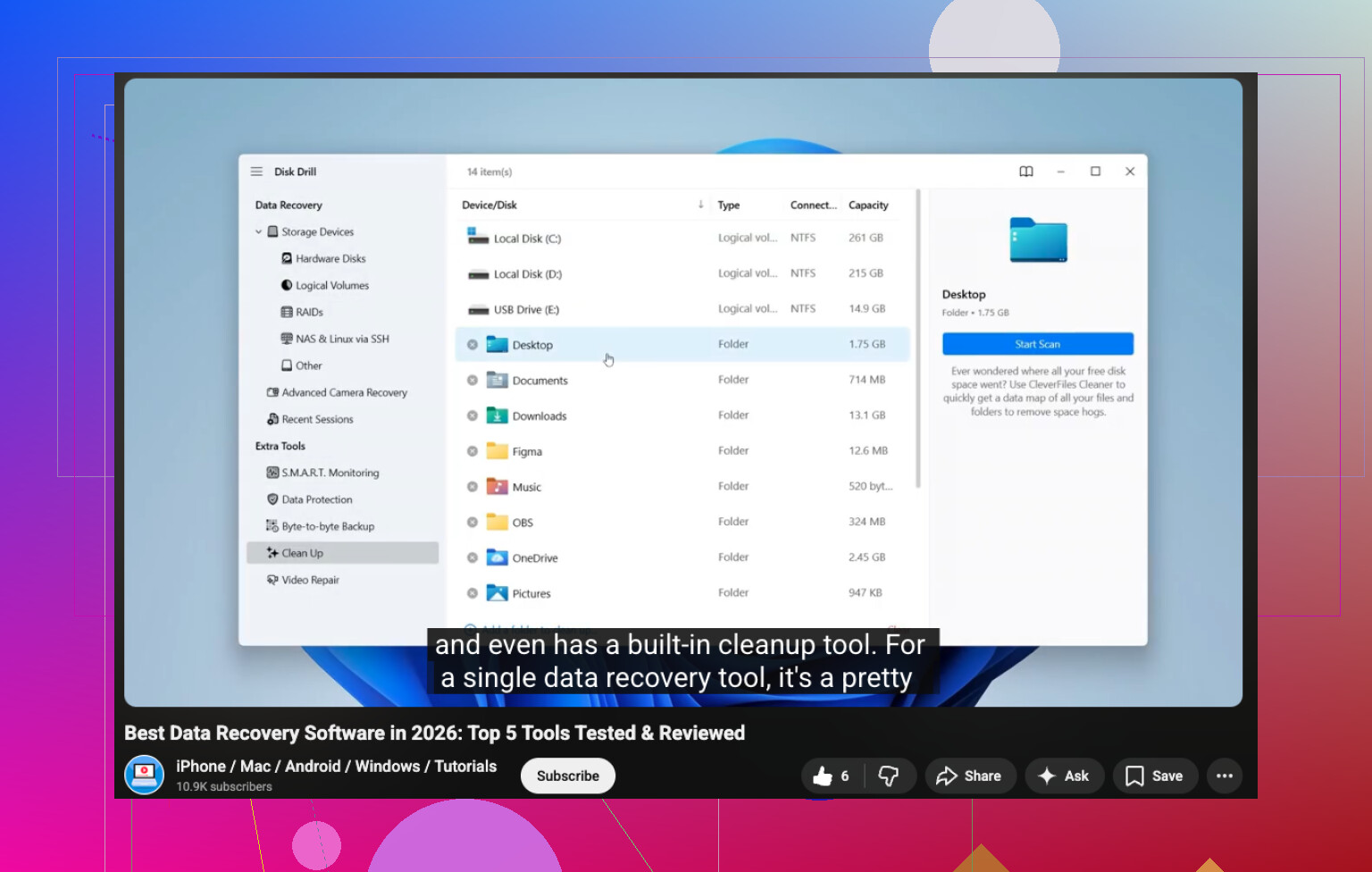
If the card is detected, software recovery is the usual path. There’s a YouTube link here if you want it:
I’ve tried a bunch of tools over time. The one I had fewer headaches with was Disk Drill. My reason is plain, it handled camera files better for me, including CR2, NEF, ARW, and larger video files.
Free tools exist. PhotoRec finds a lot, but the workflow is rough and filenames often come back scrambled into a pile. Recuva is fine for some basic recovery jobs, though I saw it miss or mishandle some RAW sets. Previewing files before recovery helped me sort the good stuff from broken stuff, so I leaned toward the option with a cleaner preview step.
The recovery steps I’d follow
- Install the software on your computer drive. Not on the CF card, obviosuly.
- Make a byte-for-byte backup first. If the card looks flaky, clone it to an image file on your hard drive. Scan the image, not the card. This saved me once with a card that kept dropping connection mid-read.
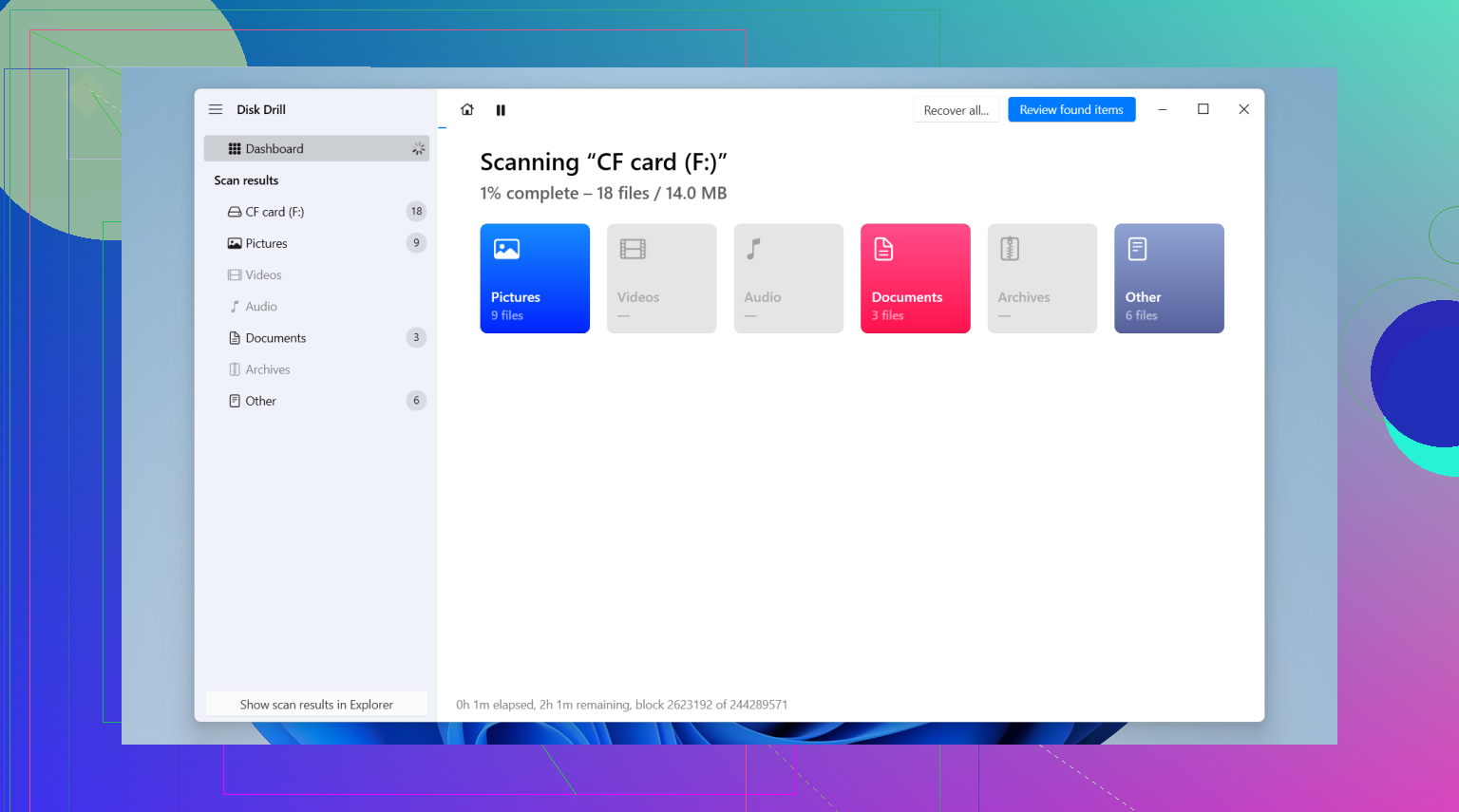
- Run the scan. Pick the card or its image and let it finish. Don’t interrupt it because the early results look weird.
- Preview the results. Open the photos and test the videos. A thumbnail alone doesn’t prove much.
- Recover to another drive. Save to your internal drive or an external SSD. Never write recovered files back onto the same CF card.
If the videos come back damaged
I’ve had MP4 and MOV files recover with weird playback, black frames, or no duration info. Don’t write them off yet.
In VLC Media Player, try the setting under input and codecs and switch broken or incomplete AVI handling to “Always Fix.” For some files on Windows, Untrunc helped rebuild damaged headers when I had a good sample clip from the same camera and settings.
After the files are safe
Once you’ve copied and checked everything, then deal with the card.
On Windows, CHKDSK sometimes clears file system errors. On Mac, First Aid does the same kind of cleanup. If the card starts acting normal again, I’d still be cautious. For paid work, I tend to reformat the card in-camera and keep an eye on it. If it misbehaves twice, I retire it. Flash media gets sketchy without much warning.
So yeah, slow down, don’t format, use a card reader, scan before you poke at anything. That order matters.
One thing I’d add to what @mikeappsreviewer said, skip repair tools before recovery. I know people love CHKDSK, fsck, First Aid, all of it. I don’t. On damaged camera cards, those tools sometimes “fix” the directory by removing entries you still needed. Recover first. Repair later.
My order would be:
- Mount the CF card read-only if your adapter or OS supports it.
- Make an image of the card with something like ddrescue or a forensic copy tool.
- Scan the image with Disk Drill first, because it does a solid job with deleted JPEG, CR2, NEF, ARW, RAF, and common video formats.
- If Disk Drill misses files, run PhotoRec on the image as a second pass. It’s ugly, filenames get trashed, but it often pulls extra raws.
- Sort recovered files by file size and preview them. Tiny RAW files are often corrupt.
A detail people skip, check whether the “missing” photos are hidden in a damaged DCIM structure. Sometimes the files exist, but the folder table is broken. Recovery software sees them even when Finder or Explorer does not.
If the card disconnects mid-read, stop. That points more to hardware failure than simple deletion. At that point, lab recovery starts to make more sense.
Also, if you want a fast visual walkthrough, this CF card photo recovery video guide is easier to scan than a long tutorial.
Short version, image first, recover from the image, save results to a different drive. Don’t poke at the card too much or you make it worse. That part gets people.

I mostly agree with @mikeappsreviewer and @sognonotturno, but one small thing I do a bit differently: if the card is still stable and reads fine, I sometimes do a quick preview scan before making a full image, just to see whether the loss is logical or physical. If it starts throwing read errors, then yeah, image first, no more messing around.
What I’d add is this: check the card in your camera too, but only for playback, not writing anything. Sometimes the files are still there and the computer just chokes on the CF filesystem. If the camera can see thumbnails but the PC can’t, that points more to directory damage than true deletion.
Also, pay attention to file sizes after recovery. JPEGs that are way too small, or RAWs that are all identical sizes, are a bad sign. People waste hours recovering junk becuase the filename looks right. Open a sample from each batch before doing the whole export.
For software, Disk Drill is a solid pick for CompactFlash card photo recovery because it usually recognizes camera formats better than the old basic tools. I’d use that first, then fall back to PhotoRec only if needed. If the card vanishes, clicks, overheats, or disconnects randomly, stop DIY stuff. That’s lab territory.
If you want extra reading, this thread on CF card data recovery software recommendations for deleted photos is pretty relevent too.
A small disagreement with @espritlibre here: I would not bother checking playback in-camera unless you are absolutely sure the camera will not write anything on mount or offer a repair prompt. Some bodies do weird “helpful” things.
What I’d do that complements @sognonotturno and @mikeappsreviewer:
- Try a different CF reader and a different USB port first. Bad readers fake “card corruption” more often than people think.
- Note the exact card size shown by the OS. If a 64 GB card suddenly reports nonsense capacity, that is a bigger red flag than missing files.
- If you recover RAWs, validate them with an actual editor, not just thumbnails. Bridge, Lightroom, Capture One, whatever you use. Thumbnails can survive even when image data is toast.
- Check for duplicate sequence gaps. If IMG_1041 jumps to IMG_1057, that often tells you whether this was deletion, directory loss, or interrupted write.
On software, Disk Drill is a sensible first-pass CF card recovery tool.
Pros:
- good support for photo formats
- preview is useful
- easier to sort results than with carve-only tools
Cons:
- paid if you need full recovery
- deep scans can return lots of false positives
- not my favorite when the card is physically unstable
If Disk Drill finds the folder structure, great. If it only finds carved files, expect generic names and missing shoot order. That matters if this was client work.
One more thing people skip: compare recovered JPEG EXIF timestamps and camera serial data. It helps separate your real files from garbage fragments.
So yeah, I mostly agree with @sognonotturno, @espritlibre, and @mikeappsreviewer on the big picture. My extra angle is to verify the reader, verify capacity, and validate recovered files properly before assuming the job is done.