My iPhone started lagging, apps take longer to open, and the battery seems to drain faster right after the latest iOS update. I’m trying to figure out if clearing temporary files or cache can help speed it up, or if there’s a better fix. Looking for advice on how to improve iPhone performance after an update without losing important data.
I ran into the same mess after an iOS update. My iPhone got slow, keyboard lagged, apps hesitated, and “System Data” sat there eating storage like it paid rent. Apple does clean some temporary files on its own, sure, but from what I saw, it misses a lot. When storage gets cramped, performance drops. I felt it most when free space dipped too low.
The easy first step is a full shutdown and reboot. I started doing it about once a week. It won’t wipe all junk files, though it clears RAM and resets some background tasks. Small fix, still worth doing.
Then I checked the browser. Safari had built up a pile of old site data. On iPhone, go to Settings > Safari > Clear History and Website Data. If you use Chrome, clear it inside the app under Settings > Privacy and Security. Mine freed more space than I expected.
After that, look at Settings > General > iPhone Storage. This is where the annoying part shows up. Apps like Instagram, TikTok, Reddit, or YouTube often bloat far past their listed app size because of cached media. iOS gives you almost no direct cache controls for most apps. I tested both options. Offload helped a bit. Deleting the app and installing it again worked better. If you want the cache gone, reinstalling is the move.
I learned this the slow way. My phone got so sluggish I was missing letters while typing. I spent an evening trying random cleanup apps and most of them were junk. Ads everywhere, paywalls after a few taps, fake scans, all of it. Kinda embarrasing how many I tried before giving up on most of them.
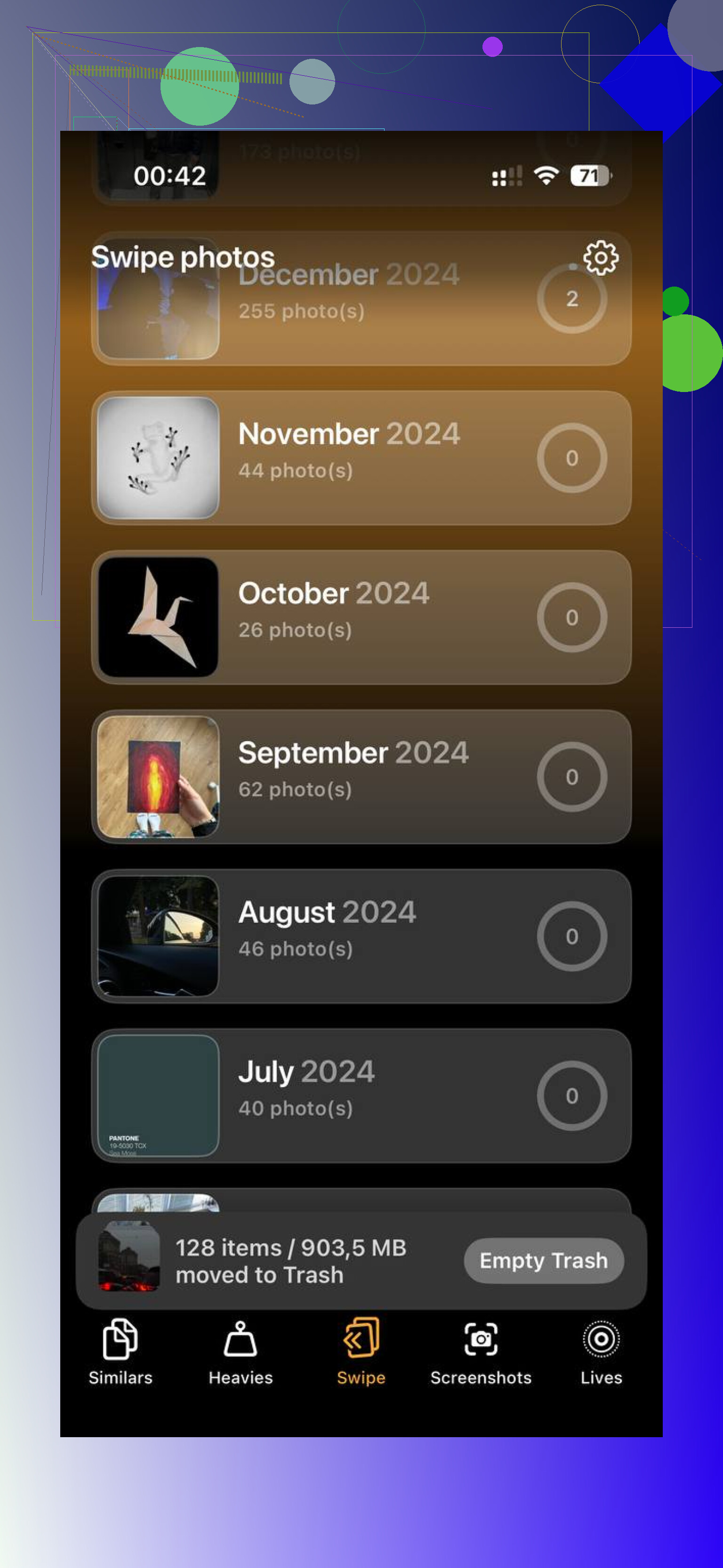
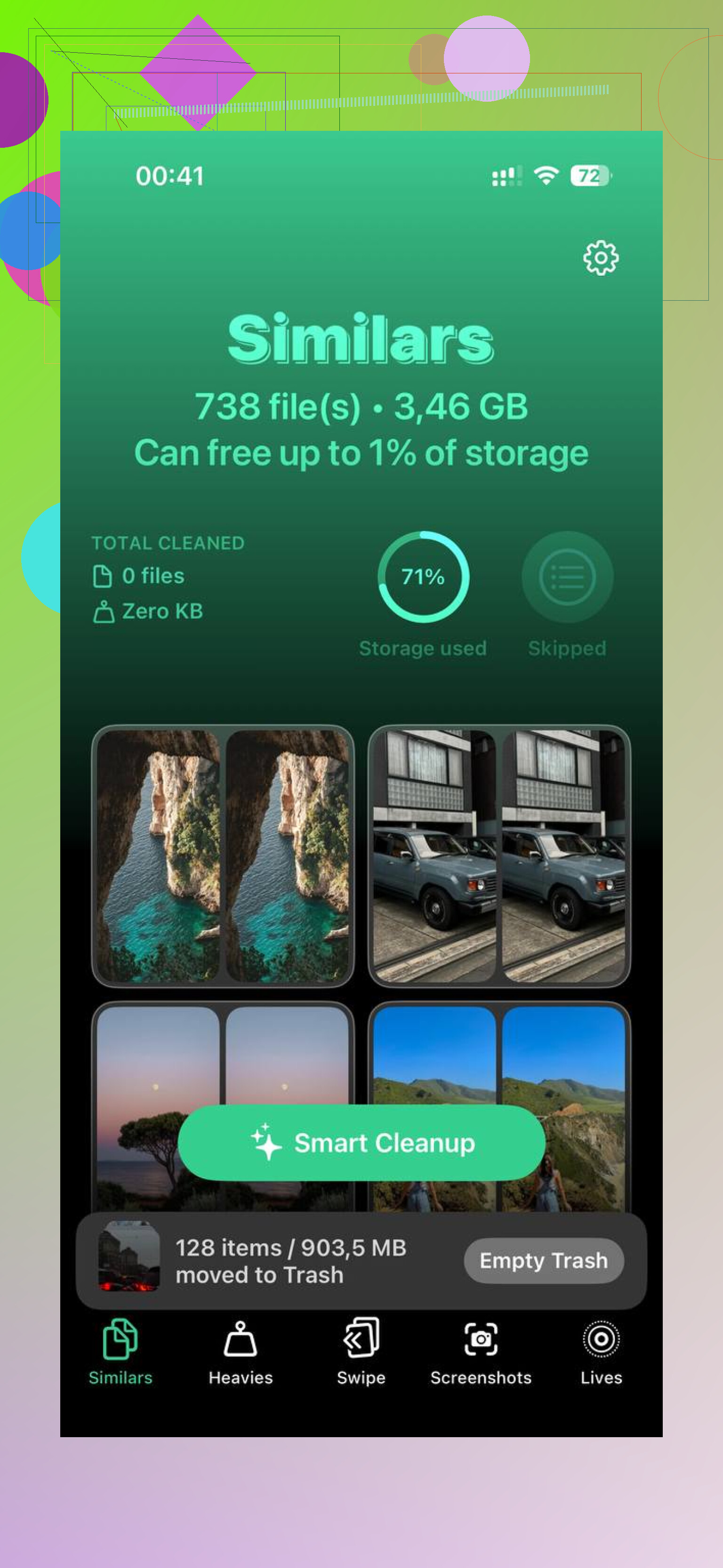
The one I kept was Clever Cleaner. What sold me was simple stuff, not marketing. It helped me sort through photo clutter fast. The Similars section grouped near-duplicate photos, which mattered because I had five to fifteen versions of the same receipt, pet photo, and grocery shelf pic. The Heavies section was even more useful for me. It put the biggest videos and screenshots up front, with file sizes shown clearly, so I didn’t have to guess what was taking space.
I also liked where the scanning happened. From what I saw, it processes data on the device itself. If you care about privacy, that matters. I’m not into sending my whole photo library off to some server because an app wants to sort screenshots.
Once I cleared a chunk of space, around 12GB on my end, the phone stopped feeling clogged. Apps opened faster. Keyboard lag faded. “System Data” dropped later too, which makes sense, since iOS seems to behave better when it has breathing room.
If your phone still feels heavy after an update, I’d do it in this order:
1. Full reboot.
2. Clear Safari or Chrome browsing data.
3. Check iPhone Storage for bloated apps.
4. Delete and reinstall the worst offenders.
5. Clean up photos and videos, either manually or with https://apps.apple.com/us/app/clever-cleaner-ai-cleanup-app/id1666645584.
I’d try to keep at least 15 percent of your storage free. My iPhone felt a lot less cranky once I got back above that line. Not magic, still iOS, though it helped a ton.
Clearing temp stuff helps a bit, but post-update slowdowns are often iOS doing background work. Photos re-index. Spotlight rebuilds. Files re-sort. Battery drain gets worse for 24 to 72 hours on some phones. If your update was recent, give it a day or two first.
I’d add a few checks beyond what @mikeappsreviewer listed.
First, look at battery health. Go to Settings, Battery, Battery Health & Charging. If max capacity is under 80 percent, lag and drain hit harder after updates. Older batteries struggle when iOS adds new background tasks.
Second, check Background App Refresh and location use. Settings, General, Background App Refresh. Turn it off for apps you do not need. Then Settings, Privacy & Security, Location Services. Apps like delivery, maps, and social apps eat battery after updates if permissions got reset.
Third, check if the update finished cleanly. A bad install leaves phones acting weird. Back up the iPhone, then use Finder or iTunes to reinstall iOS if lag stays for several days. This fixes more post-update issues than cache clearing in my experince.
Fourth, reduce motion and widgets. Sounds small, helps on older iPhones. Too many lock screen widgets, home screen widgets, and animated effects slow things down.
On cleanup apps, I’m picky. Most are fluff. Clever Cleaner is one of the few people keep mentioning because it focuses on photo and video clutter, which matters when your storage is packed. If you want a second opinion, this review of Clever Cleaner from Fossbytes is worth a look, see how Fossbytes tested Clever Cleaner for iPhone cleanup.
So yes, clearing cache helps some. If the phone is slow right after iOS update, indexing, battery health, storage pressure, and background settings are often the bigger issue. If it still feels bad after 3 days, I’d look at a clean reinstall before blaming temp files alone.
Clearing temp files can help, but I think people oversell it a bit. Right after an iOS update, a lot of the slowness is just the phone doing boring background stuff you can’t really “clean” away. So if the update was installed like yesterday, I wouldn’t panic yet.
Where I kinda disagree with @mikeappsreviewer and @waldgeist is the idea that cache is the main villain. Sometimes it is, sure, but I’ve seen post-update lag come from settings getting flipped around. Check this stuff:
- Low Power Mode stuck on
- Accessibility features like Reduce Transparency or weird contrast settings
- VPN/ad blocker apps running constantly
- Mail set to Push on multiple accounts
- storage almost full because iOS hates that
Also, look at Analytics data if you want the nerdy route:
Settings > Privacy & Security > Analytics & Improvements > Analytics Data
If you see the same app crashing over and over, that app may be the actual problem, not iOS.
One thing that helped me more than “clearing cache” was removing heavy widgets from the Home Screen. Sounds dumb, but on older iPhones it made a noticable difference. Same with live wallpapers and tons of notification-heavy apps.
If storage is packed, then yeah, cleaning photos/videos helps more than chasing temp files. Clever Cleaner is decent for that because it quickly finds duplicates and big files without a bunch of nonsense. I’d use that before installing random “RAM booster” junk apps. Those are mostly snake oil tbh.
If you want another angle on cleanup tools, this is a solid watch: best iPhone cleaner app video review and performance test
My rule:
- wait 48 hours after update
- keep 10 to 15% storage free
- check battery health
- kill widgets/VPN/background junk
- only then start deleting app caches/reinstalling stuff
If it’s still laggy after 3 to 5 days, that’s when I’d suspect the update install itself got wonky.
I’m a little less sold on “clear temp files = fixed iPhone” than @waldgeist, @espritlibre, and @mikeappsreviewer sound. It can help, but after a big iOS update the bigger issue is sometimes thermal throttling. If the phone is warm for hours while charging, syncing, restoring photo analysis, and updating apps, performance drops hard until it settles.
A couple things I’d check that weren’t really emphasized enough:
- Turn off automatic app updates for a day and see if the lag changes. Post-update, iOS + App Store updating everything at once can feel brutal.
- Check available storage specifically for massive Messages attachments. Settings > General > iPhone Storage > Messages. Old videos and memes pile up fast.
- Look at Mail accounts. Lots of inboxes syncing constantly can wreck battery after updates.
- Test performance while not charging. Some phones feel worse when hot on a charger.
On cleanup apps, I agree most are nonsense. Clever Cleaner is one of the more practical ones if your issue is media clutter.
Pros:
- good at finding duplicate or similar photos
- easy way to spot huge videos
- useful if storage pressure is the real slowdown
Cons:
- won’t fix bad battery health
- won’t repair a buggy iOS install
- “cleaner” apps in general can only do so much on iPhone because Apple limits system access
My take: if the update is under 72 hours old, wait. If the phone is still slow after that, free space first, cool it down, review syncing apps, then consider using Clever Cleaner for photo/video cleanup rather than chasing invisible temp files.