My iPhone Storage shows the Applications category taking up much more space than the total of my installed apps, and the numbers do not seem to match. I already checked app sizes, restarted the phone, and still cannot tell if this storage breakdown is correct or if hidden app data is being counted. I need help understanding whether the Applications category in iPhone Storage is accurate and how to find what is using the extra space.
Why iPhone ‘Applications’ Storage Looks Wrong
I ran into this on my own iPhone, and yeah, it looked broken. I added up the apps in the list, saw a bunch of 400MB and 1GB entries, then the storage graph claimed apps were eating 50GB. Made no sense at first.
What fixed my understanding was realizing ‘Applications’ on iPhone Storage is not only the app itself. It lumps together a few different pieces.
What sits inside ‘Applications’
From what I saw in Settings > General > iPhone Storage, the total usually folds in:
- The app itself, meaning the downloaded program.
- Extra support files, like language resources and other bundled assets.
- Your app data, such as saved settings, account info, and local files.
- Cache junk, which is often the big one. Stuff like preloaded videos, social feed images, game assets, temp files.
So when the top bar says apps are huge, it often means cached garbage and stored app data are riding along in the same bucket.
Why the numbers don’t match
This part is what threw me off.
On one screen, iOS shows parts of an app’s storage separately. On another, it rolls them into the big Applications total. After iOS updates, it gets even messier. I saw storage labels stay wrong for a while after an update, almost like the phone was still sorting itself out. Temp update leftovers and stale cache files seemed to sit there until cleanup finished.
Streaming apps were the worst on mine. TikTok, Instagram, Telegram, stuff like that. They hoard cached media fast. The app size shown in the list looked normal, but the storage bar kept climbing.
What low storage felt like on my phone
My iPhone 13 got slow in dumb little ways first. Camera took longer to open. Touch input felt off. A few apps crashed for no clean reason. I ignored it longer than I should’ve.
Once storage gets tight, iOS has less free room for temp working files. That seems to hurt general responsiveness more than people expect.
What I tried first
I did the usual cleanup steps.
Offloading apps helped a bit. It removes the app itself but keeps your data. Good if you want the app back later without starting over. Still, on my phone it barely moved the needle.
Then I deleted and reinstalled a few large apps. That worked better because it wiped hidden cache buildup. Problem is, doing this app by app is annoying, and you still end up hunting around for what is bloated.
What helped me find the real space hogs
The thing that made the issue easier to deal with was Clever Cleaner.
I don’t trust most cleanup apps, so I went in expecting nonsense. This one felt different because I didn’t hit ads, fake scans, or some paywall after two taps. I liked one detail in particualr, it does the work on-device, so your personal files aren’t being pushed off somewhere else.
The two parts I used most
Heavies
This was the useful part for me. It sorts media by exact file size, so I found old screen recordings, giant videos, and random files I forgot existed. Those took way more space than most of my installed apps.
Similars
I had a pile of duplicate-ish photos. Same subject, same angle, tiny differences. This tool grouped them so I kept the best one and dumped the rest fast. Seeing the file sizes next to screenshots and photos made the cleanup easier to commit to.
What happened after cleanup
I removed around 20GB of old media and junk. After that, the Applications bar looked a lot closer to reality, and the phone stopped feeling clogged up. Not magic. It was more like the phone finally had breathing room again.
If your app storage total looks fake, I wouldn’t assume iOS is lying, exactly. It’s usually counting more than you think. Check for cached data, especially from streaming and social apps. If manual cleanup is getting old, a tool like Clever Cleaner made the job faster for me. Once you clear enough space, the speed difference is hard to miss.
No, not always.
The Applications bar is often an estimate. It shifts after indexing, updates, failed cleanups, and app container data changes. The per-app list and the top color bar do not always use the same timing. So you add up your apps, get 28GB, and iOS still says Applications is 42GB. I’ve seen that gap stick around for days.
I disagree a bit with @mikeappsreviewer on one part. Cache is part of it, yes, but mismatched math is often iOS reporting lag, not hidden junk alone.
What to check next:
-
Wait on the iPhone Storage screen for 2 to 5 minutes.
iOS recalculates while that page is open. -
Check Files app.
On My iPhone often holds app-downloaded files. Those inflate app storage. -
Look at Messages downloads.
Big video threads skew totals, and iOS does not alwyas make it obvious. -
Sync state matters.
If Photos, Music, or Podcasts are mid-sync, storage numbers get wonky. -
Update iOS.
A lot of storage accounting bugs get fixed quietly. -
If one app looks suspicious, delete it, not offload it, then reinstall.
Offloading keeps documents and data.
If you want a faster way to spot big local files, Clever Cleaner is worth a look. It helps surface large videos, duplicates, and similar photos, which is often where the missing space went. Also, this review of Clever Cleaner for iPhone from Fossbytes is a decent read: see how Fossbytes reviewed Clever Cleaner for iPhone.
Short version. The category is directionally right, not perfectly accurate. If the phone still shows a huge gap after 24 to 48 hours, backup, erase, restore usually resets the broken storage calc. Annoying, but it fixes a lot of wierd iOS storage bugs.
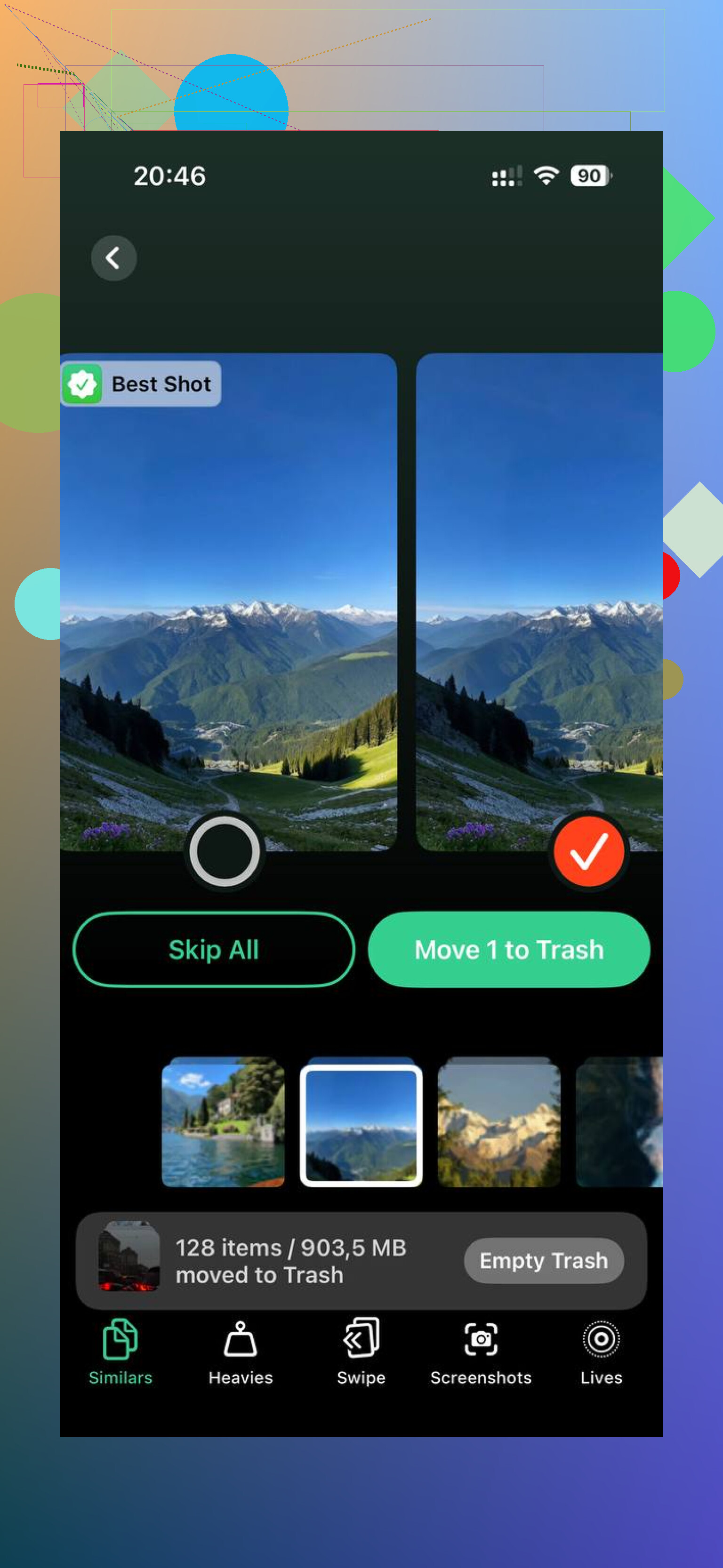
No, not really ‘accurate’ in the way most people expect. It’s more like a rough bucket than clean math.
I partly agree with @mikeappsreviewer and @sognonotturno, but I think people over-blame cache. Sometimes the bigger issue is that iOS counts app containers, shared frameworks, downloaded offline content, and even leftovers from app updates in ways that do not line up with the per-app list. So the top bar and the itemized list can both be ‘right’ while still looking totally wrong. Very Apple, lol.
A couple things that often get missed:
- Safari downloads and app-created files in Files can sit outside what you mentally count as app storage
- Some apps store offline media under their own sandbox and it is not obvious from the main number
- Developer tools, voice models, dictionaries, and language packs can swell the Applications bucket too
- System cleanup can lag badly if the phone has been near full for a while
One thing I would try that wasn’t mentioned yet: connect the iPhone to a Mac or PC and check storage there through Finder or Apple Devices/iTunes. Weirdly, that sometimes forces a more honest recalc.
Also check Settings > Accessibility > Live Speech / Personal Voice / Siri voices if you use any of that. Those downloads are easy to forget.
If you mainly want to find what is actually eating space, Clever Cleaner is useful because it surfaces the big local files fast. Also this video guide to clearing hidden iPhone storage and large files is worth a watch.
If the gap is huge and stays for days, then yeah, the category is probly bugged more than bloated.
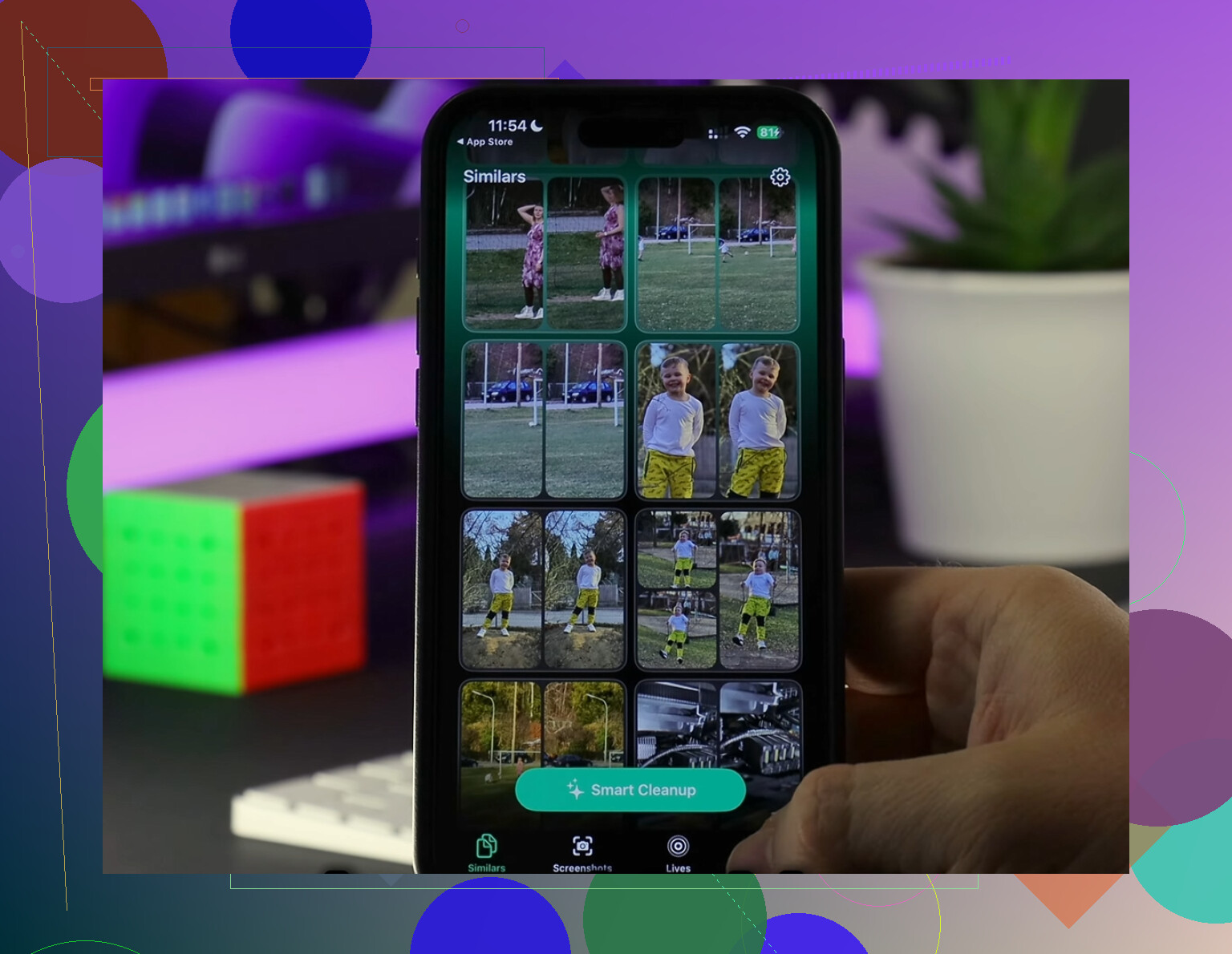
I’m with @sognonotturno on the core point: the Applications bar is not precise enough to treat like a spreadsheet. But I disagree a little with the idea that a huge mismatch is usually just delayed reporting. Sometimes it is, sure. Other times iOS is counting app containers, offline packs, app group data, extensions, and shared bits that are awkwardly attributed.
One thing I’d check that hasn’t been stressed enough is device analytics. Go to:
Settings > Privacy & Security > Analytics & Improvements > Analytics Data
If you see repeated low-storage or cleanup-related logs, that’s a clue iOS has been failing to reconcile storage cleanly. Also check whether you have downloaded Siri voices, translation data, or keyboard dictionaries. Those can bloat the Applications side more than people expect.
I also would not rely only on the per-app list. Some Apple apps and bundled resources get represented weirdly there.
If you want a practical way to spot what is actually local and huge, Clever Cleaner is decent for that.
Pros:
- fast at surfacing large media
- useful for duplicate and similar photo cleanup
- simpler than digging through iPhone menus
Cons:
- won’t magically fix a broken iOS storage database
- less useful if the missing space is from system misreporting
- cleanup apps in general can encourage deleting stuff too aggressively
Compared with what @sonhadordobosque and @mikeappsreviewer described, I’d say the truth is in between: some of the gap is real hidden app data, some is just Apple’s messy accounting. If the number stays wildly wrong after a couple of days and after a sync with a computer, that usually points to reporting corruption more than actual app bulk.