My exFAT SD card became corrupted after files were accidentally deleted, and now my computer either asks to format it or can’t read it properly. I need help finding a safe way to recover the deleted photos and videos without making the data loss worse.
Yes, recovering files from an exFAT SD card or USB drive is possible, even if it looks corrupted and you never made a backup. The main thing is to stop using the device right away. Every new photo, video, copy operation, or repair attempt can overwrite data that might still be sitting there.
Don’t format it just because Windows asks you to. Same goes for running CHKDSK as a first step. Those tools are meant to make the file system usable again, not to protect your missing files. If the issue is logical corruption, “fixing” it first can actually make recovery harder. A quick format usually wipes the file system records more than the actual data, so files may still be recoverable until something writes over them.
What worked for me was pretty simple. I had deleted several camera videos from an exFAT SD card by accident, so I stopped using the card immediately, pulled it from the camera, and connected it to my PC with a card reader. That part matters more than people think, because the camera never got a chance to write anything else to the card.
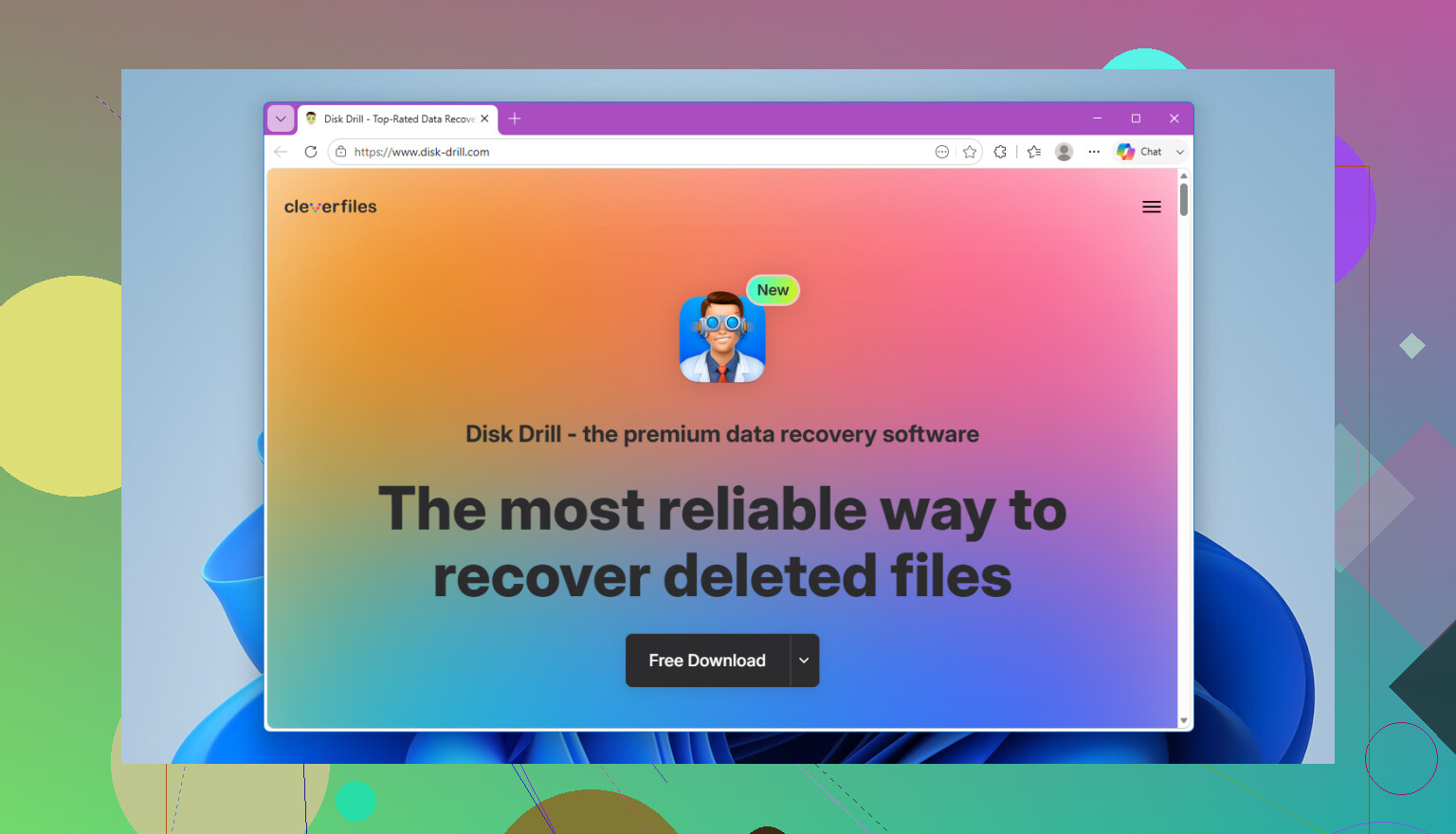
I used Disk Drill. The basic flow is:
- Install Disk Drill on your computer, not on the SD card or USB drive.
- Plug in the exFAT device.
- Select the device and click Search for lost data.
- Use Universal Scan for most cases.
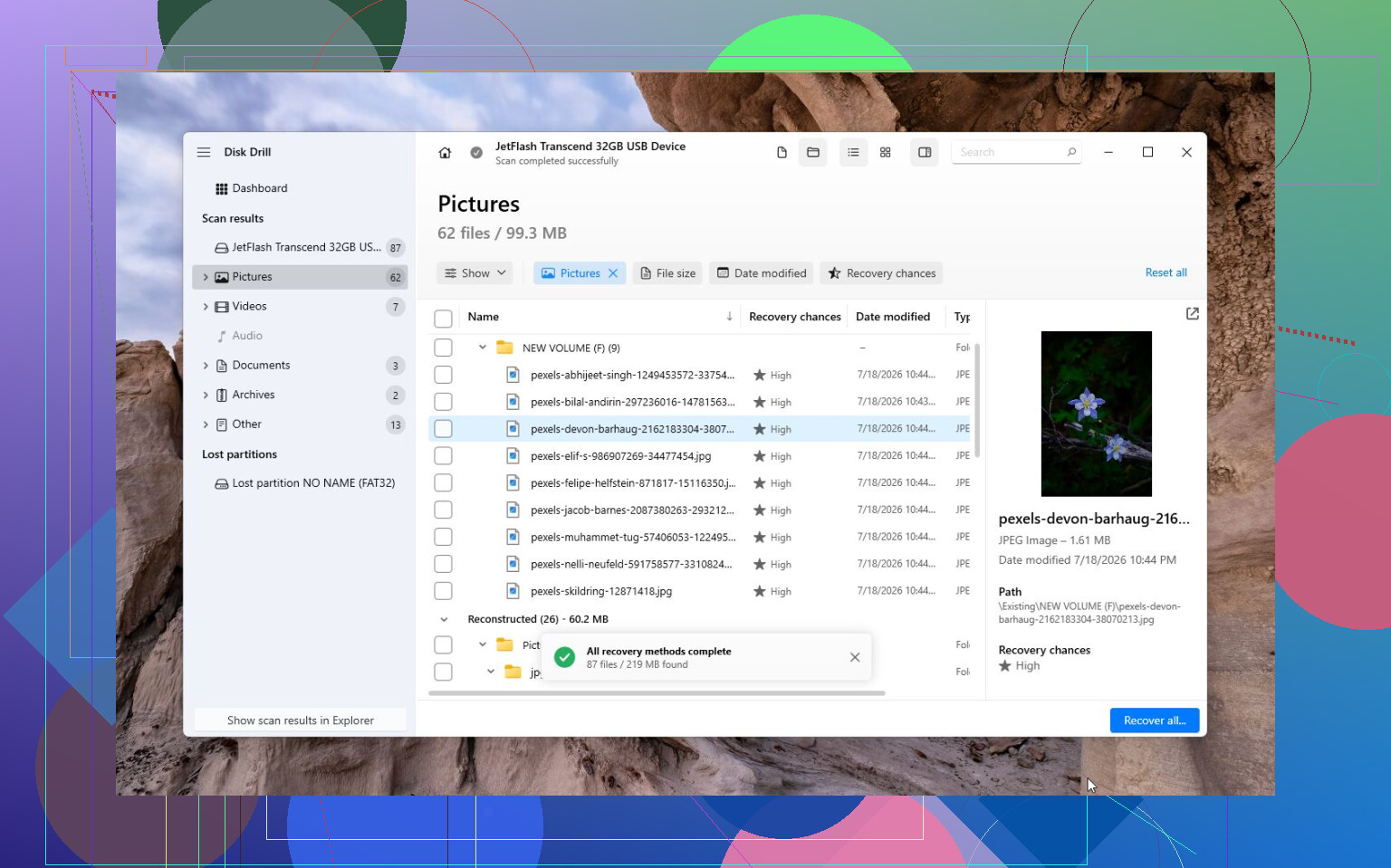
- Wait for the scan to finish and preview what it finds.
- Recover the files to your computer or a different drive. Don’t save them back onto the same SD card or USB stick.
On Windows, Disk Drill lets you recover up to 100 MB for free, which is at least enough to check whether the files are showing up before you pay for anything. The disk imaging feature is also worth using if the card is acting flaky. If it disconnects, reads painfully slowly, or seems unstable, make an image of the card first, then scan that image instead of repeatedly scanning the original device.
For camera footage, especially from DJI, GoPro, Canon, Sony, and similar devices, try Advanced Camera Recovery (ACR) too. Video files from cameras can be split into fragments, and a regular scan may not always rebuild them correctly. ACR is made for that kind of fragmented footage, so it’s worth running before deciding the videos are gone.
If Disk Drill doesn’t find anything useful, TestDisk is another option. It’s free and more technical, so it’s not as friendly, but it can be very good when the real problem is a damaged partition or corrupted file system instead of a normal deletion.
The one time I wouldn’t keep messing with DIY tools is when the device seems physically bad. If the SD card or USB stick won’t show up on multiple computers, keeps dropping out, looks damaged, or gets unusually hot, stop using it and talk to a recovery lab. A lot of labs will evaluate it for free. The actual recovery can run from a few hundred dollars to well over $1,000 depending on what failed, but if the hardware is dying, software usually isn’t going to solve it.
So yeah, exFAT recovery can work without a backup. Just don’t keep writing to the card, don’t repair or format it first, and recover the files to a different drive.
Whether the card still shows as a physical device matters more than whether Windows can open the drive letter. If Disk Management, Device Manager, or a recovery app can see the actual SD card capacity, you still have something software can work with. If it only shows 0 bytes, no media, or keeps disappearing, that’s a different problem and I’d stop trying random scans.
I agree with the warning about not formatting or running CHKDSK first, but I’d be extra careful about scanning the card over and over if it’s acting unstable. A full scan can read the whole card for hours, and flaky flash storage sometimes gets worse during that. If the photos or videos matter, make a sector-by-sector image first and scan the image. Disk Drill can do that in a friendlier way, or ddrescue is the cheaper route if you’re comfortable with Linux tools. Either way, save the image to a drive with more free space than the whole SD card, not just the size of the deleted files.
Small detail people miss: in the recovery program, pick the whole SD card or the disk image, not only the damaged exFAT volume/drive letter. If the partition table or exFAT metadata is messed up, scanning just the visible volume can miss stuff. And don’t be surprised if recovered videos have weird names or no folder structure. With deleted files on exFAT, getting the content back is often more realistic than getting the original tidy folder layout back.
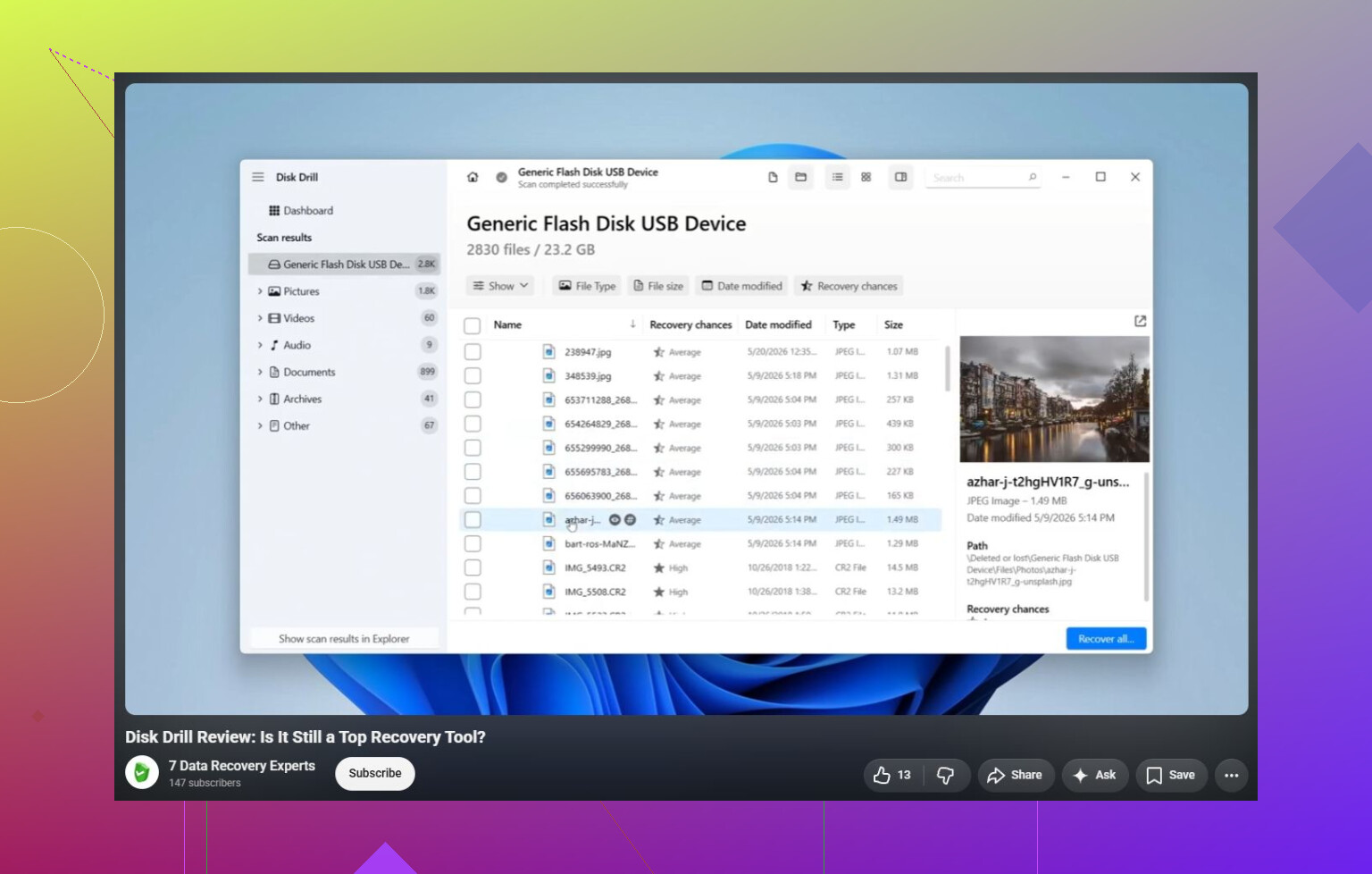
Expect the recovery to be messy rather than a clean undo button. On exFAT, the software may find “files,” but that does not always mean the photos or videos are fully intact. For photos, previewing is a decent sign. For videos, a preview or filename is weaker proof because the file can still be missing chunks or have a broken header.
I’d follow @waldgeist’s image-first advice if the card is unstable, but I’d be picky about the hardware too. Use a plain SD card reader plugged directly into the computer, not a camera over USB, not a flaky hub, and not a reader that keeps reconnecting. If you have a full-size SD adapter with a lock switch, set it to locked before connecting. It is not a perfect write blocker, but it reduces the chance of the OS or some app writing junk to the card.
Disk Drill is fine for a first pass because it is easier to understand than TestDisk, but don’t judge success by the scan count alone. Recover a small batch to your internal drive or another external drive, then actually open the files. For videos, play them all the way through or at least jump around in the timeline. If the recovered files are tiny, duplicated, have random names, or only the first few seconds play, that usually means the scan found fragments rather than complete usable files. At that point I’d stop repeating scans on the card and either work only from an image or send it out if the footage is important.
A card that was deleted from and then left alone is a very different case from a card that was deleted from, reinserted in a camera, and used for another shoot. In the first case, recovery software may have a fair shot. In the second, the missing photos/videos may already be partly overwritten, and no program can put overwritten data back.
The “corrupted” part is what makes this trickier. If Windows asks to format it, don’t click through, but also don’t keep unplugging/replugging it ten times hoping it suddenly mounts. Each bad connection or forced repair prompt is another chance for the system, camera software, cloud sync tool, or antivirus to touch the card. I’d disable any auto-import apps before connecting it, especially photo managers that immediately scan removable media.
I agree with @waldgeist on scanning the whole physical card or an image, not just the drive letter. A lot of people pick the visible RAW/exFAT volume because it looks like the obvious choice, then wonder why the results are weak. If the partition info is damaged, the “volume” may not represent the real layout anymore. The full device scan is slower, but it is the safer bet when the file system itself is questionable.
Disk Drill is reasonable if you want a less technical tool, but treat the preview as a filter, not a promise. For photos, previews usually mean you are close. For videos, I would recover a few samples first and check file size, duration, and playback near the end of the clip. A recovered 4 GB video that only plays the first 12 seconds is not a win, even if the filename looks right.
The boring thing people forget is storage space. If it’s a 256 GB SD card, have more than 256 GB free somewhere else before imaging it, plus extra space for recovered files. Don’t recover to the SD card, don’t “repair” the card first, and don’t format it just to make recovery software see it. If the card vanishes, shows 0 bytes, or gets hot, stop there. That is no longer a normal deleted-file job, and more DIY scanning can make the final recovery worse.