I’ve been testing the Undetectable AI Humanizer tool to make AI-written content sound more natural and bypass AI detection, but I’m not sure if it’s actually working or hurting my SEO and authenticity. Has anyone tried it in real projects, like blogging or client work, and can share results, risks, or better alternatives for safe, human-sounding content optimization?
Undetectable AI
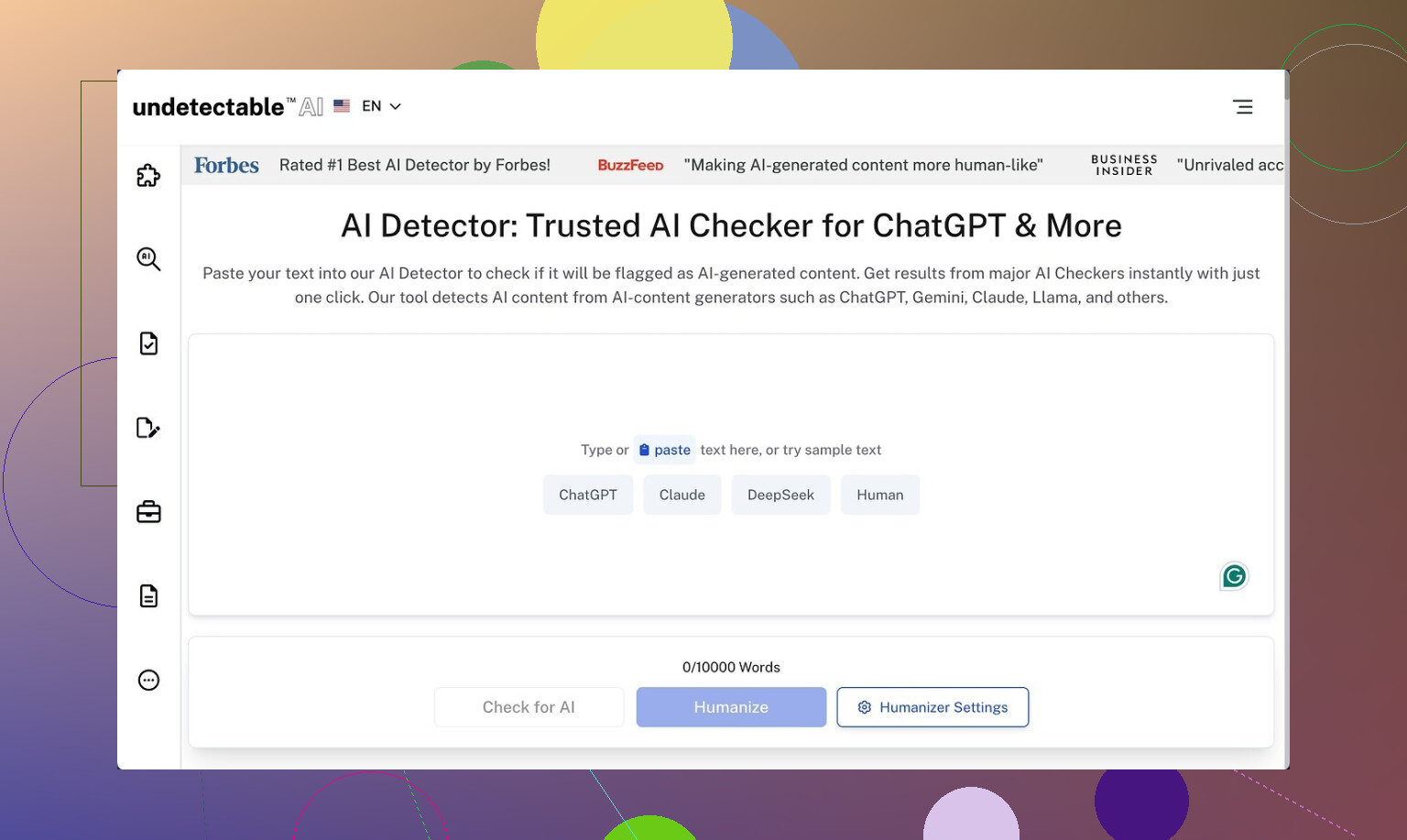
I spent some time poking at Undetectable AI using only the free Basic Public model. No paid plan, no API, nothing fancy. This one here:
https://cleverhumanizer.ai/community/t/undetectable-ai-humanizer-review-with-ai-detection-proof/28/2
Here is what I saw.
Detection scores
On the free tier, I pushed a bunch of stock GPT text through the “More Human” setting, then threw the outputs at a few detectors:
- ZeroGPT: often around 10 percent AI
- GPTZero: hovered near 40 percent AI
That put it ahead of a lot of paid “humanizers” I tried earlier in the week. The free model did not fall apart on longer text either, at least on the detectors’ side.
From the UI, paid users get extra stuff behind the login:
- Stealth and Undetectable models
- Five “reading levels”
- Nine “purpose” options
- A slider for intensity
Judging by the free results, those paid models are likely tuned harder for detection evasion, though I did not test them directly.
Writing quality
Here is where things got messy.
“More Human” mode
If you care about how the text reads, this mode gets rough fast.
Across multiple samples:
- The tool kept forcing first‑person phrases into places where I did not use any.
Things like “I think”, “I feel”, “from my experience” appeared over and over, even in neutral, informational text. - It leaned on the same phrases so much the writing felt fake in a different way.
- Some sentences broke into odd fragments that did not connect cleanly to the next line.
- I would rate it about 5 out of 10 for anything public facing. Maybe usable for quick homework edits if no one reads closely, but not for clients or a boss who pays attention.
“More Readable” mode
This mode did clean up some chaos:
- Fewer random first‑person inserts, though they still showed up.
- Slightly clearer sentence structure.
- Less aggressive keyword repetition, though not gone.
Even so, the output still needed manual editing to hit a standard blog, email campaign, or LinkedIn post level. I would not paste it straight into a CMS without a full pass.
Pricing
From what I saw on their pricing page:
- Starts at 9.50 dollars per month on the annual plan
- Word limit at that tier was 20,000 words per month
If you write a few long articles per week or do client work, that cap will creep up on you faster than you think. For light student use or low‑volume writers, it might be enough.
Privacy and data collection
One thing that stood out in a bad way was the privacy policy.
They collect:
- Standard stuff, like email and usage
- Plus more detailed demographic info such as income range and education level
For a text rewriting tool, that felt off to me. If you are privacy‑sensitive, you should read their policy line by line before signing up or logging in with personal details.
Refund policy
The “money‑back guarantee” has some strings.
From what I read:
- You need to prove your content scored below 75 percent human
- You have 30 days to do that
- That means you have to run your text through detectors, grab screenshots or logs, then send proof
So the guarantee exists, but it is narrow and puts the burden on you. It is not a “no questions asked” refund.
Practical takeaway
If your top priority is lowering AI detection scores and you are willing to clean up the writing by hand, the free Basic Public model of Undetectable AI is stronger than a lot of tools in the same niche.
If you care about:
- Natural voice
- No weird first‑person spam
- Clean structure out of the box
- Minimal data collection
- Simple refunds
then you will need manual editing on top or a different solution.
I’ve played with Undetectable AI too, and my take lines up with some of what @mikeappsreviewer said, but I’m a bit harsher on it for real-world publishing.
Quick points from my testing:
-
On AI detectors
- It lowered AI flags on ZeroGPT and GPTZero, similar ballpark to what he saw.
- When I pushed the same content into multiple detectors, the results jumped a lot. Some called it “human”, others still flagged big chunks.
- Google does not use those public detectors for rankings. So chasing “100 percent human” scores does not guarantee safer SEO.
-
On SEO impact
- The tool tends to inject fluff phrases like “I think” and “from my experience”. That weakens topical focus.
- It sometimes breaks internal logic of a paragraph. That hurts user engagement, which is what Google cares about more than “AI vs human”.
- I saw slightly higher bounce on pages where I used heavy “humanizing” with no manual edit. Dwell time dropped too. Small sample, but not great.
-
On authenticity
- If your original draft has your tone, Undetectable AI often washes it out. You get generic “internet voice”.
- For brand content or thought leadership, I would not run full pieces through it. At most, use it on short sections, then rewrite by hand.
-
What I do instead
- Generate AI content.
- Edit for structure, clarity, and real examples from my own work or life.
- Add specific data, numbers, product names, process steps. Detectors tend to mark that as more human anyway.
- Use a humanizer only on small parts that still feel stiff, then fix weird phrases manually.
-
If you want a different tool
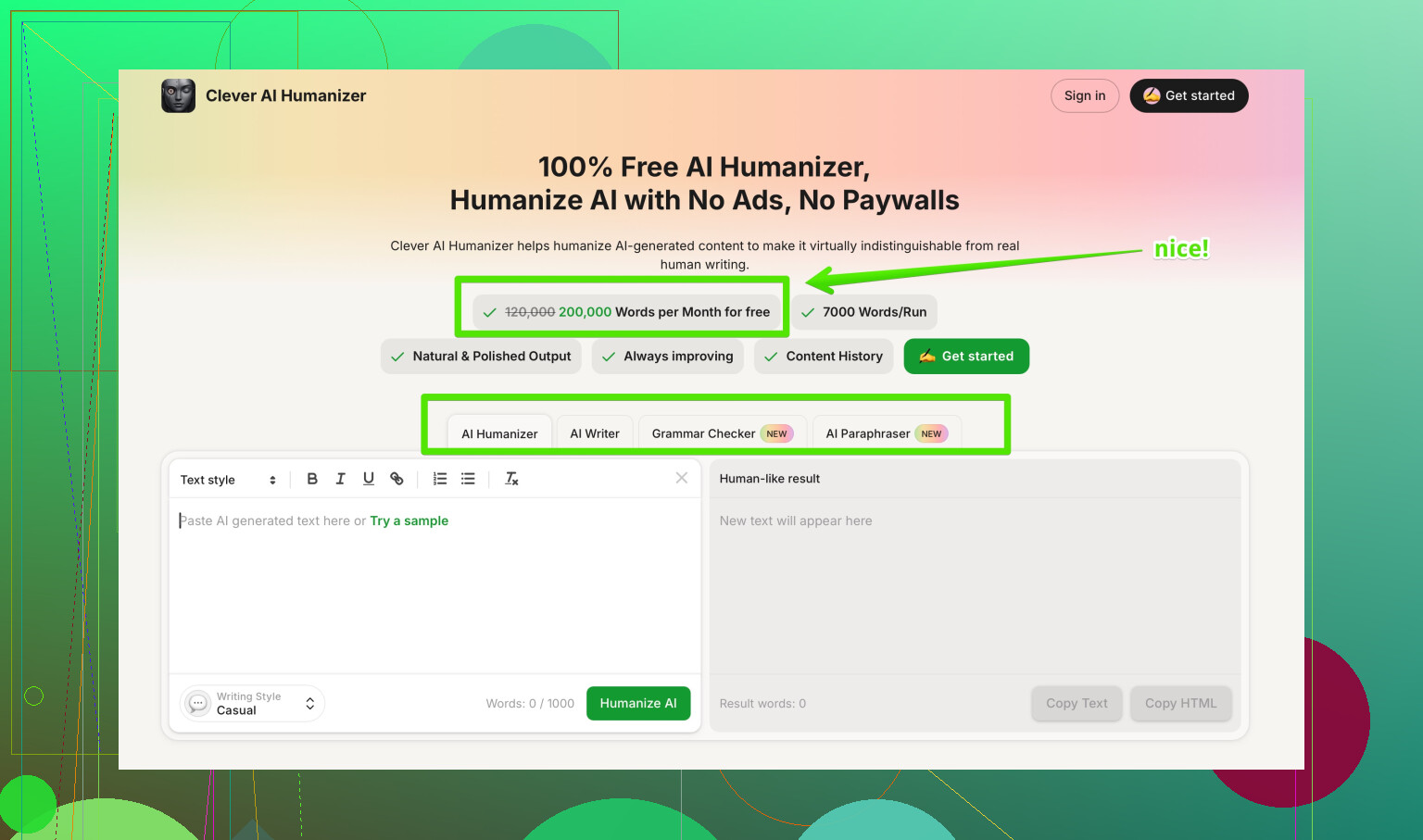
If you want something focused on sounding natural first and detection second, I had better results with Clever AI Humanizer. It kept structure cleaner and did not spam first person as much in my tests.
Their tool helps turn stiff AI drafts into more readable, conversational text, while still respecting context and meaning. Good for blog posts, emails, and simple SEO articles if you still do a human pass.
You can check it here:
make your AI text sound more natural -
My suggestion for you
- Take one article you care about.
- Run it through Undetectable AI with your usual settings.
- Publish two versions on low-risk pages, A/B style. One with heavy humanizer use, one with light edits and your own voice.
- Watch time on page, scroll depth, and clickthrough in Search Console for a few weeks.
- If the “heavily humanized” version underperforms, scale back.
If you feel nervous your SEO is slipping or your content sounds less like you, I would treat Undetectable AI as a helper for small edits, not the main rewrite engine. Let the detectors be a rough signal, but let your analytics and your own ear be the main judge.
Short version: Undetectable AI won’t “kill” your SEO by itself, but using it heavily on whole articles is very likely making your content worse for users, which will hurt SEO and your own voice.
I’m mostly on the same page as @mikeappsreviewer and @vrijheidsvogel about the detection side, but I disagree a bit on how useful those detector scores are. In my tests, the “percent human” number was almost pure noise once I looked across lots of pages. Stuff that ranked and got backlinks still sometimes flagged as “AI,” and weak pages sometimes looked “very human.” So treating those scores as a main success metric is kinda a trap.
Here’s what I’d actually do in your shoes, without repeating all the steps they already laid out:
-
Decide your real goal first
- If your main goal is rankings and conversions, care more about:
- Clear structure
- Specific detail and experience
- How long people stay on page and what they do next
- If your main goal is “don’t get yelled at by a professor or client about AI,” then detection scores matter more, but they’re still not the only thing.
- If your main goal is rankings and conversions, care more about:
-
How Undetectable AI might be hurting you
From what you described and what they both saw:- It introduces generic filler like “I think” and “from my experience.” That dilutes topical relevance.
- It can slightly mangle logic chains in your paragraphs. That bumps confusion, which bumps bounces.
- It tends to flatten tone so everything sounds like the same blogger who read too many copywriting threads. That kills authenticity fast if you already have a decent voice.
None of this shows up in detector dashboards, but it does show in analytics.
-
Practical use case where it can help
- Short, low‑stakes snippets: product blurbs, basic meta descriptions, quick email intros.
- Polishing small chunks of stiff AI text, then you manually fix the weird phrasing and add your own examples.
- Anywhere you only need “good enough and fast,” not “this represents my brand/portfolio.”
Where I’d avoid it:
- Thought leadership, niche expertise posts, long guides, or anything where your personal tone matters.
- Pages that are already getting impressions and clicks. I’ve seen “humanized” rewrites tank time on page more than once.
-
About SEO specifically
Google is not running your stuff through ZeroGPT. It is watching:- How fast users pogo-stick back to results
- Whether they scroll, click other internal links, or share
- Whether other sites link to you because your content is actually helpful
If Undetectable AI makes your piece a bit more “undetected” but more boring, you’re trading real signals for imaginary ones. Not worth it.
-
Alternative workflow that tends to work better
Without copying their step-by-step:- Use an LLM to draft.
- Mark spots that feel robotic or repetitive.
- Rewrite those sections in your own words with your own stories, stats, screenshots, or process details.
- If something’s still stiff, then run only that paragraph through a tool like Clever AI Humanizer, which in my experience keeps structure a bit cleaner and doesn’t spam first‑person as hard. You still need to edit, but the text usually sounds more natural coming out of it.
-
Quick answer to “am I hurting authenticity?”
If you read your own article and feel like “this doesn’t sound like me,” then yes, you are. And if you feel that, your regular readers or clients definitely will. Detectors can’t measure that, but your repeat traffic and replies will. -
On finding better tools & info
If you’re comparing options and want a broader view on tools like Clever AI Humanizer, Undetectable, etc, there are some solid breakdowns of the best AI humanizers people actually recommend on Reddit here:
real‑world experiences with top AI humanizer toolsThat kind of discussion is usually more honest than product pages, because people complain loudly when stuff messes with their content.
Bottom line:
- Use Undetectable AI lightly, on small sections, and never as a one‑click rewrite for entire articles you care about.
- Let your analytics, not detector scores, tell you if it’s helping.
- If you want a tool in this space, treat something like Clever AI Humanizer as a small part of your editing stack, not the main author.
Short version: Undetectable AI is decent at “fooling” some detectors, but you’re right to worry it might be hurting both SEO and authenticity if you lean on it too hard.
Where I slightly disagree with the others: I don’t think the tool is useless for serious sites, but it only works if you treat it like a noisy assistant instead of a magic filter. Whole‑article passes usually create more problems than they solve.
A few angles that haven’t been stressed yet:
1. Detector chasing vs risk management
- Detectors are noisy, but they are still useful as a sanity check for specific use cases: academic work with strict rules, picky clients, platforms that publicly threaten AI bans.
- For SEO content, I’d treat detector scores as a “red flag” metric, not a KPI. If something is getting pegged as 100 percent AI across several tools, then I’d consider some kind of humanization or heavier editing. Otherwise, ignore small differences.
2. What Undetectable AI likely does to your topical strength
From what you and others describe, plus similar tools I have seen:
- Overuse of vague self‑references like “I think” dilutes entity and topic density. That can subtly weaken how clearly your page is about a specific subject.
- Broken logical chains matter more than people think. If a user misses one step in a process because the tool rearranged a phrase, they bounce or hit back. That is a stronger negative signal than any AI footprint.
So yes, if you use it on full articles and barely edit, it can indirectly hurt SEO through lower engagement and weaker topical focus.
3. Authenticity: the part detectors cannot see
You already noticed the “generic internet voice.” That is a real issue:
- Long‑term readers and clients can spot when your tone suddenly shifts to cliché‑heavy, over‑soft wording.
- That erosion of trust does not show up as a penalty in Search Console, but it shows up as fewer replies, shares and email opens over time.
If you feel like your own work sounds less like you after Undetectable AI, that feeling is a valid data point, not paranoia.
4. How I’d reposition Undetectable AI in your stack
Rather than repeating the workflows from @vrijheidsvogel, @himmelsjager and @mikeappsreviewer, I’d frame it this way:
- Treat Undetectable AI as a post‑edit seasoning, not the chef. Use it on:
- Short “stiff” passages
- Transitional sentences
- Generic intros/outros you do not care about
- Never run your strongest paragraphs or unique insights through it. Those are where your voice and expertise live.
If a humanized chunk looks off, delete and rewrite instead of trying to repair every awkward sentence. Your time is better spent rewriting 10 percent of a page in your own style than patching 100 percent of a messy rewrite.
5. Where Clever AI Humanizer fits in
Since it came up already, here is a quick, non‑fluffy take on Clever AI Humanizer as an alternative for the “make this less robotic” job:
Pros
- Tends to preserve structure and argument flow better than tools that obsess over detection scores.
- Less aggressive with fake‑sounding first‑person padding, which is good if you care about sounding like a real writer and not a template.
- Useful for turning basic AI drafts into more natural, conversational text while keeping context mostly intact. Works fine for blog posts, emails and simple SEO pages as long as you still edit.
Cons
- Still needs a human pass. It does not reliably nail nuanced tone or brand voice on its own.
- Occasional over smoothing. It can make spicy, opinionated sections a bit too neutral if you are not careful.
- Not a magic shield against detectors. It can help, but you cannot assume “humanized = undetectable.”
If your main concern is readability and keeping your SEO pages clear and user friendly, Clever AI Humanizer is usually a better fit than running everything through an aggressively “undetectable” filter. Just keep expectations realistic: it is an editor’s helper, not a replacement for your judgment.
6. What I would watch going forward
Instead of focusing on whether Undetectable AI is “good” or “bad,” I would monitor:
- Pages where you used it heavily versus lightly, and compare:
- Average time on page
- Scroll depth
- Internal clickthrough
- Reader behavior on brand‑critical content. If engagement drops after humanizing, that is your answer.
If analytics and your own ear both say the humanized versions feel worse, then scale back Undetectable AI to only low‑stakes snippets and consider a readability‑first tool like Clever AI Humanizer for small sections that genuinely need smoothing.