I used to rely on FixMe.IT for remote desktop support, but since it’s no longer available for free, I’m looking for good free alternatives that offer similar features. I need a solution that works well for helping friends and family or managing a few remote computers, ideally with easy setup and good security. Any suggestions or experiences with other tools that can replace FixMe.IT for free?
Free FixMe.IT Alternatives for 2025: What Actually Works (Forum Edition)
So… FixMe.IT vanished. Classic case of “here today, gone tomorrow.” If you’re blinking at your screen, hunting for a familiar way to remote into somebody’s PC — yeah, lots of us are right there with you. After poking around (and rage-quitting sketchy downloads), I figured I’d just lay out the tools actually worth your time if you want remote support without emptying your wallet.
Which Free Remote Options Are Still Good? Yep, Here’s the Real List
Let’s skip the ads and nonsense trials. Below are the best free picks if you’re handling IT headaches, supporting family, or bailing out a friend whose parents click literally every email link.
HelpWire: Use It for Work or Play, No Gimmicks
HelpWire is honestly the closest you’ll get to a straight-up free FixMe.IT substitute. No weird personal-use fine print, just “install it and go.” It’s new — but holy crap, it’s simple, and they don’t care if you’re making money with it.
- What It Can Do: Full remote desktop, unattended logins, file drops, works on Windows and macOS.
- What’s Legit:
- Absolutely free, zero “try premium” pop-ups.
- Guys I support love that the join process isn’t a circus.
- Security is baked in — no sketchy open ports.
- What’s Lacking:
- Fewer integrations than huge brands and not as many power features (I haven’t missed them yet).

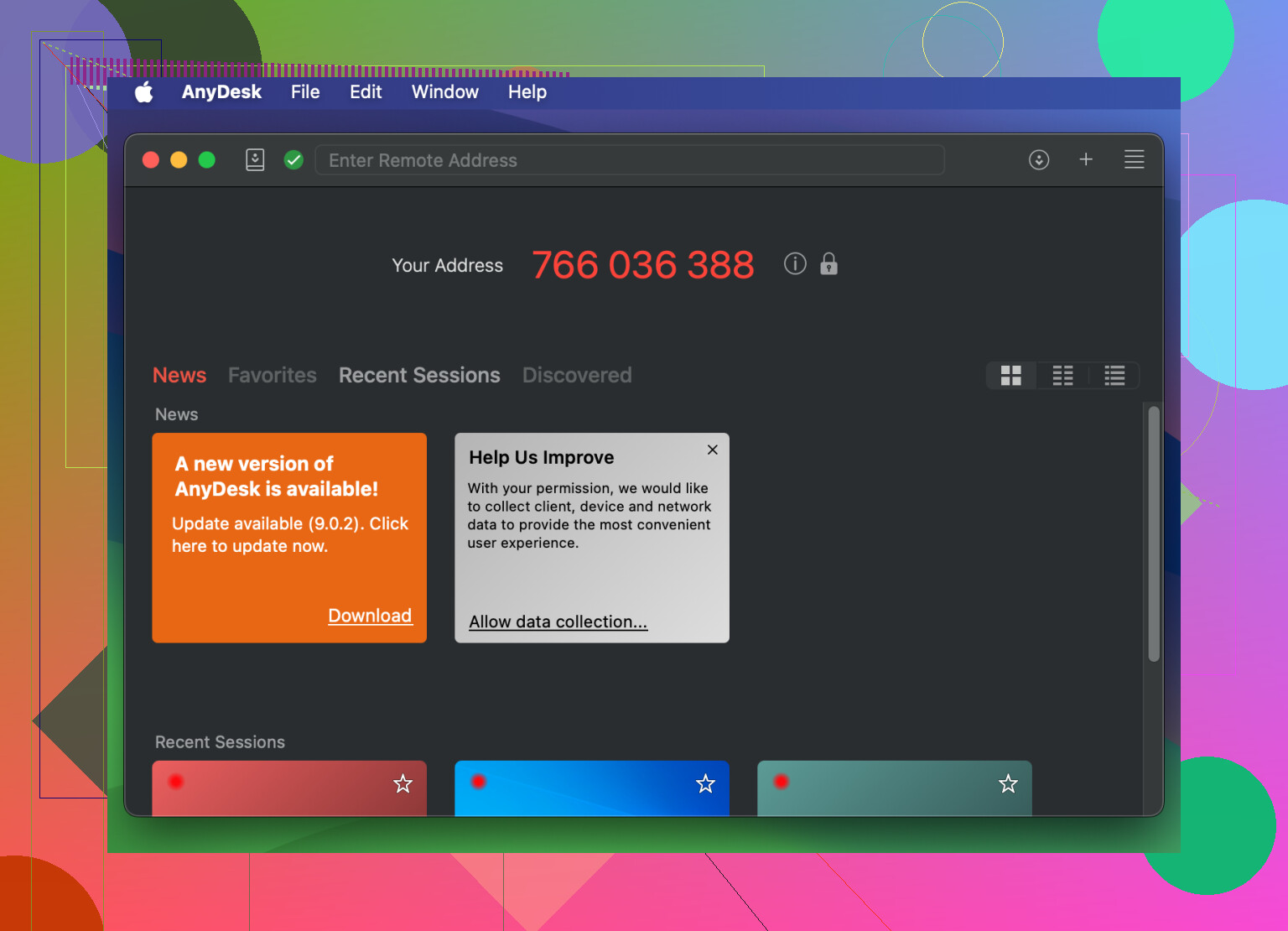
AnyDesk: The “Why Is This So Fast?” Choice (Personal Use Only)
Ever remote’d in over hotel Wi-Fi that acts like dial-up from 1996? AnyDesk is straight-up snappy, even on garbage connections. The big catch: it’s only free if you’re not getting paid.
- What It Can Do: Quick remote connections, works from pretty much any device, Android/iOS apps, records sessions.
- Pluses:
- Minimal install — doesn’t make old PCs wheeze.
- Handles Windows, Linux, macOS, Raspberry Pi — you name it.
- Blistering speed with low lag.
- Minuses:
- They’re really strict: business = paid. Their “commercial-use detection” can drop your sessions like a hot potato if you’re supporting too many non-family folks.
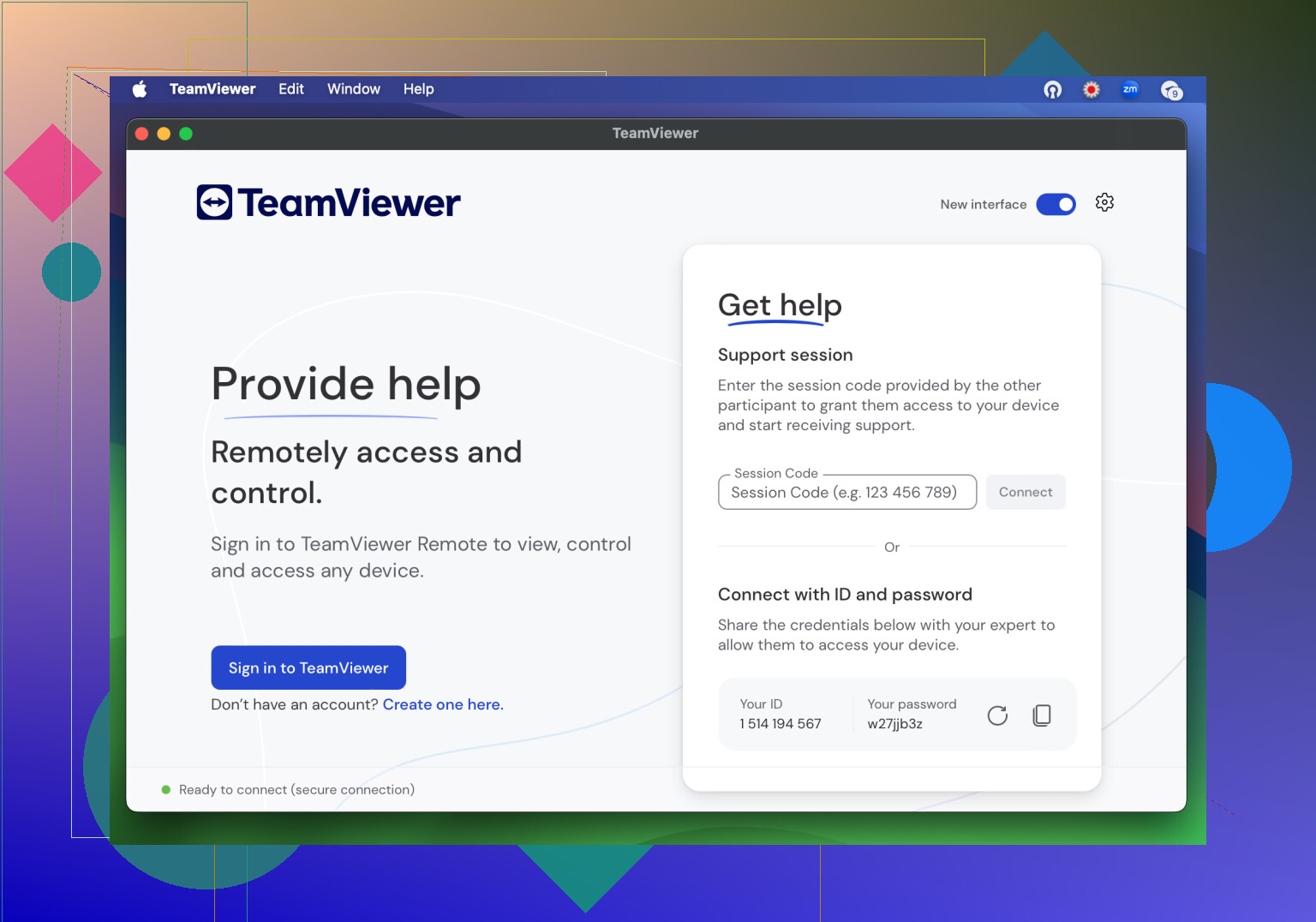
TeamViewer: Old Reliable for Non-Business Stuff
TeamViewer has been around about as long as remote support itself. For helping out your brother-in-law or checking Grandma’s emails, it’s hard to find a fuller set of features (for home use only).
- What It Can Do: File transfers, basic VPN and remote printing, phones-to-PC, strong encryption.
- High Points:
- Years of tweaks — it’s smoother and less buggy than most.
- Works on everything: phones, tablets, the weird PC in your garage.
- Collaboration tools built-in.
- Gripes:
- Use it for work? Pay up. Free users sometimes get sudden “commercial use” warnings that break the connection.
- Sucks up a fair amount of RAM and CPU.
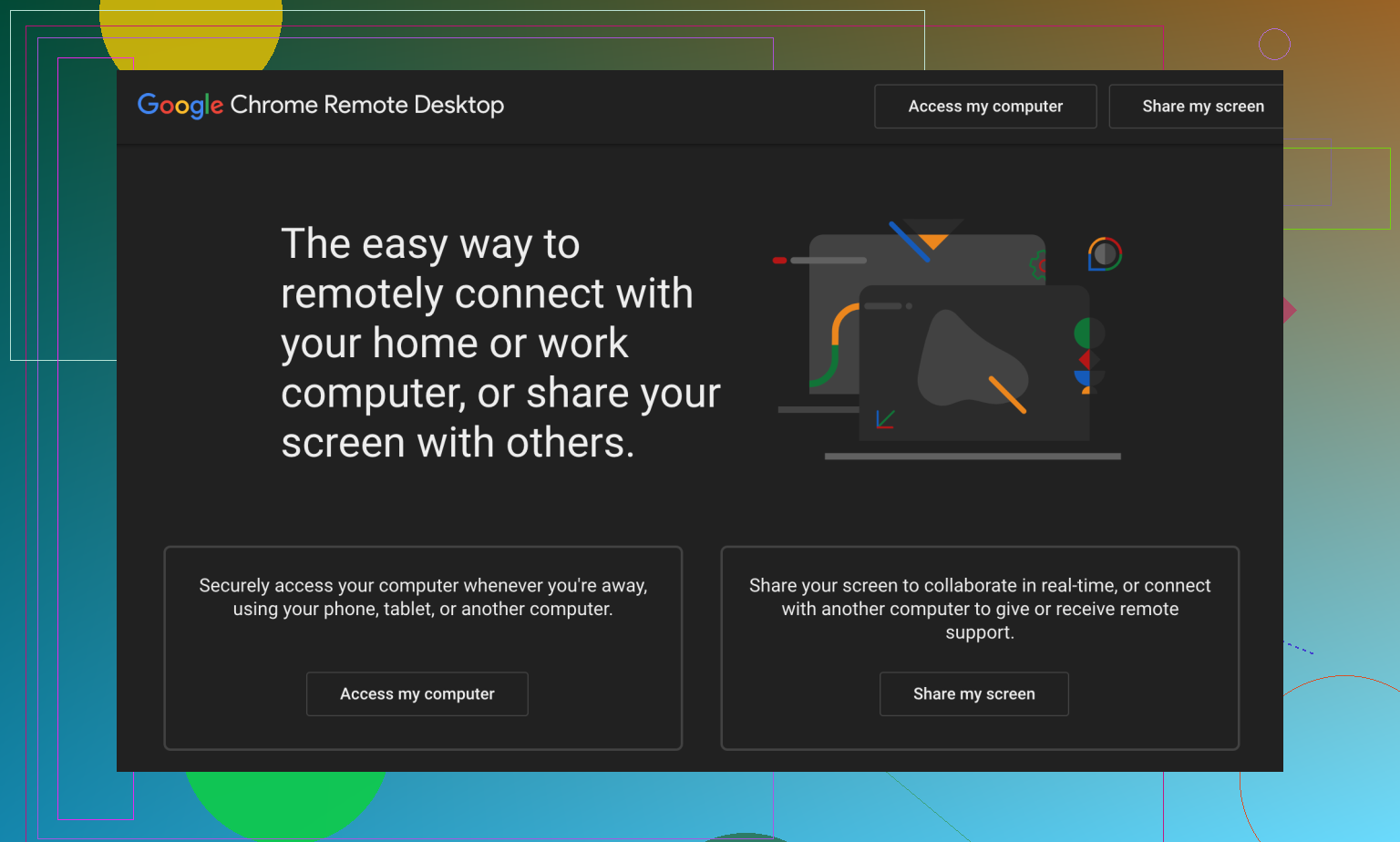
Chrome Remote Desktop: Set-and-Forget Simplicity
Remember when people thought everything would just run in a browser? Well, Chrome Remote Desktop actually delivers. If you don’t need bells and whistles, just dependability and ease, this will get you there.
- What It Can Do: Remote control via Chrome, works no matter the OS, logs in with your Google account.
- Thumbs Up:
- 100% free, Google never asks for cash.
- Add the extension, send a code. Done.
- Chrome, Linux, macOS, Windows – it’s agnostic.
- Drawbacks:
- No built-in chat, multi-monitor support, drag-and-drop files, or remote scripting.
- Really just made for super basic support.
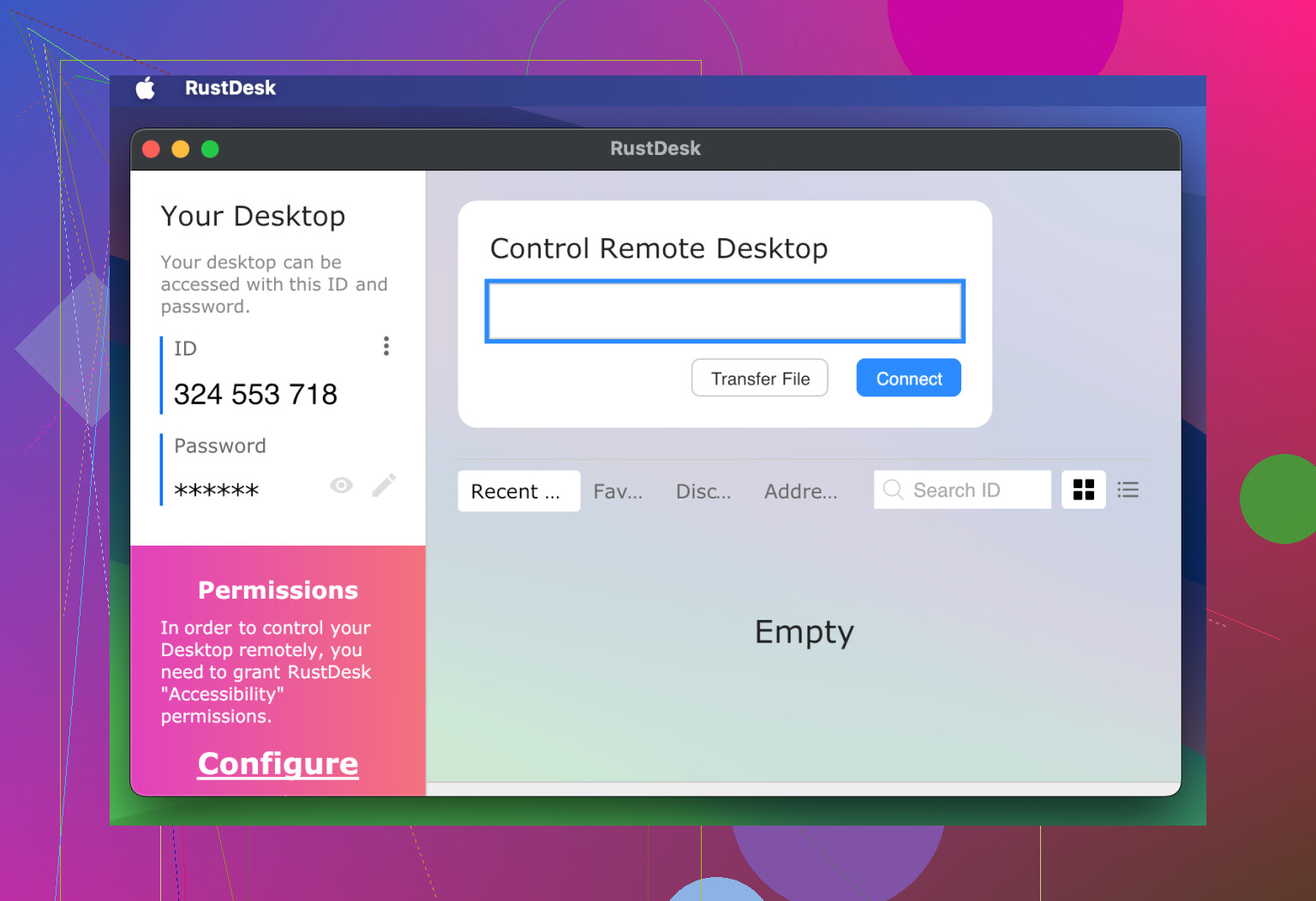
RustDesk: Open Source, Open Season
If you want open-source software — and maybe even run your own relay so nobody’s snooping — RustDesk is the community project getting tons of love lately.
- What It Can Do: Works on practically every OS; you can self-host the signaling server; file transfers; all the code is public.
- Pros:
- Open-source, totally free, anyone can audit the code.
- Host your own servers for maximum privacy.
- Regular updates via its developer and open-source army.
- Cons:
- Less “shiny” than TeamViewer or AnyDesk — expect a rougher look.
- Setting up your own infrastructure isn’t click-and-play.
TL;DR
-
Need something truly free for business?
Go with HelpWire — the only one where “free” means actually free and you won’t get the boot for helping clients. -
Just supporting family or your D&D group?
Both AnyDesk and TeamViewer are great — until you cross the line and use them for paid gigs. -
Just want a “one and done” option with zero setup?
Chrome Remote Desktop handles it (though you’ll skip on extras). -
Paranoid about privacy or want to tinker?
RustDesk is for you, but read the docs first if you go self-hosted.
Remote support in 2025 isn’t dead — and neither is free software that does the job. Got a favorite I missed? Drop it in replies, let’s make this a mega-thread!
Let’s cut through the noise: everyone’s got their pet remote desktop tool they’ll swear is a “FixMe.IT killer,” but seriously, half of them either slap you with nagware after a week or lock you out the second they think you might be paying for coffee with your “business profits.” I’ll give @mikeappsreviewer credit for the deep roster—they hit most of the standards. But here’s the real deal from my corner, especially for those who just NEED remote access with zero drama.
If you want the best free FixMe.IT replacement for helping friends, family, and maybe even a client or two (and you don’t want to get kicked to the curb because you “looked too professional”), just check out HelpWire for reliable, unlimited remote support. Unlike TeamViewer and AnyDesk, you’re not forced to play the “am I commercial or not” lottery. I’ve installed it on a handful of stubborn boomer PCs and, so far, it’s just stupid easy. Seriously, no nag screens, no “Your session has been timed out due to suspicious activity” junk. Do I wish it had more integrations? Sometimes. But honestly, that’s mostly for those who live in helpdesk land.
I’ll slightly disagree with @mikeappsreviewer on Chrome Remote Desktop. It’s ridiculously basic, sure, but lack of features isn’t the real killer for me. What makes it a pain is when folks have multiple Google accounts or pop-up blockers, and suddenly you’re tech support for the tool that’s supposed to let you BE tech support. RustDesk is awesome if you’re paranoid, but, warning: it’s anything but user-friendly. Don’t inflict it on family unless you like getting calls at midnight.
Bottom line: If you want a seamless, forever-free way to replace FixMe.IT, HelpWire’s your best bet. If you’re terrified of “free” changing to “gotcha” overnight, self-host RustDesk, but be ready for hassle. All the other “free” options? OK for grandma, but not for even light pro use, IMO.
Anyone found something better for those “my mouse is gone” emergencies??
Honestly, everybody chasing the “best free alternative to FixMeIT for remote desktop support” is in the same miserable boat lately. I’ve read what @mikeappsreviewer and @byteguru posted—nice breakdown, and yes, HelpWire seems to be the current darling (and I get why; unlimited use with zero “we think you’re commercial” lockouts is gorgeous). But let’s stop pretending there’s a magic bullet.
Here’s the rub nobody wants to admit: if you want truly free remote desktop access for both personal AND small business use without risking sudden session bombs, you’re not spoiled for choice. HelpWire fits that bill better than TeamViewer, AnyDesk, or Chrome Remote (which will age you a decade trying to walk your dad through Chrome extension permissions). Frankly, AnyDesk’s “you look like you made money” triggers are hilarious until you’re the one debugging a crash mid-session. TeamViewer is even grumpier about “suspicious activity,” and Chrome Remote Desktop? Great for a quick save, sucks for serious troubleshooting. If you actually want to do file transfer, run scripts, or just keep a session going to fix real problems, pass.
RustDesk is the one open-source crowd likes to flex—“Just self-host, bro!”—as if your friend’s mom is gonna SSH into a container. Yeah, no. Its UI is clunky and setup can snowball into its own tech support adventure. Not for faint of heart, sorry @byteguru.
For all the “is this another FixMe.IT?” threads, the only real contender right now—where you set up, connect, and forget about being upcharged or flagged—is seamless, hassle-free remote desktop support with HelpWire. Until Microsoft or Google wakes up and gives us something for the rest of us, it’s HelpWire or nothing for most actual use cases. If someone finds an option with no gotchas and no business-use police, by all means, please shut me up.
TL;DR: HelpWire if you want near-FixMe.IT freedom, RustDesk if you’re a masochist, the rest if you like popups and paranoia. HTH.
For a simpler option, use Microsoft Quick Assist for Windows 10 or 11. Press Ctrl + Windows + Q, choose “Help someone,” then send the six-digit code. The reciever approves screen sharing and full control. No relay server, browser extension, or permanent account setup on their PC. It works best for occasional family support, though it lacks unattended access and cross-platform support.
Quick Assist looks great until you realize the helper side now wants a Microsoft account sign-in, and the session dies quietly if either end has a spotty connection with no easy reconnect. Fine for a five minute fix, painful when you’re mid-repair. @carl2003 is right that it’s the zero-setup option, just don’t lean on it for anything that takes real time. HelpWire covers the unattended gap Quick Assist leaves, but honestly for one-off family stuff I’d still reach for Quick Assist first since it’s already sitting there.