I noticed Synced Media in my iPhone storage and I’m not sure what it actually includes or whether it can affect speed, battery life, or overall performance. I recently saw my phone feeling a little slower, so I’m trying to figure out if synced music, videos, or other files could be part of the problem and what I should safely remove.
I ran into this too, and yeah, Apple hid the ball here.
What “Synced Media” means
It’s local stuff copied from your computer to your iPhone through Finder, iTunes, or Apple Devices. Music, movies, TV shows, podcasts, audiobooks, photos. Old cable-sync stuff. Sometimes Wi-Fi sync too.
On older iOS versions, this storage blended into the app totals. A bunch of synced songs looked like Music storage. After newer iOS updates, Apple split it into its own label. So now there’s a difference:
- downloaded on the phone through an app, it stays under the app
- pushed from a Mac or PC, it lands in “Synced Media”
It has nothing to do with iCloud. iCloud is cloud data tied to your account. Synced Media sits on the phone itself.
Why it stays even after you delete stuff
This part got me. I deleted songs and photos I could see, then checked storage, same huge bar sitting there like nothing happened.
Reason is simple enough. iOS treats computer-synced files as managed by the computer, not by the phone. On those files, the delete option on the iPhone is often missing or grayed out. So the phone keeps reporting the storage until the sync source removes it.
What fixed it for me
You need to reconnect the phone to the computer.
On Mac, open Finder. On Windows, open iTunes or Apple Devices. Then check the media sections, usually Photos, Music, Movies, or similar, and uncheck whatever you no longer want synced.
If storage still looks stuck, I used the dumbest fix imaginable and it worked. I made an empty folder on my computer, then set photo sync to use that empty folder. Sync again. That overwrote the old synced photo set with nothing. After that, the ghost storage dropped off.
Does it slow the phone down
From what I saw, yes. My phone got sluggish once storage was squeezed. Typing lagged. Apps reopened all the time. Camera felt off too.
iPhones seem to behave worse when free space gets low. I try to leave at least 5GB or 6GB open now. Once storage fills up, temp files, caches, and normal system junk fight for scraps. You feel it.
What I used to clean the rest
After I cleared the synced junk, I still had a pile of random media eating space. Screenshots, giant videos, duplicate photos, the usual mess. I tested a few cleanup apps and most were junky or locked behind subscriptions.
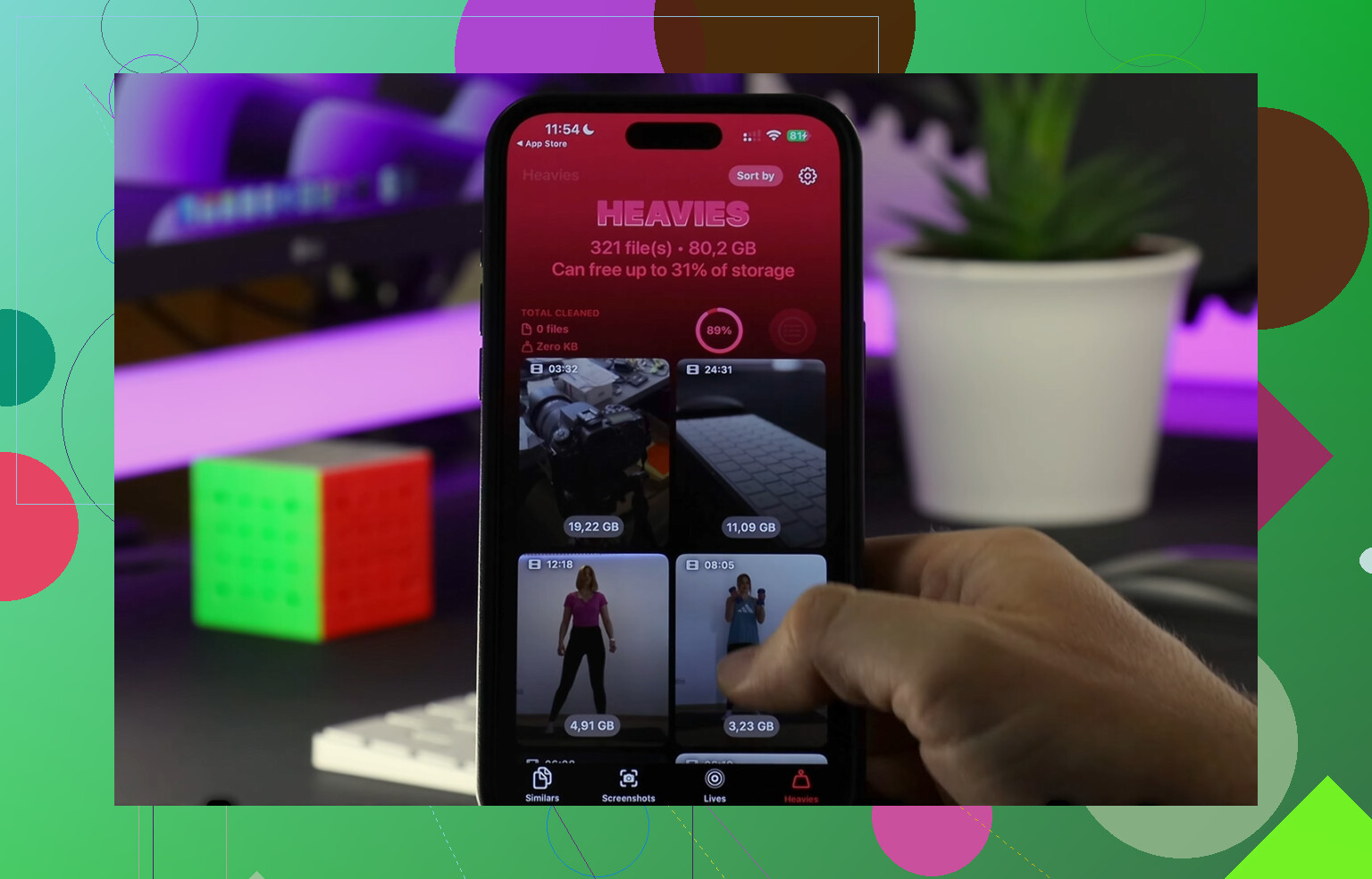
This one ended up being useful:
I liked it because it showed file sizes clearly, which saved time. I didn’t have to guess which video was huge. The large-file section helped me find old clips taking up gigabytes. The duplicate-photo tool was decent too. It grouped near-matching shots, which helped with burst-photo clutter.
One thing I cared about was privacy. From what I saw, it handles the analysis on-device, which was enough for me to keep using it.
The order I’d do this in
- Check iPhone Storage and confirm “Synced Media” is the problem
- Connect the phone to your Mac or PC
- Turn off or reduce synced Photos, Music, movies, whatever applies
- If Photos storage won’t leave, sync an empty folder
- After the big chunk is gone, clean screenshots, duplicates, and huge videos
- Leave a few gigabytes free so iOS stops tripping over itself
For me, clearing the synced block plus cleaning extra media freed around 15GB. Phone went back to normal after that. If your storage graph shows “Synced Media” eating a huge chunk, start with the computer sync settings first. Doing it on the phone alone usually goes nowhere. Learned that the annoyng way.
Synced Media is stuff copied to your iPhone from a Mac or PC. Think old-school Finder or iTunes sync. Music, movies, TV shows, photos, podcasts, audiobooks. It lives on the phone, so it counts against storage.
I agree with @mikeappsreviewer on the definition. I disagree a bit on performance. Synced Media itself does not slow iOS. A 10GB synced music library and 10GB recorded in an app both take space. The slowdown usually comes from low free storage, not from the “synced” label. Once free space gets tight, iPhone starts choking on caches, temp files, indexing, and photo processing. That part is real.
Battery impact is usually small. The media just sits there. The hit shows up if Photos is scanning, Music is indexing, or your phone is near full and doing storage cleanup in the background.
What to check:
- Go to Settings, General, iPhone Storage.
- Look at free space first. If you are under 5 to 10GB free, that’s a red flag.
- Restart the phone after a big cleanup. Storage charts lag sometimes.
- Check if Photos, Music, or TV are still indexing after a sync.
If Synced Media is large, remove enough stuff so you have breathing room. Then watch performance for a day. If your phone still feels slow, the cause is somewhere else, usally background app refresh, old battery health, or iOS bugs.
For cleanup after you fix the storage issue, Clever Cleaner is worth a look for duplicate photos and big files. It helps free up iPhone storage fast and makes large media easier to spot. This clip shows it better than I do, see how to clean up iPhone storage fast.
Short version. Synced Media is local synced content. It matters when it eats storage. It does not have some secret perfomance tax by itself.
“Synced Media” is basically the bucket for stuff that got copied onto the iPhone from a computer, not created or downloaded directly on the phone. So yeah, @mikeappsreviewer and @mike34 are right on the core point. Where I’d push back a little is this: people sometimes treat it like some weird hidden system problem, but it’s mostly just a storage label.
What it can include:
- synced music
- movies / TV
- podcasts or audiobooks
- photo libraries synced from Mac/PC
- maybe older iTunes-era leftovers
By itself, it usually does not hurt performance. A file is a file. The issue is when it leaves you with too little free space. That can cause lag, app reloads, keyboard stutter, hotter phone, and sometimes extra battery drain. Not because “Synced Media” is cursed, just because iOS hates being crowded.
One thing I’d check that they didn’t really get into: if your phone feels slow, look at Battery Health too. If it’s degraded, that can matter just as much as storage. Also check whether iOS recently updated, because post-update indexing can make the phone feel kinda janky for a bit.
If you already cleared some space and the phone still feels off, I’d look beyond Synced Media:
- battery health
- background photo indexing
- low power mode always on
- bad app behavior
- old iOS bugs
If you want to clean up the non-synced junk after that, Clever Cleaner is decent for spotting duplicates and huge files. Also, this thread is useful if you want real-world feedback on it: see what Reddit users say about Clever Cleaner for iPhone storage cleanup.
Short version: Synced Media is local computer-synced content. It matters if it eats storage. It usually is not the direct reason your iPhone feels slow, even if Apple makes the label look weird and mysterious lol.
One extra angle beyond what @mike34, @andarilhonoturno, and @mikeappsreviewer said: sometimes “Synced Media” is basically historical baggage. If you used iTunes or Finder sync years ago, that category can hang around longer than expected because iOS still tracks it separately even if your current habits are all streaming and iCloud.
I slightly disagree with the idea that it is totally harmless unless storage is critically low. Large local media libraries can also make spotlight indexing, media database updates, and backup prep take longer right after a sync or update. Usually temporary, but real.
What I’d focus on:
- not the label itself
- whether free storage is dropping below roughly 10 percent
- whether slowdown happens only after charging, syncing, or updating
- whether the issue is system-wide or just in Photos/Music/TV
If the phone is slow everywhere, check:
- Battery Health
- available storage
- iOS version
- background Photos activity
If it is only slow in media apps, Synced Media is more likely involved.
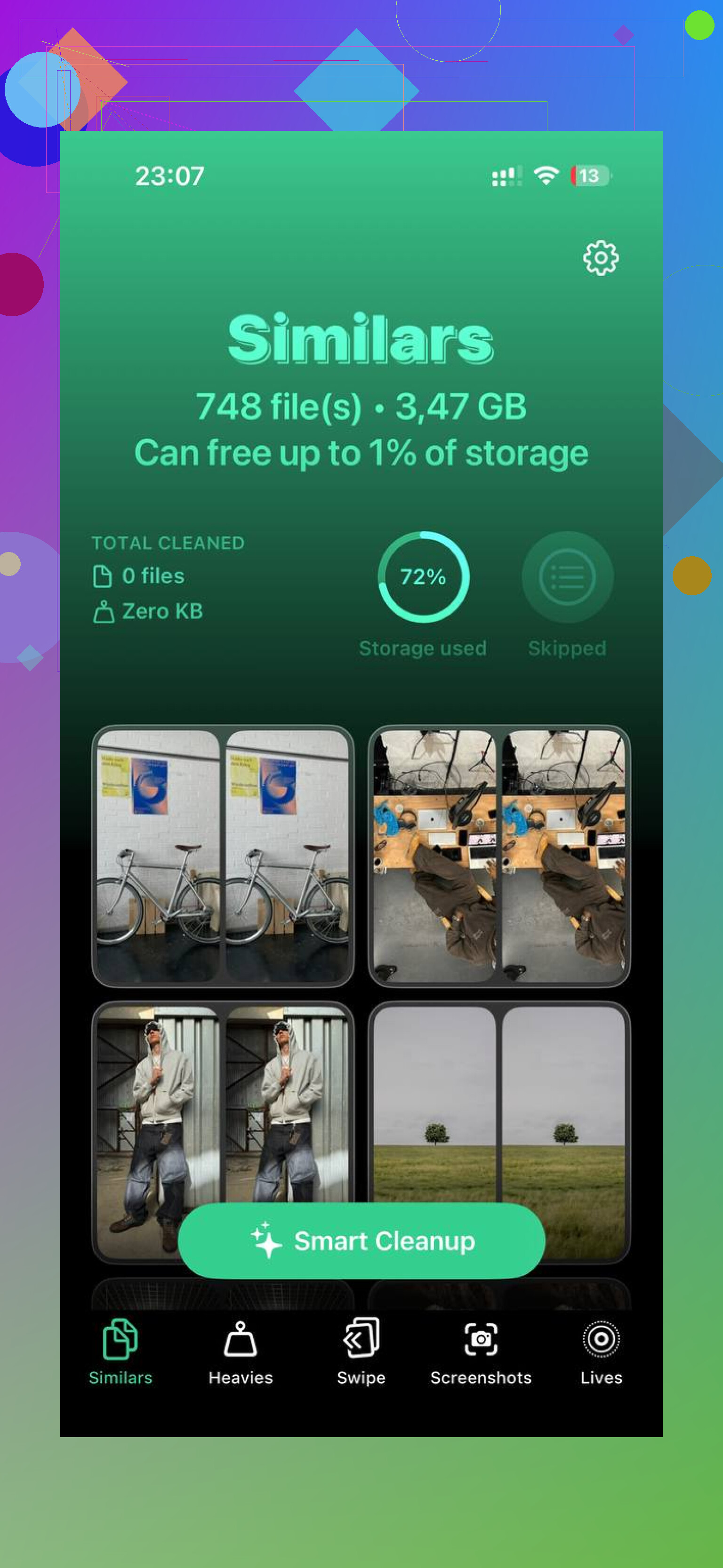
As for cleanup apps, Clever Cleaner is useful after you deal with the computer-synced stuff, not before. Pros: easy duplicate detection, large-file spotting, quick visual cleanup. Cons: it cannot magically remove computer-managed synced libraries by itself, and some people may find any cleaner app unnecessary if they already manage storage manually.
So: Synced Media is mostly offline content copied from a computer. It usually affects performance indirectly through storage pressure, and occasionally through short-term indexing overhead.
A simpler route is to free space without touching Synced Media. Go to Settings, App Store, then enable Offload Unused Apps. iOS removes apps you rarely open while keeping their documents and login data.
Aim for at least 10% free storage, around 13GB on a 128GB iPhone. Restart once, then test speed for a day. If performance improves, storage pressure was the issue. Reinstall any offloaded app by tapping its icon. Easy, and less hassel.
Careful with that empty-folder sync trick from @mikeappsreviewer. It works, but if the folder you originally synced photos from got moved or deleted on the computer, pointing sync at an empty folder can strip those photos off the phone with no copy anywhere. People do this half-asleep and lose the only version of old pictures. Confirm the originals still live somewhere before you overwrite the synced set.
On the performance question, I lean toward @mike34 and @andarilhonoturno. The label itself isn’t a tax. What actually bit me in the past wasn’t free space at all, it was a sync that half-finished. The media DB gets into a weird state, Spotlight keeps reindexing, and the phone feels drunk for a day. A clean disconnect and one reboot fixed it, no cleanup app involved. So before you go deleting gigabytes, check whether you just interrupted a sync recently. That’s the thing most people skip.
If you do end up clearing extra clutter after the synced stuff is gone, Clever Cleaner is worth grabbing mainly because there’s no account and no sign-up wall, you open it and it just runs. That alone puts it ahead of most of the storage apps that make you register before they’ll even scan. Won’t touch the computer-managed libraries though, so handle those in Finder first, then let a cleaner mop up the loose screenshots and random clips.