I lost my Philips TV remote and need a free iPhone app that actually works to control my TV. I tried a couple of remote apps from the App Store, but they either would not connect or wanted payment after install. I need help finding the best free Philips TV remote app for iPhone that is reliable and easy to set up.
Philips TV remote went missing at my place, and the iPhone route ended up being the least annoying fix.
I tried a pile of remote apps from the App Store. Same pattern over and over. They install for free, they find the TV, then the paywall hits when you try to do something normal like raise the volume or type in a search box. Kind of a waste of time.
After testing a few, these three stood out.
1. TVRem – Universal TV Remote app
This is the one I kept on my phone.
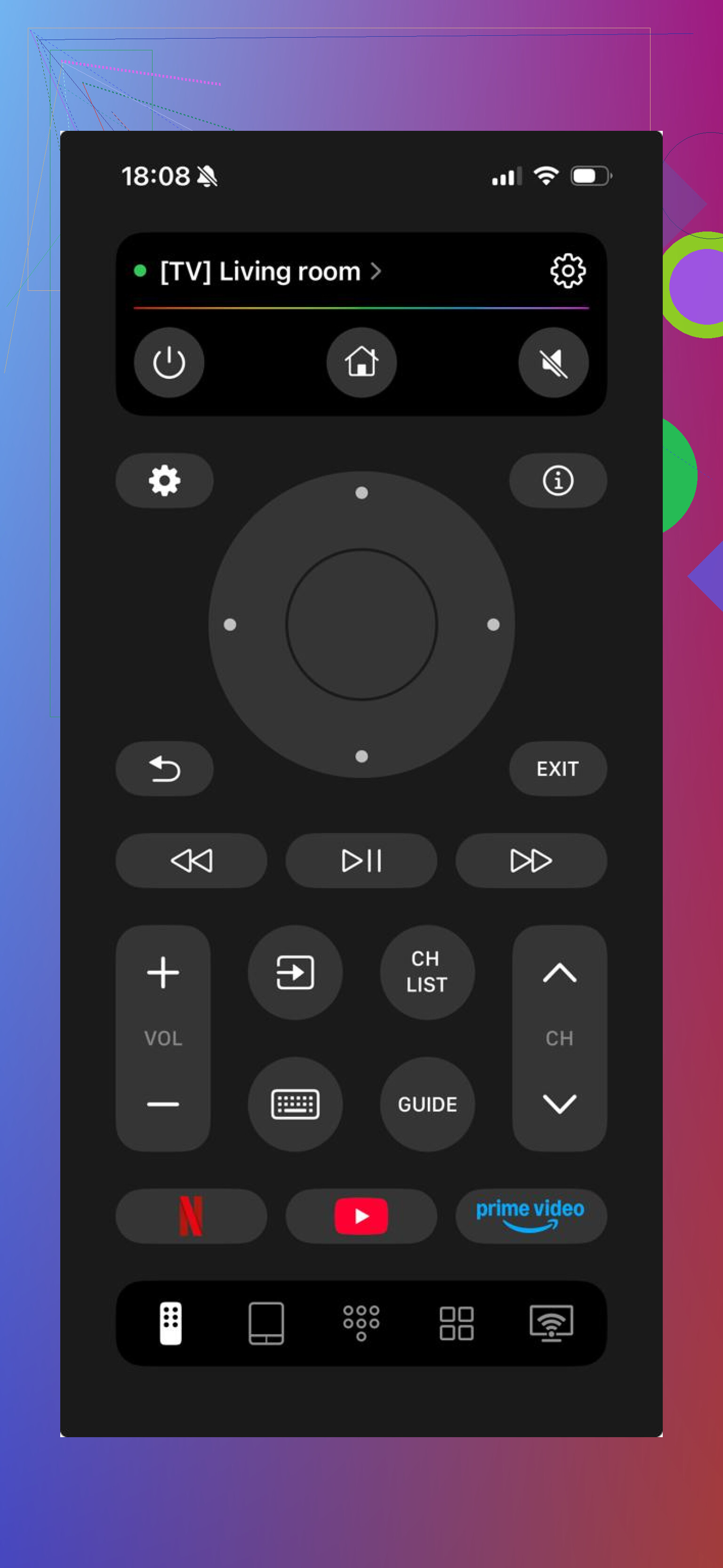
A lot of Philips sets use Android TV or Google TV under the hood. TVRem paired with both without any weird setup loop. On my end, it took under a minute. Once connected, it felt close enough to a physical remote, which is all I wanted.
The big thing for me was simple. It stayed usable without throwing a subscription screen in my face.
What you get
- Volume controls
- Direction buttons and touchpad
- Built-in keyboard for searches in apps like YouTube or Netflix
- Voice search
- Shortcuts for apps
- Auto-detection for nearby TVs
What I liked
- Free to use
- Good match for Android TV and Google TV
- Worked with Philips, plus other brands too
- Clean setup, no digging around
What bugged me
- Nothing major if your goal is plain remote control
2. Universal Remote TV Smart
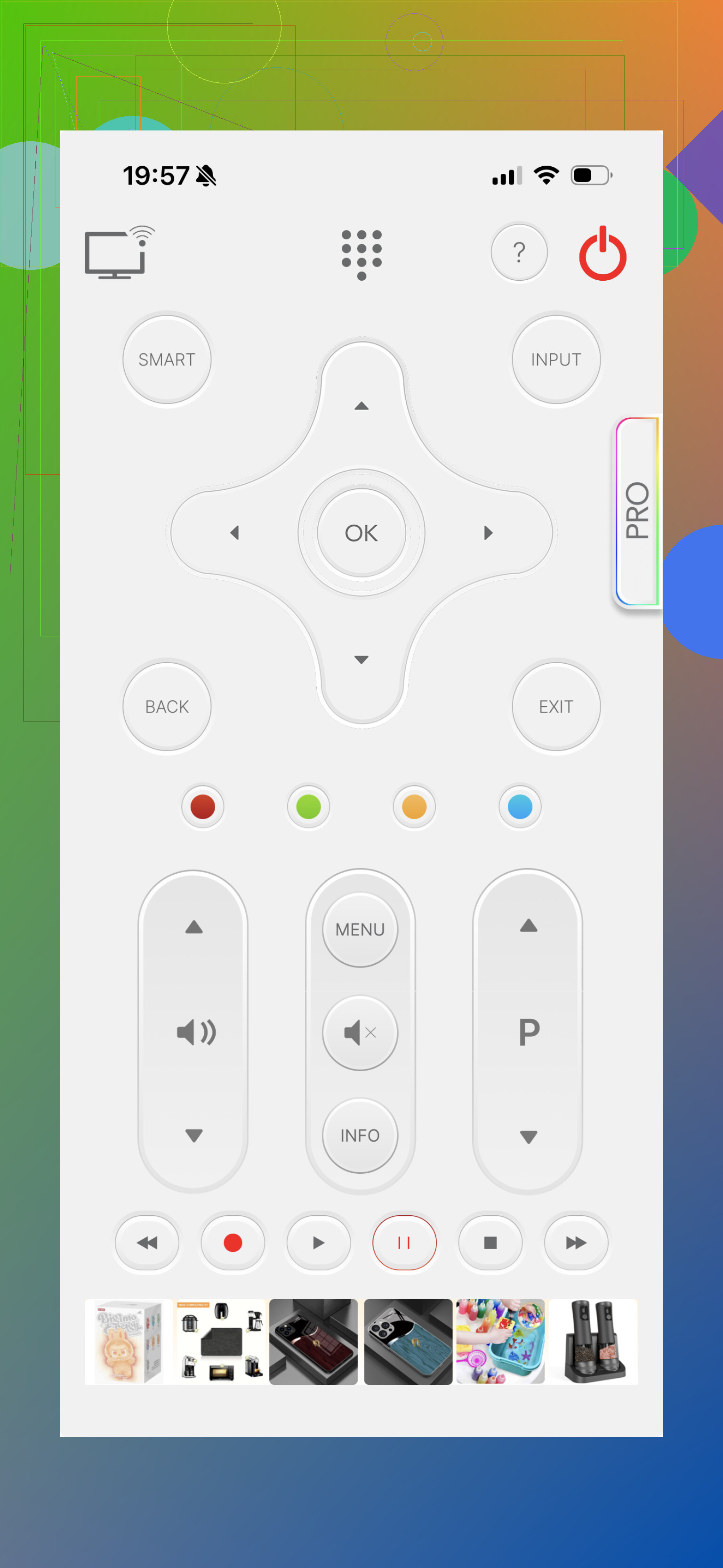
This one felt more polished than I expected. It connected to a Philips TV fine and covered the usual controls. I had no trouble getting through setup. The catch is the same one I keep running into with these apps, some tools are held back unless you pay.
Features
- Power and volume buttons
- Keyboard input
- Shortcuts for streaming apps
- Support for more than one TV brand
Good parts
- Better-looking interface
- Solid device support
Bad parts
- Not fully free
3. Google TV
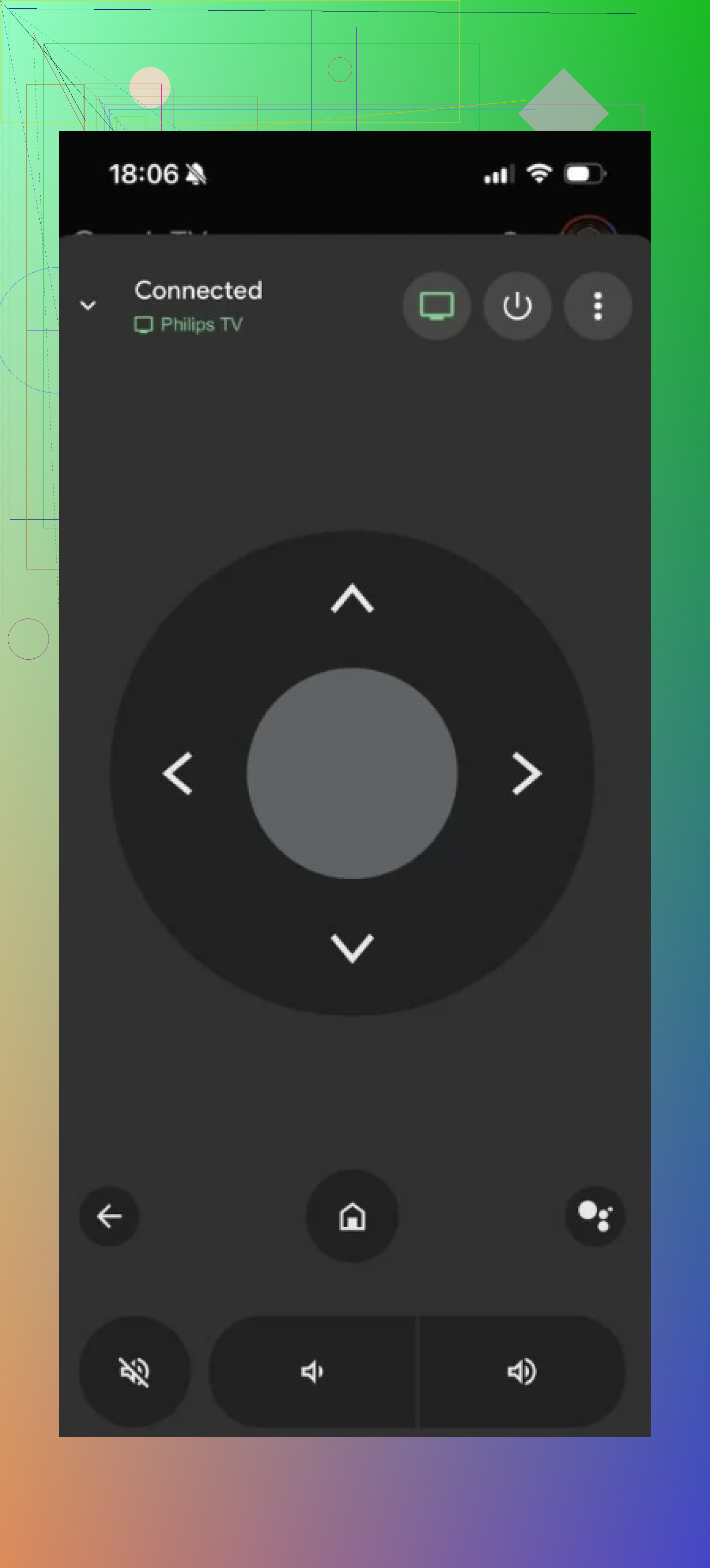
If your Philips TV runs Google TV or Android TV, this is the safe pick. I’ve had the fewest issues with it. Since it comes from Google, the remote side tends to behave the way you expect. Typing works. Voice input works. Pairing is usually painless.
Features
- Official remote support for Google TV and Android TV
- Keyboard input
- Voice search
- Content suggestions inside the app
Good parts
- First-party app from Google
- Stable in day to day use
Bad parts
- Only makes sense for Android TV and Google TV sets
- Fewer remote-style extras
My take after trying them
All three worked. I’d still pick TVRem is the best choice if you want an iPhone remote app without the usual nonsense.
What pushed it ahead for me was the lack of lockouts. I could control the TV, type searches, open apps, and use voice input without getting stopped by a payment screen.
One more thing I liked, it wasn’t stuck to Philips only. If your house has a mix of TVs, Samsung in one room, LG in another, Sony somewhere else, one app handling all of it is easier. Less clutter. Less fiddling.
For an iPhone user trying to replace a missing Philips remote fast, this was the one I’d keep.
If your Philips TV runs Android TV or Google TV, I’d skip most third-party apps first and try Google TV. It’s free, stable, and less likely to hit you with a paywall after pairing. I disagree a bit with @mikeappsreviewer on leading with a universal remote app, because the official route tends to fail less on iPhone.
Quick reality check first.
- Your iPhone and TV need to be on the same Wi-Fi.
- Your Philips TV needs network remote control enabled.
- Older Philips sets, esp older Roku-based or non-smart models, won’t work well with iPhone apps at all.
If Google TV does not see your TV, try these free backups:
- Philips TV Remote app by TP Vision, if your model supports it
- A universal app like the one @mikeappsreviewer mentioned, but test the free controls before you waste time setting up favorites and keyboards
Best free pick for most people, Google TV.
Best backup, Philips’ own app.
Best third option, a universal remote app.
If none connect, your TV model is the issue, not your phone. Kinda annoyng, but true.
I’d actually split this by what Philips OS your TV uses, because that matters more than the app name.
If it’s a Philips Android TV / Google TV, I lean slightly toward Google TV app first. Yeah, @mikeappsreviewer had a decent point about universal remotes, but I kinda agree with @nachtdromer here: first-party usually breaks less and does not play the “free install, pay to press volume” game as often. For basic control, typing, and voice, it’s usually the least annoying option.
If it’s a Philips Saphi / Titan / older smart TV, that’s where people get stuck. A lot of “universal” iPhone remotes say Philips, then connect halfway or just refuse to do power/volume. In that case, I’d try the official Philips TV Remote app from TP Vision before wasting time on random App Store junk. It’s not amazing, but when your model supports it, it works better than the generic clones.
One thing I disagree on a little: “best free app” is not universal across all Philips TVs. Philips has a messy lineup and two TVs with the same logo can behave totally diffrent.
Fast checklist:
- same Wi-Fi
- TV remote control enabled in settings
- try Google TV first for Android-based Philips
- try Philips/TP Vision app for non-Google Philips smart sets
- if both fail, your model may simply not support iPhone remote apps well
If your TV is older or not really “smart,” skip the apps and just buy a cheap replacement remote. Saves a lot of annoyng trial and error tbh.