I’m trying to find a free AI humanizer for some content I wrote, but most tools I find are either paid or don’t really make the writing sound natural. Has anyone found a good free AI that actually makes text sound more human and less robotic? Any recommendations or tools that worked well for you would be appreciated.
My Actual Run-Down of AI Humanizers (With Screenshots and Results)
So I see a lot of threads hyping up “AI humanizers” that supposedly make your bot-written chunks of text fly under the radar of AI detectors. Most of them sound too good to be true, so I thought: let’s get real. I tried out the ones you actually see people discussing (and trust me, I skipped the obvious scams and the ones that get nothing but “ripoff!” comments).
My testing method: same AI-generated content, same detectors, actual screenshots for proof, no sponsorship, no links to sketchy “magic” rewriting tools.
Here’s the line-up:
- Clever AI Humanizer (honestly, the only one that isn’t monetized out the wazoo)
- Humanize AI Pro (claims “free,” but you’ll see)
- Quillbot AI Humanizer (the household name, has its own detector built in)
- Walter Writes (people on Reddit LOVE this one… or are those just bots?)
- Custom GPT workflow instead of a “humanizer” tool
What I Did: Hammering AI Humanizers With a 100% Obvious AI Text
First, I created an essay about “humanizing AI text” straight from ChatGPT, nothing fancy, didn’t even try to sound natural. This is what every detector slaps as “AI-generated, no question.”
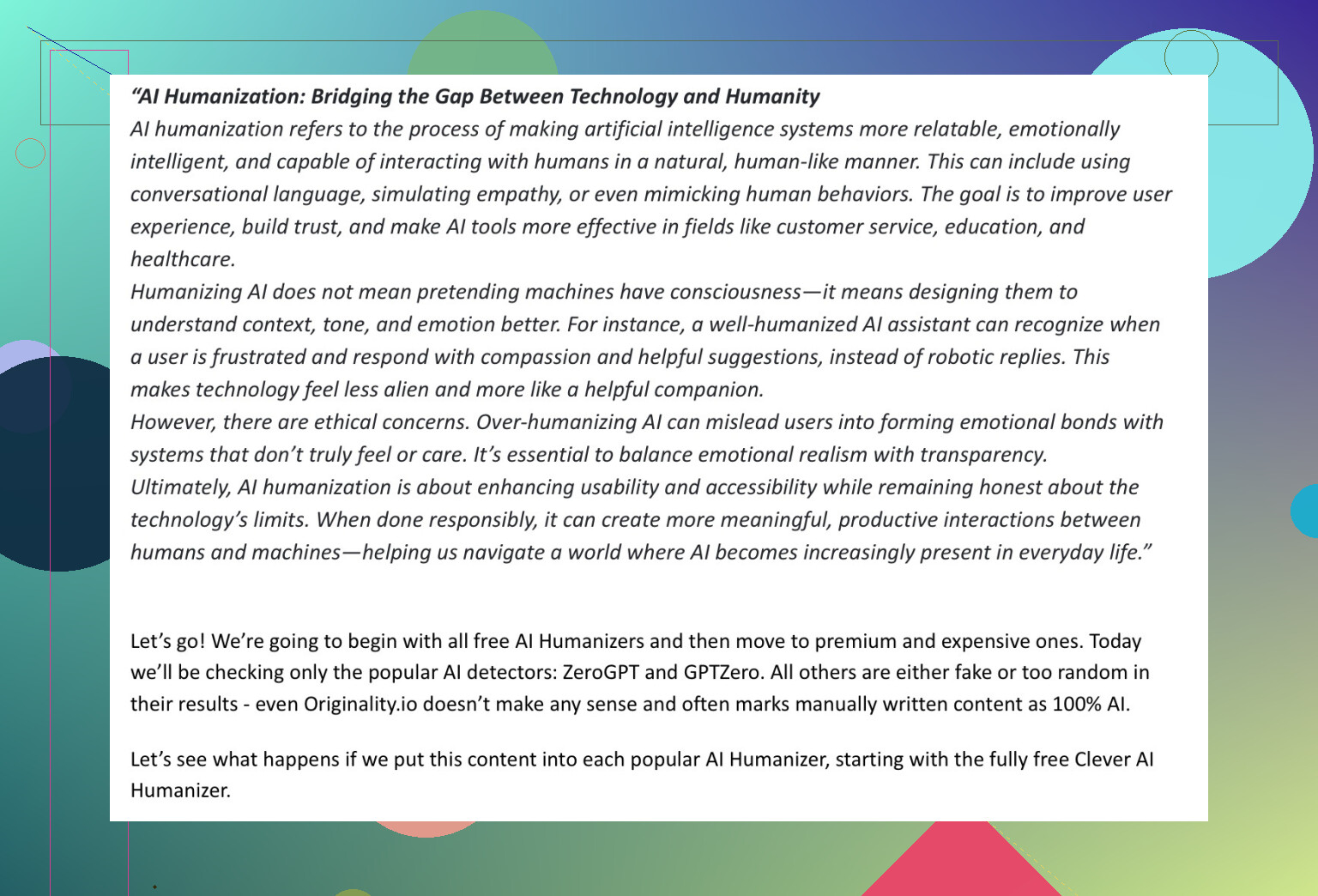
For detection, I stuck to ZeroGPT and GPTZero. In my experience, everything else (ahem, “Originality.ai”) marks even old Shakespeare as AI, so why bother?
Here’s What Happened, Play-by-Play
1. Clever AI Humanizer
Brand new, solid buzz, no credit card wall, no “sign in for free trial.” You drop text, hit the button. That’s it.
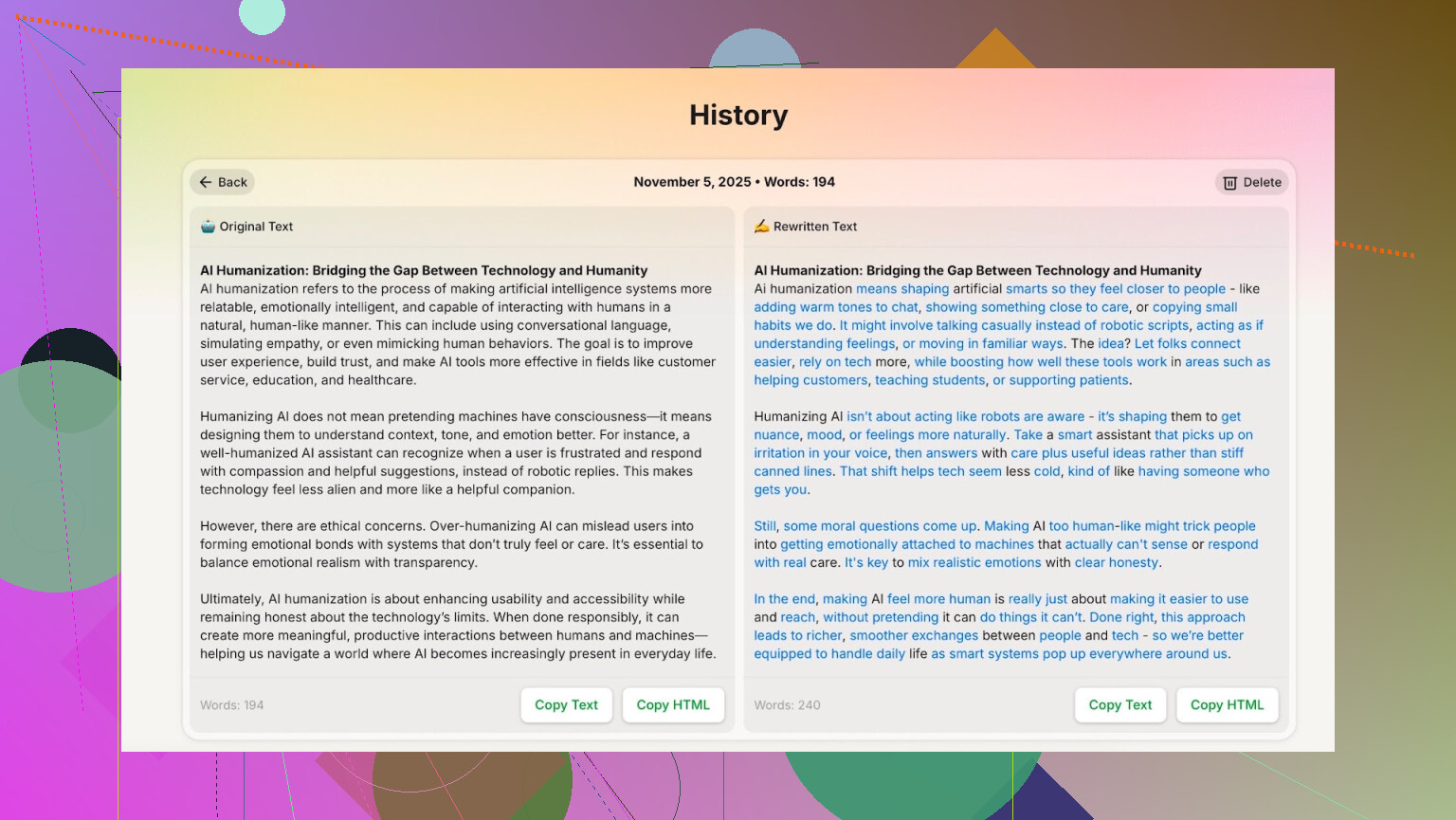
Wait time? Maybe 7 seconds tops. No sketchy pop-ups. Nice and simple.
Then I took the output, pasted it into GPTZero and ZeroGPT…
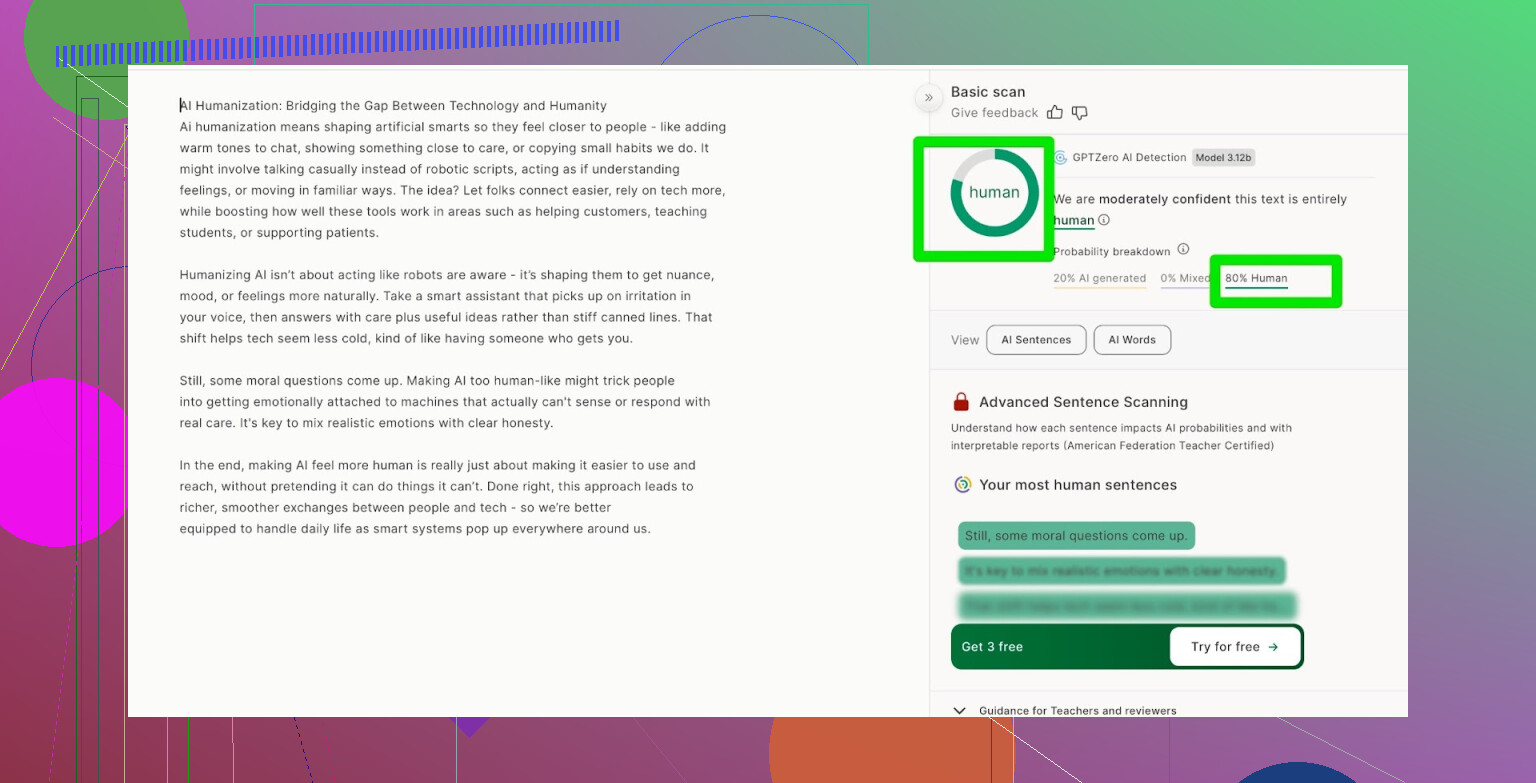
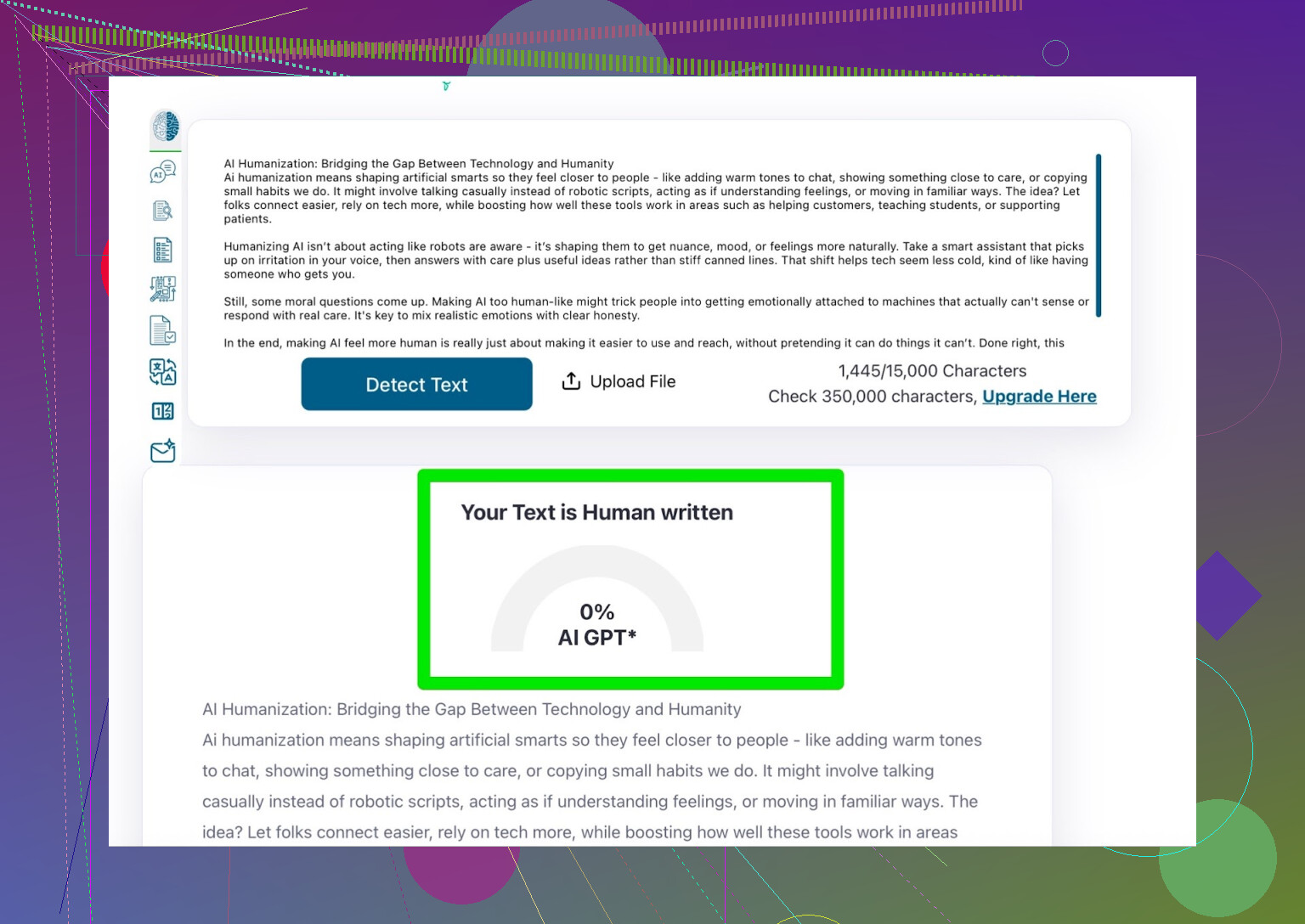
- ZeroGPT: 0% AI detected.
- GPTZero: 20% AI (but flagged it as human)
That’s, uh, pretty wild for something that’s just sitting there for free. No hoops or signups. Can anyone out there actually beat this? Let’s see…
2. Humanize AI Pro
This pops up high on Google a lot, so you’d think it’s special. But wow, it’s slow… like, “make some tea and come back later” slow.
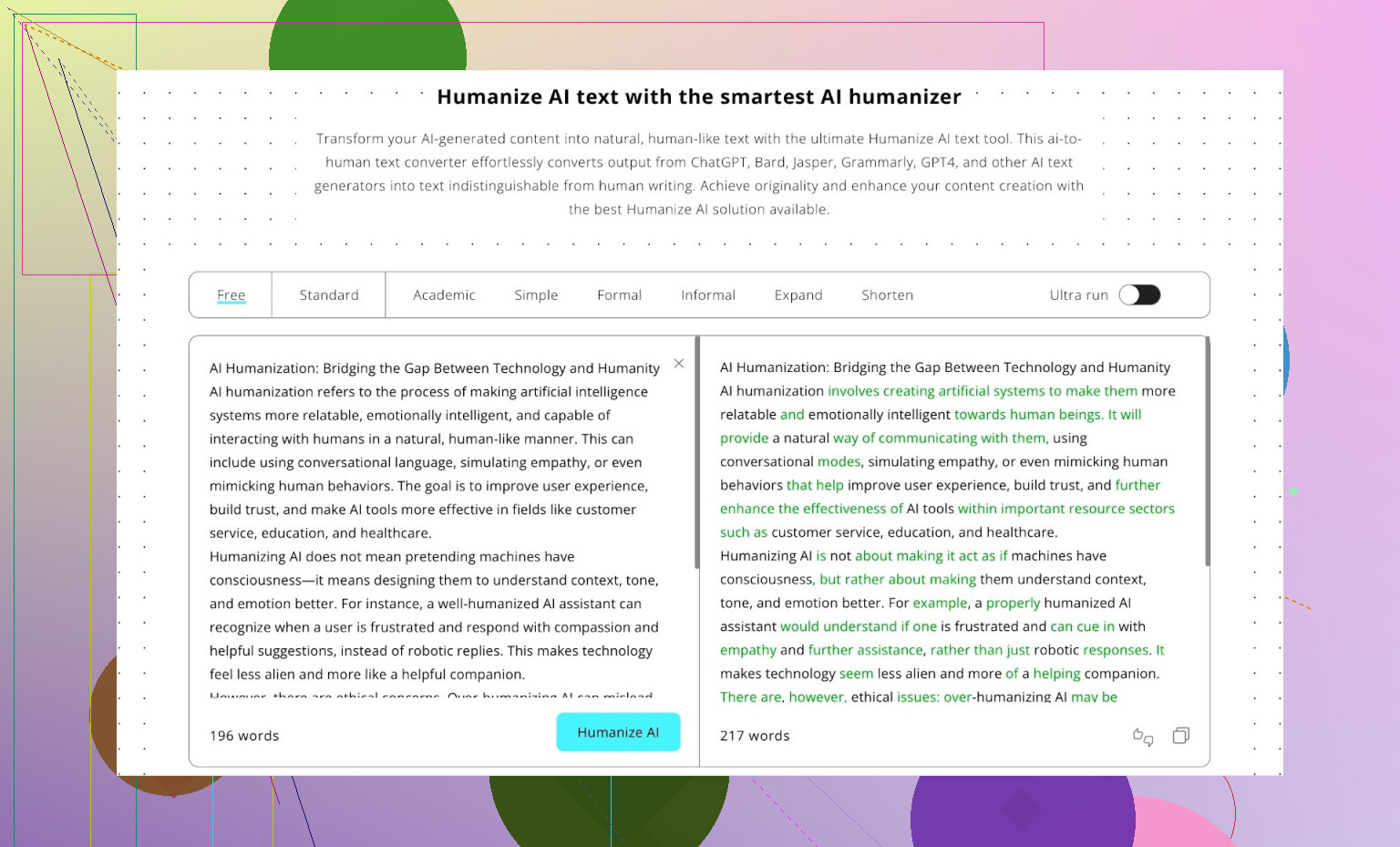
Results? I’ll just show you:
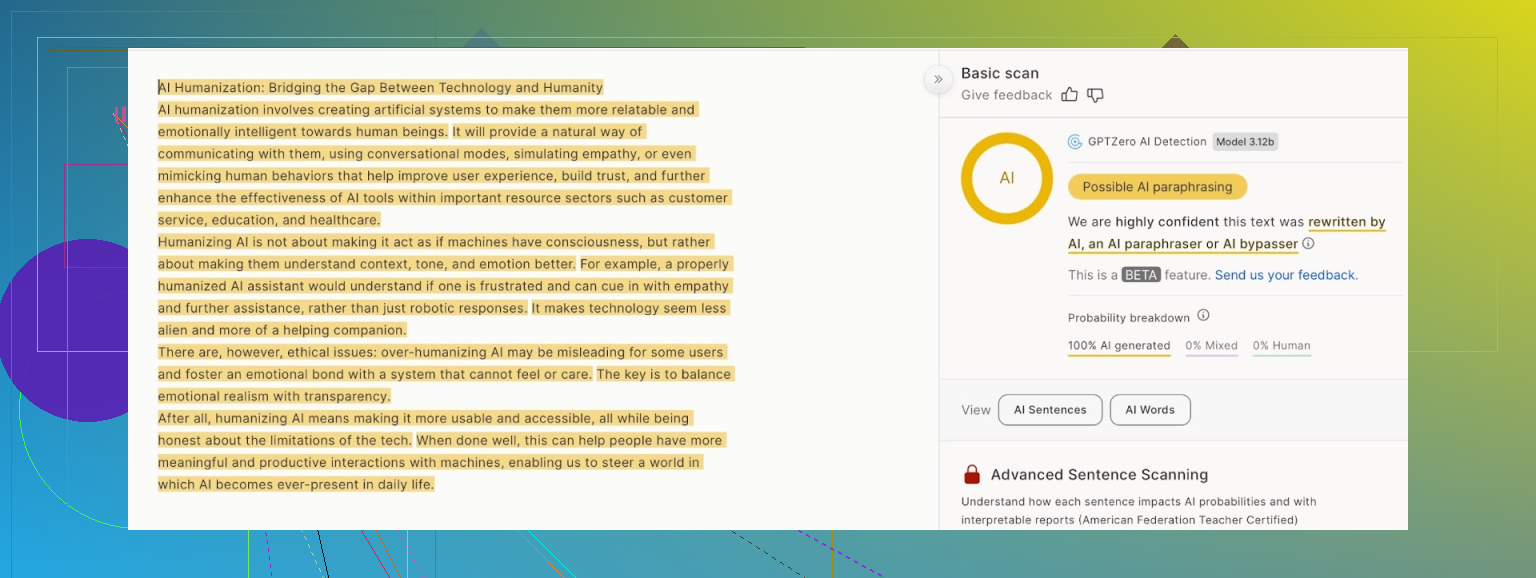
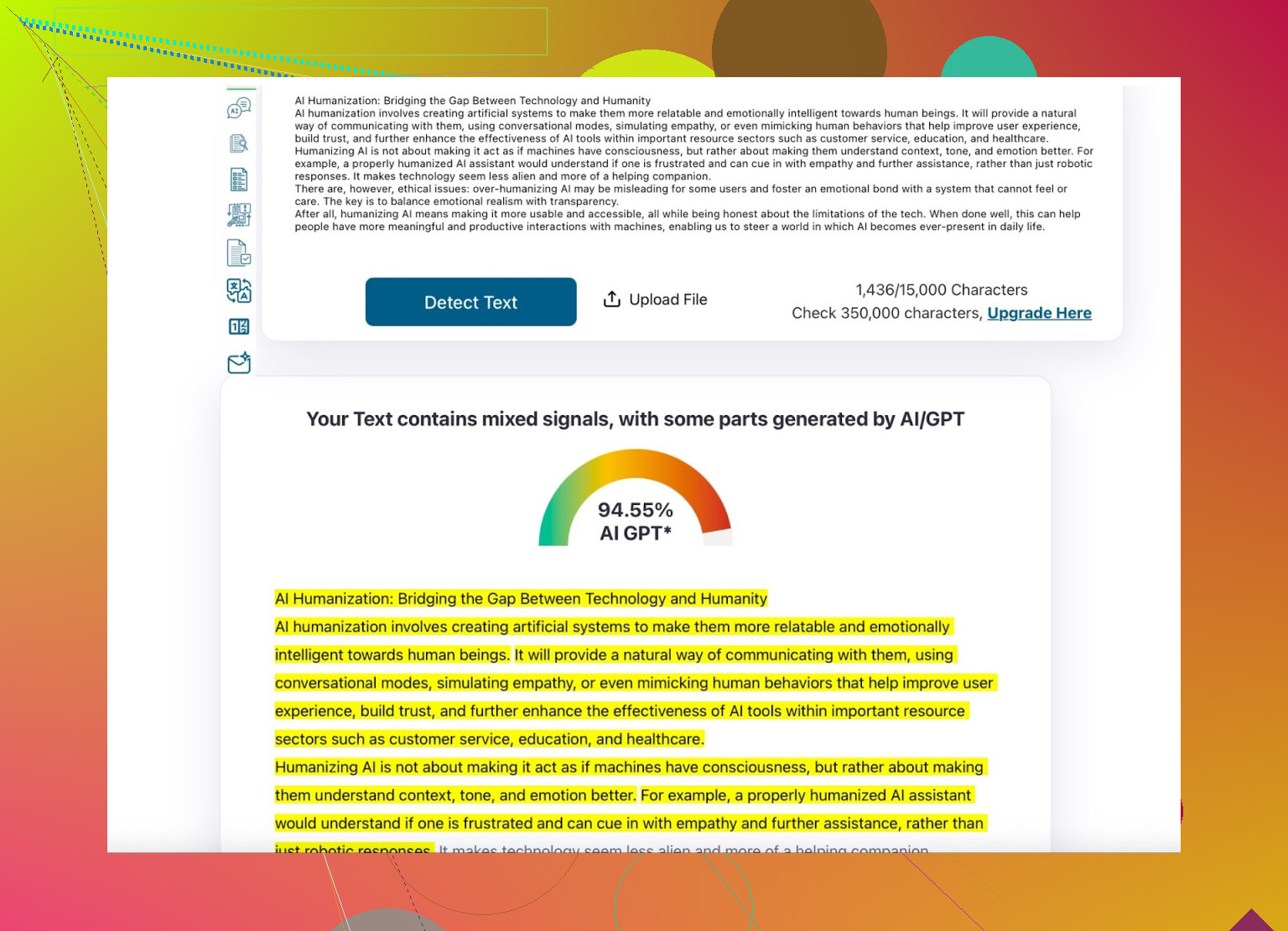
- ZeroGPT only dropped 6% from the original.
- GPTZero just shrugged. If you’re after more than a shiny UI, pass.
All it does is juggle individual words while leaving the sentence blueprints untouched. You’d probably get the same “humanization” with a find-and-replace.
3. Quillbot AI Humanizer
Okay, Quillbot is basically the “Kleenex” name in paraphrasers, and they even have their own AI detector panel:
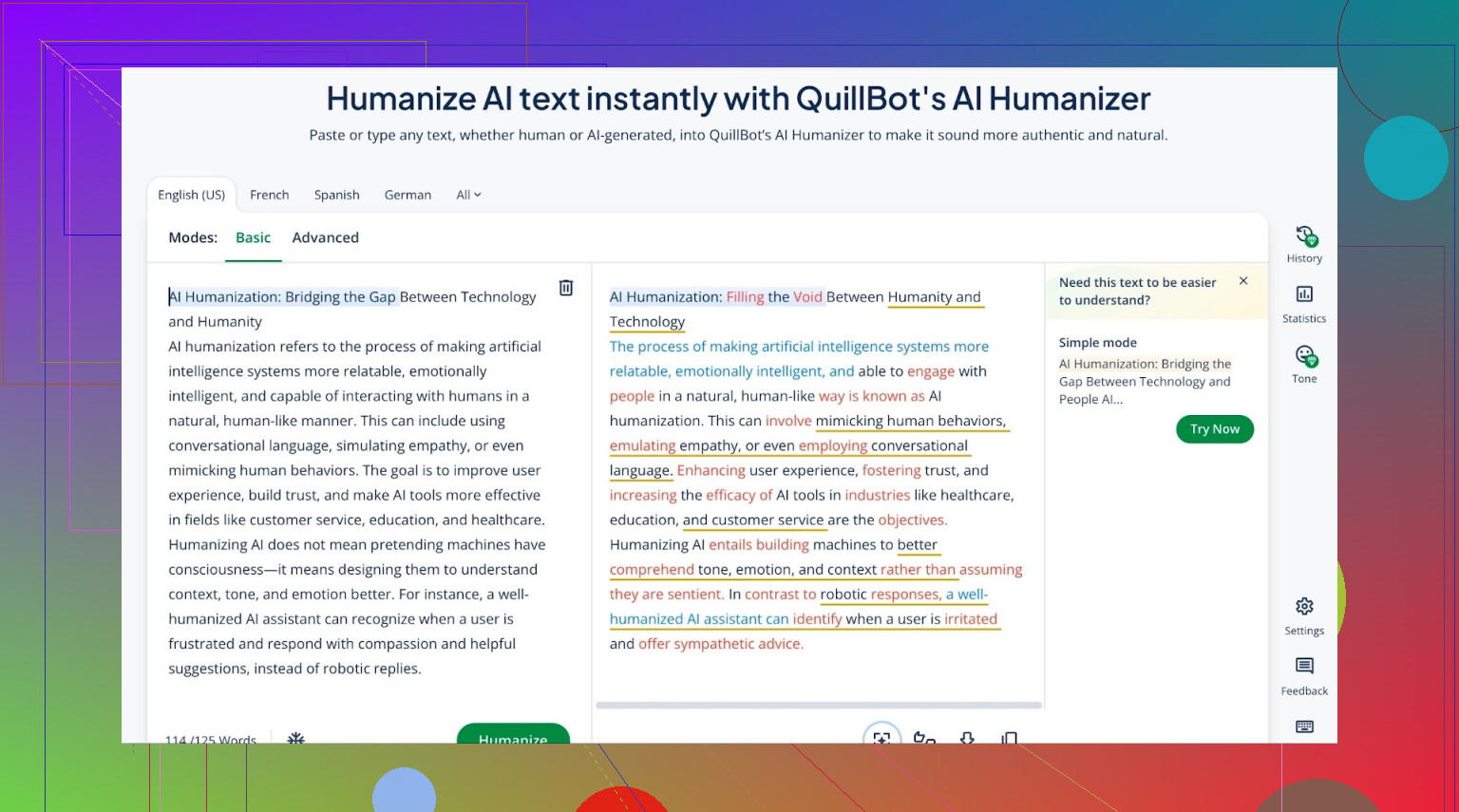
I ran my text through the humanizer, then pasted the output into their own AI detector…
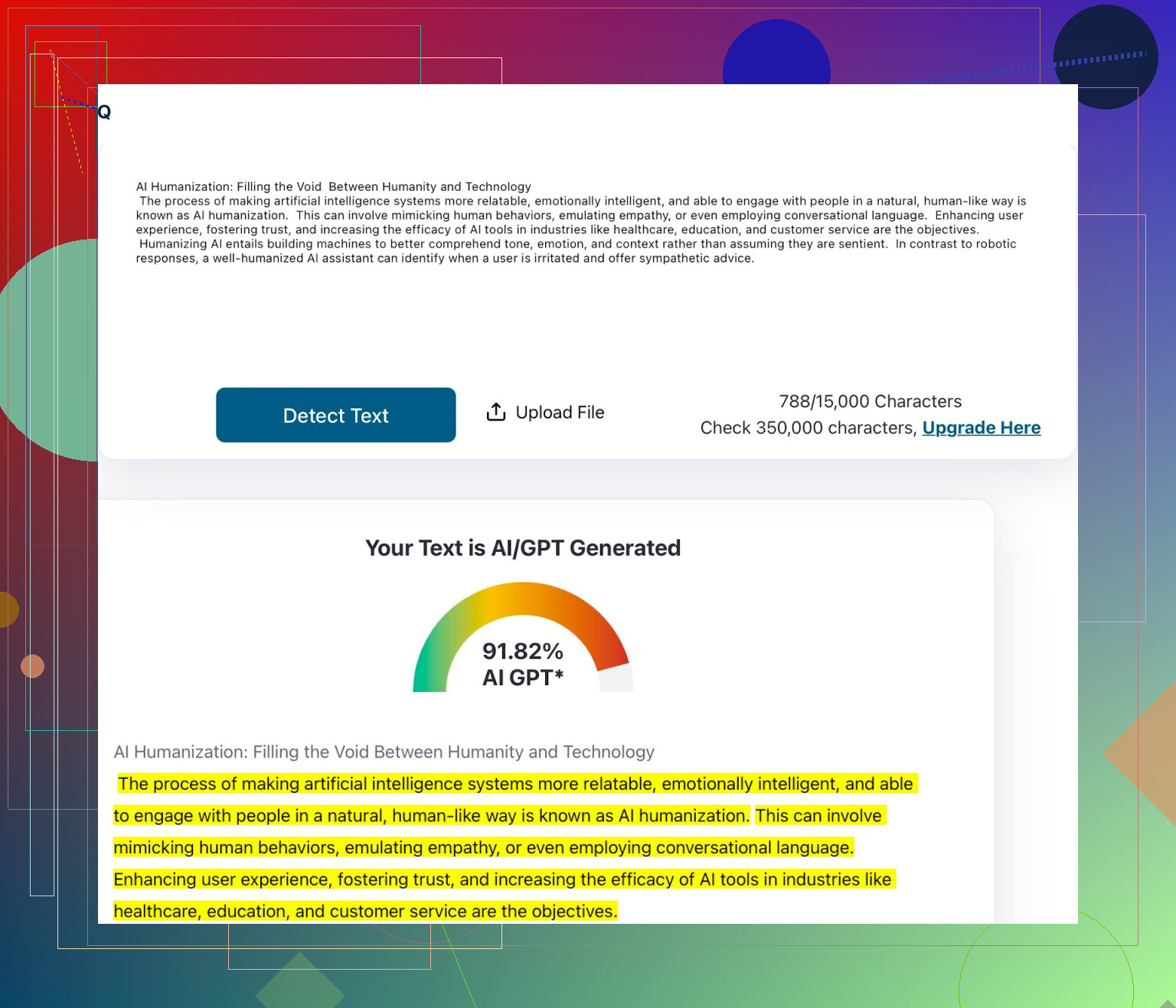
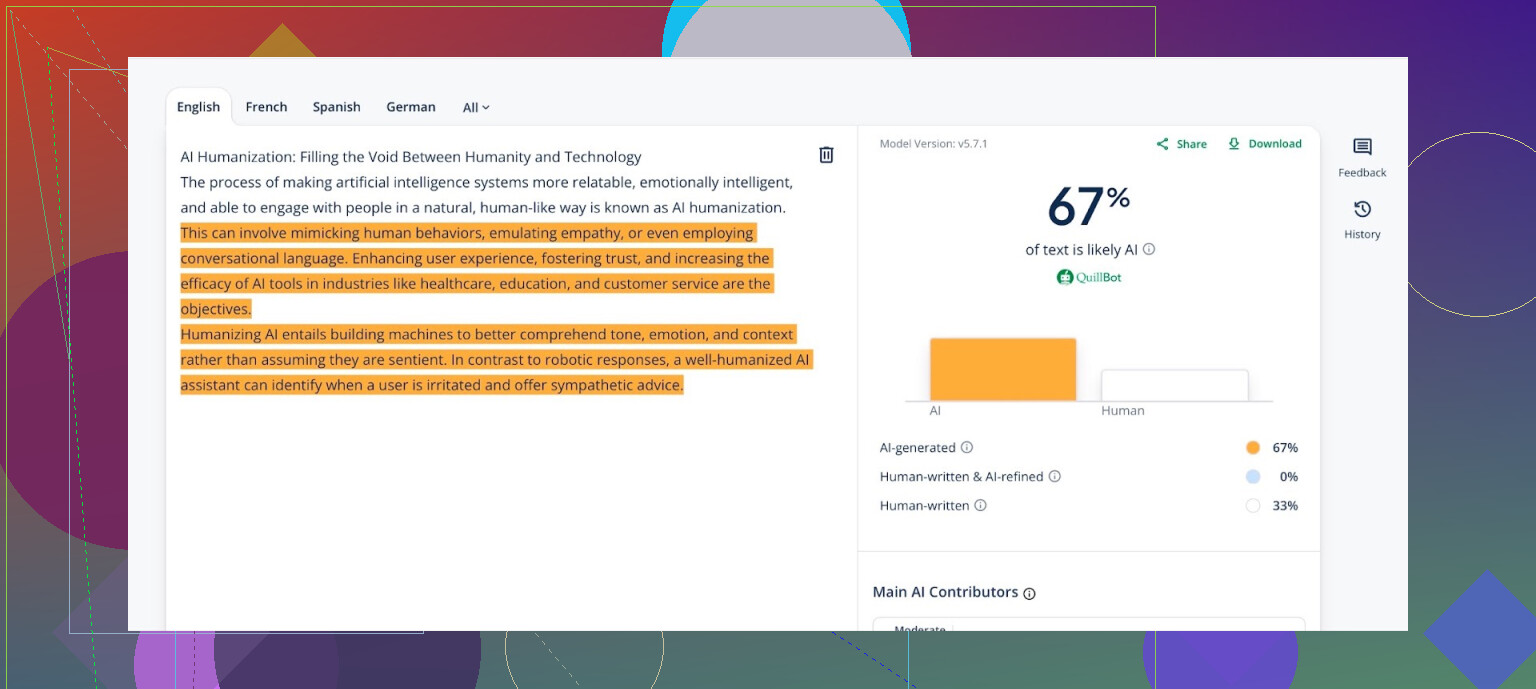
Guess what? Marked as AI. Quillbot busts itself! Kind of hilarious, kind of sad. Premium plan or not, it won’t do much for you against detectors.
4. Walter Writes
If you browse Reddit for these tools, this one shows up everywhere like some cult favorite. Maybe it’s legit… or maybe that’s an army of affiliates.
I tossed my sample into the system (requires at least registering for “free” content, by the way):
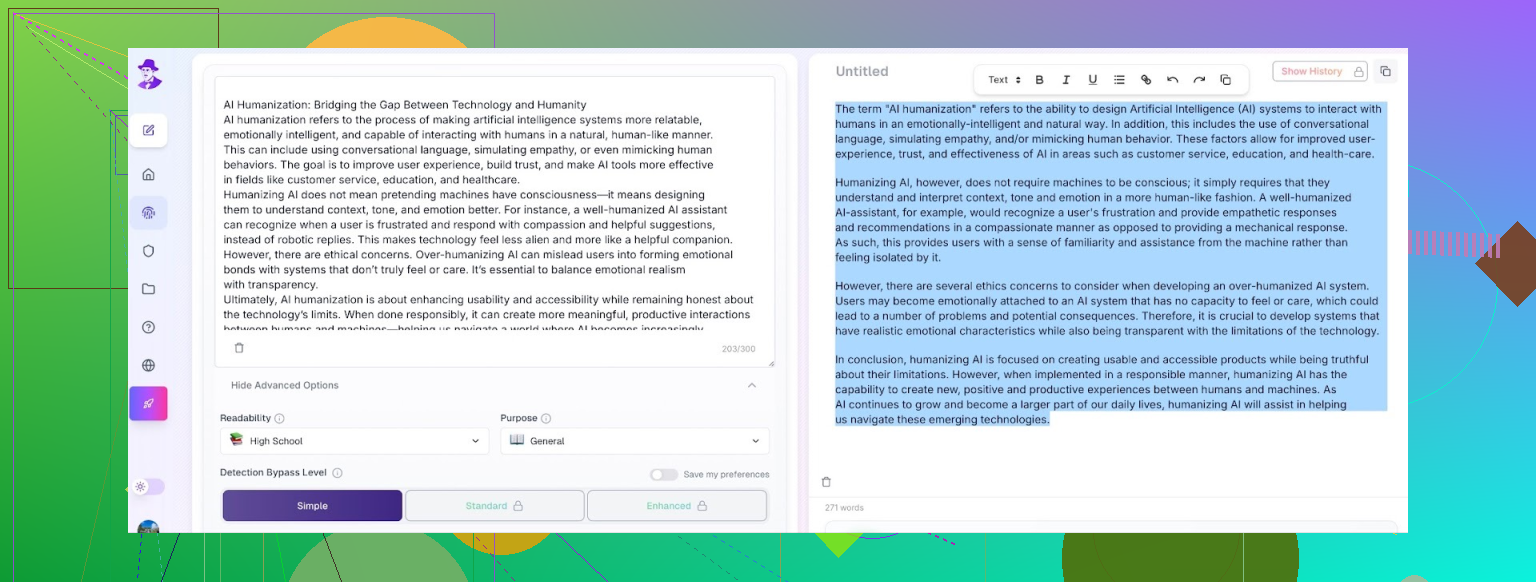
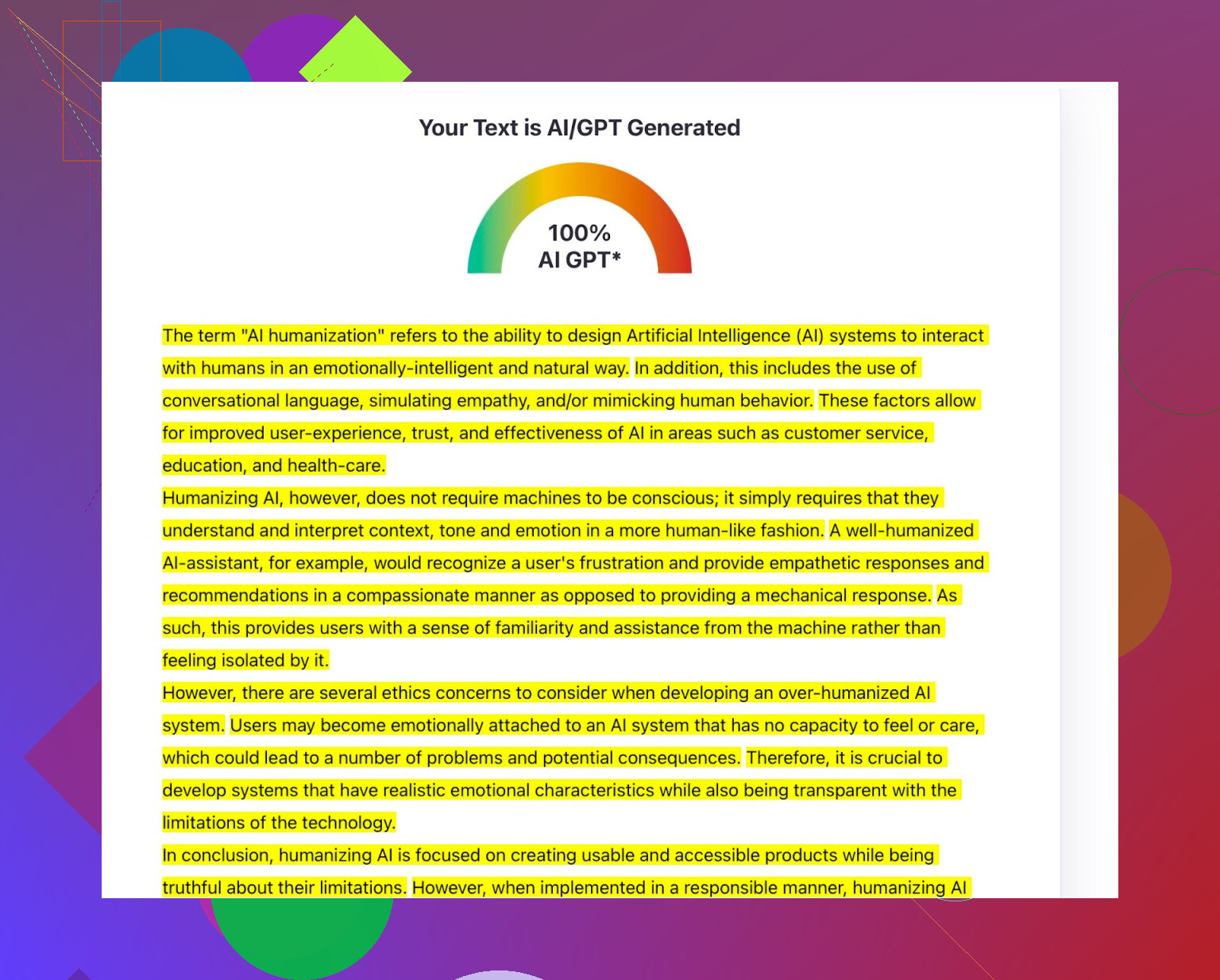
And what do you know — it failed. Not only did it NOT pass ZeroGPT or GPTZero, but in some outputs it injected deliberate typos (like, “humanzier” and “contenr”). Do you want auto-generated mistakes in your essays or blog posts? Imagine paying premium prices for that.
5. Custom GPT Instead of An “AI Humanizer”
Some folks swear by using a custom GPT directly via this ChatGPT link. I decided to try it.
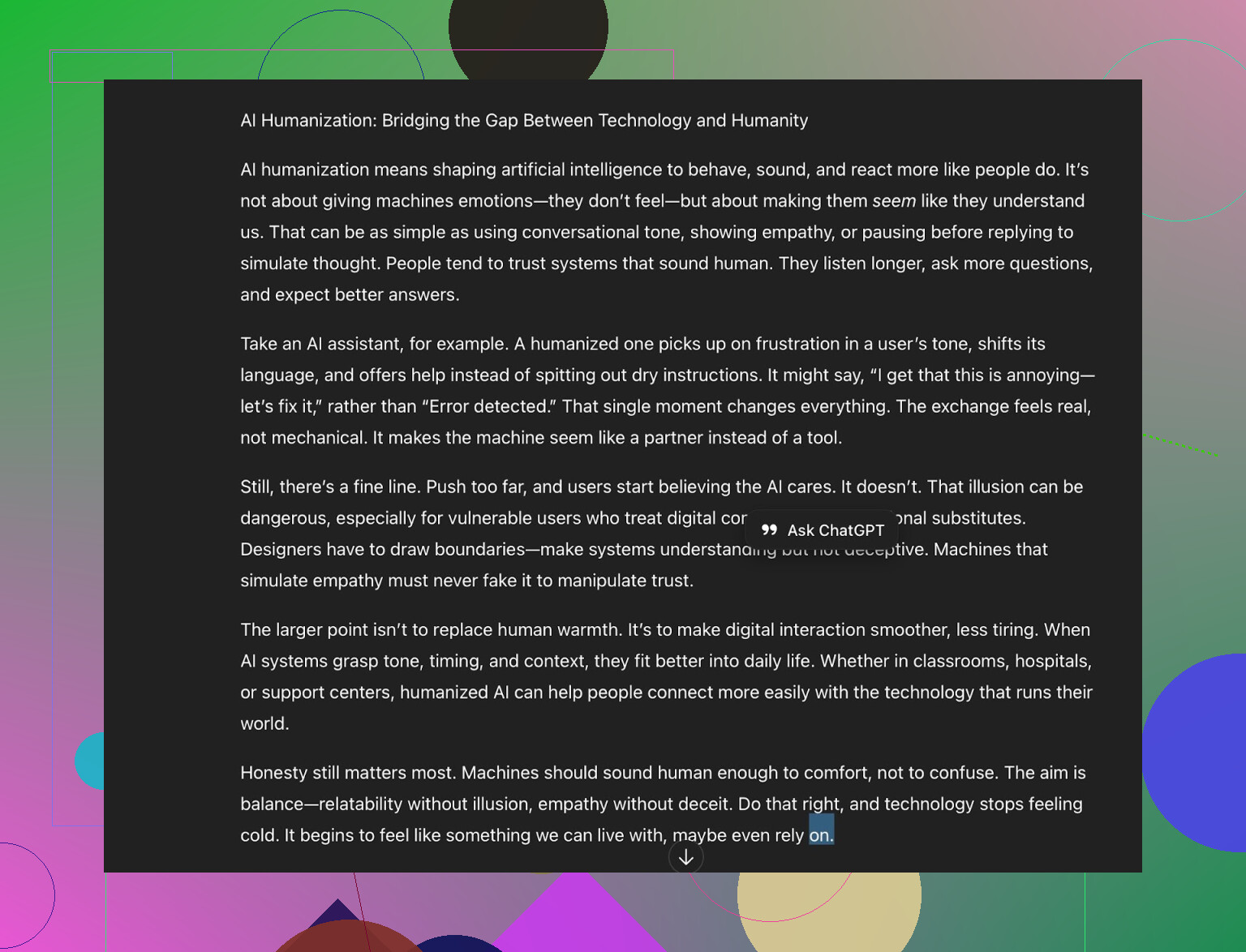
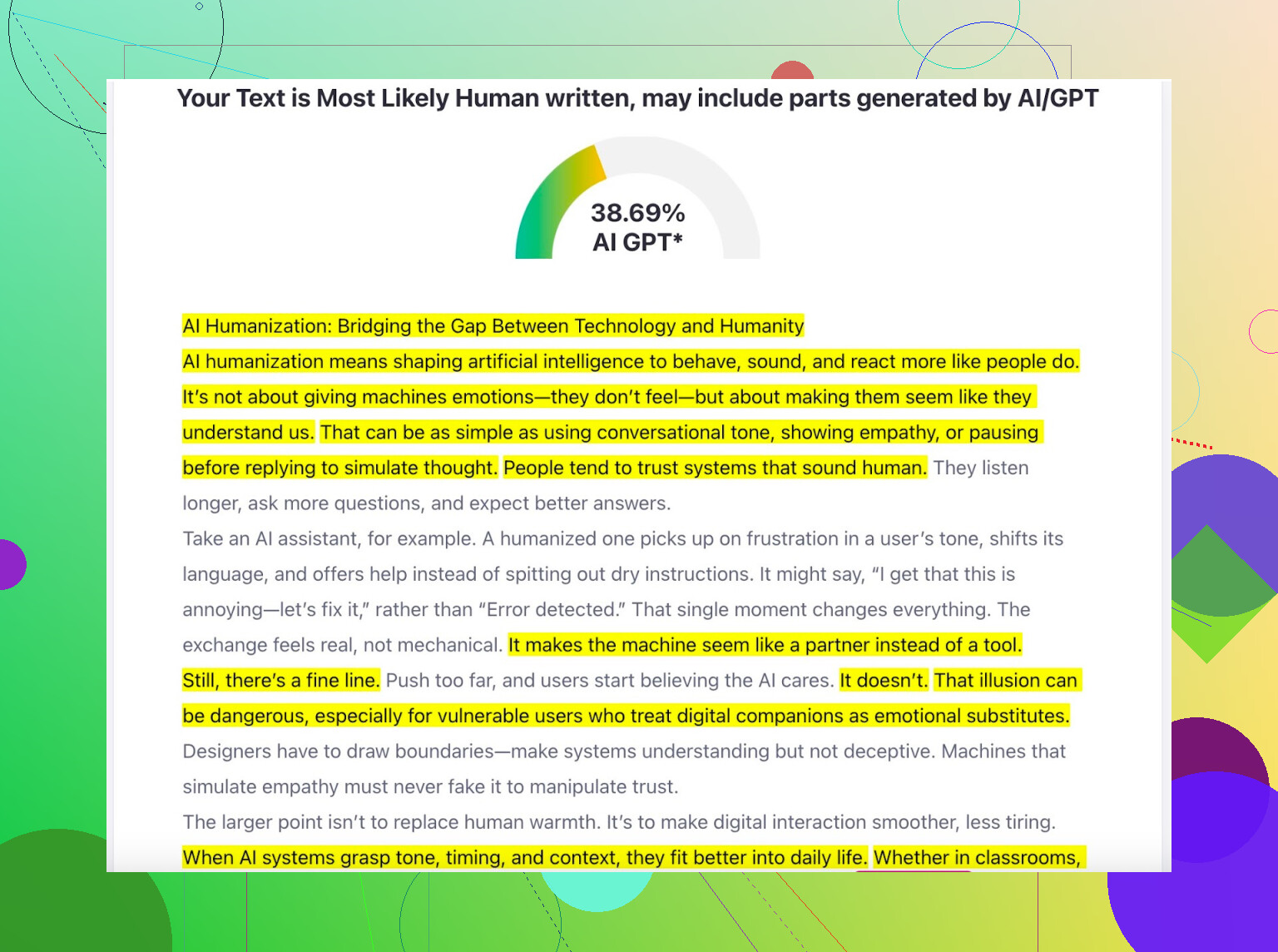
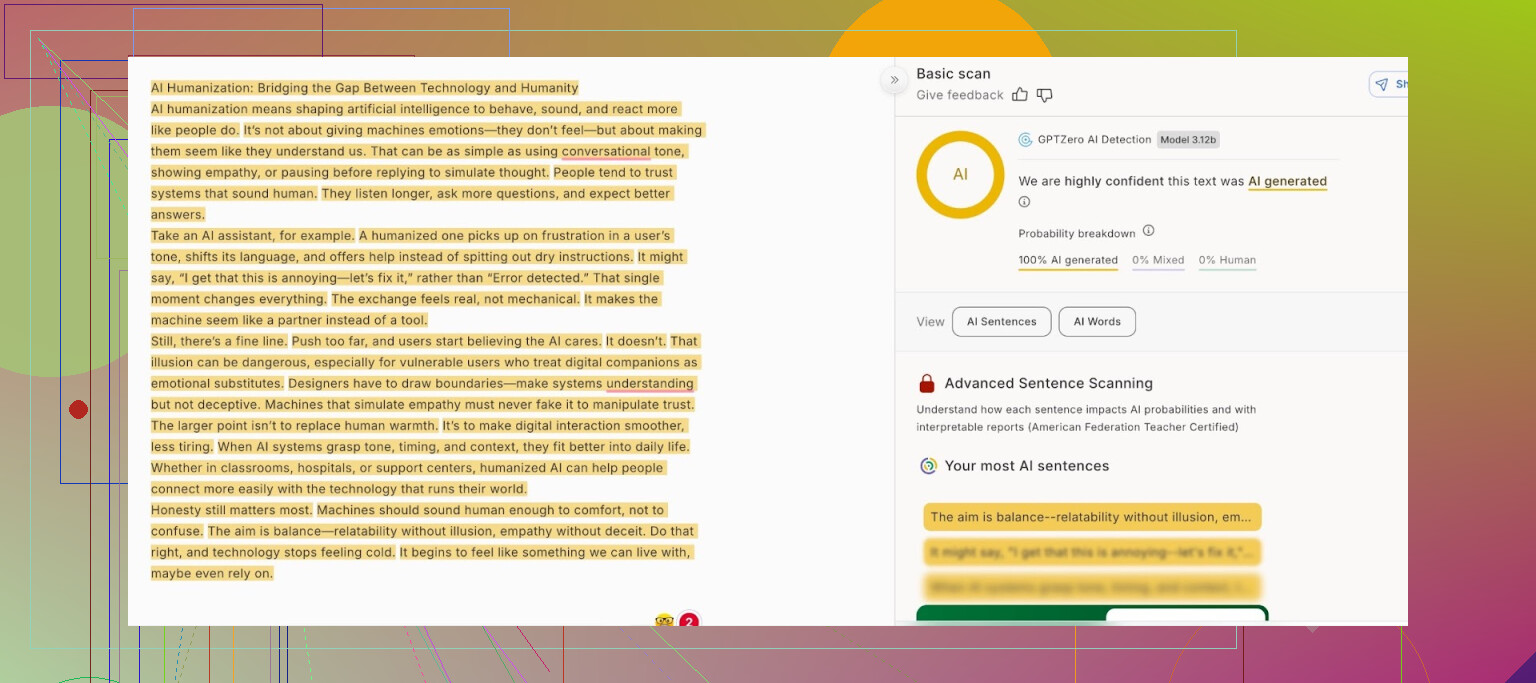
ZeroGPT gave me 39% AI on that rewrite, which is decent, but GPTZero? Didn’t fall for it at all.
What’s going on? Well, these detectors don’t just do a word search — they look for how a human would write: abrupt changes, weird pauses, uneven rhythms. Telling ChatGPT to “pretend to be human” doesn’t buy you much because the flow still sounds orderly. Detectors notice.
But the better automated humanizers seem to rewrite line-by-line — shaking up sentence variety and rhythm, kind of faking that “burstiness” only people usually have. Makes sense.
TL;DR: What Actually Worked?
Clever AI Humanizer is the only one that actually beat both ZeroGPT and GPTZero, at least for me. Free, no signup, quick, and didn’t spit out any junk or weird errors.
If you want more deep dives, the rabbit hole is deep on Reddit (search “Best AI Humanizers” for some epic arguments). FYI, all the others with killer marketing — BypassGPT, WriteHuman, UnAI My Text, Grammarly Humanizer, Ahrefs Humanizer — either failed to escape detection or mangled the writing so bad it was basically useless.
Use what works, test for proof, and don’t believe everything you see on a Google ad.
I gotta say, after giving a bunch of these “AI humanizer” tools a spin, most are super meh or just straight up bait-and-switch to paid plans. I saw @mikeappsreviewer’s deep dive—honestly wild how many tools still get flagged by their own detectors! My experience is kinda similar, but with a twist: I’m less worried about AI detection scores than I am about the actual quality of the writing. You know, stuff that sounds like a real person thinking out loud, not some robot caught in grammar class.
Clever Ai Humanizer is probably the only free one I’ve stumbled across that doesn’t ask for your life story (or credit card) and spits out stuff that at least reads less stiff. I find some of the phrasings a bit off sometimes, like it tries almost too hard to sound “quirky.” Still, if your baseline is zero dollars, it’s a better deal than Quillbot’s free tier or the so-called “pro” options where the content ends up weirder or just as detectable.
One weird trick I sometimes do (don’t laugh) is dump my text into a basic paraphraser—like a free one from Writesonic or even Google Translate, run it into another language and back, then clean up by hand. You lose nuance, but sometimes it breaks up the AI rhythm enough to fudge the detectors. Kind of jank, but when detectors are dumb anyway, can’t hurt to try.
Honestly, though, if you want to humanize text and still have it, you know, make sense, “free” is always going to have trade-offs. Your best bet is probably a combo: use something like Clever Ai Humanizer for the major rewrite, then give it a few edits yourself. Human eyes FTW. If you’re ACTUALLY dealing with something important or need to fool sophisticated checks, nothing beats just rewriting bits yourself and mixing up the syntax, because tools—paid or not—still occasionally leave those weird “AI tells” all over your text.
Short answer: There’s no unicorn. Clever Ai Humanizer is about as close as you’ll get to “good” and “free.” But don’t trust any of them blindly, double-check everything, and give it a human touch before you hit publish.
Honestly, before everyone hops on the “Clever Ai Humanizer is flawless” train (lookin’ at you, @mikeappsreviewer and @sternenwanderer), here’s my two cents as someone who’s tried ALL the supposed “free AI humanizers” under the sun.
If you want a totally free tool that actually hits that sweet spot between bypassing detectors and not making your writing sound like a semi-literate alien, yeah, Clever Ai Humanizer is… fine, I guess. It’s definitely less scammy than most, and you don’t need to give up your email, DNA sample, or half your checking account just to get a paragraph processed. But let’s be real—there’s always a catch with these “AI humanizer” things. Sure, it drops detector scores (until the next algorithm update, lol), but there’s still this weird vibe sometimes where everything sounds “edgy relatable” or like it was ghostwritten by someone who’s never had a real job. Does it genuinely sound HUMAN human? YMMV. I don’t think I’d hand in a term paper straight out of Clever Ai Humanizer without at least reading it over to catch those odd phrasings.
One area where I’ll kind of push back on the others here: if your main concern is natural voice (and not just “fooling ZeroGPT for a rewrite mill client”), sometimes just using a few rounds with a regular, not-even-AI paraphraser, and then adding your own tweaks, gives a better result. You don’t want your blog or assignment to sound like it came from a bad improv actor, y’know? And personally, I find Quillbot’s actual writing output (even on the free tier) a bit more consistent voice-wise than some claim—just not great at tricking detectors.
So yeah, Clever Ai Humanizer is about the best free one in terms of bypass and, sometimes, fluency, but don’t expect Shakespeare. Still, I wouldn’t trust any tool to nail “natural” on its own. Always double check for weirdness or phrases that don’t sound like you—and don’t believe those wild Reddit claims about dodging all detection forever. The best “humanizer” remains… well… an actual human with a delete key.
Alright, so I’m just gonna say it: expecting any “AI humanizer” to nail truly human-sounding text 100% of the time is wishful thinking—especially if you’re not ready to tweak the results yourself. I get where the recent posts are coming from hyping Clever Ai Humanizer, and I agree it’s leagues ahead of Humanize AI Pro (slow, word salad), Quillbot (reliably robotic per my own tests), and the cult-y Walter Writes (typos? pass).
But (and this is key)—even with Clever Ai Humanizer nuking AI detector scores and being totally free/no login/no weird sign-up traps, there’s the occasional output that has that “I’m a cool blog writer, see me riff” tone, like it’s been trained on life-hacks and self-help TED talks. Some love that “edgy relatable” voice, some don’t. It definitely wins on speed, barrier-free access, and results, but if you want pure, invisible natural, give it a read-over yourself before you submit or publish.
Pros? Fast, free, no drama, decent at breaking detector bots, and doesn’t inject dumb errors like Walter. Cons? Sometimes swings a bit cringey with its tone, and you still can’t beat a quick human polish for sounding truly native (which, let’s be real, is work on your end). Compared to what @sternenwanderer and @techchizkid have shown, I’d put Clever Ai Humanizer at the top—but don’t toss away your own editing powers. Use the tool as a base, check for wonky sentences, and you’ll probably get the best out of both worlds.
Quick recap: You tested several AI humanizers. Clever AI Humanizer stood out, free and fast, dropped ZeroGPT to 0% and GPTZero to human range. Humanize AI Pro was slow, minor drop. Quillbot flagged itself. Walter Writes added typos. Custom GPT underperformed. Takeaway: free tools have tradeoffs, light human edit still needed.
Simpler approach: speak your draft out loud, recrod on phone, transcribe with Whisper or Google Docs voic typing, then tidy. Speech forces natural rhythm and contractions. A 500 word post takes about 3 minutes to read, about 5 minutes to edit. Often reads more human, fewer detector hits.